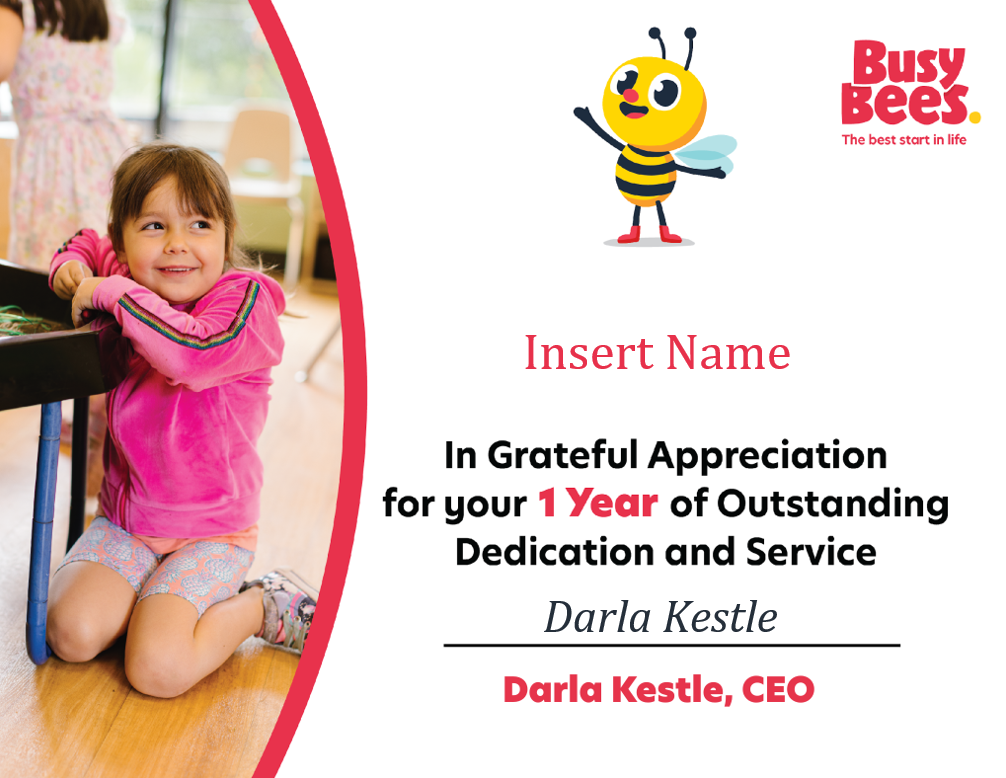
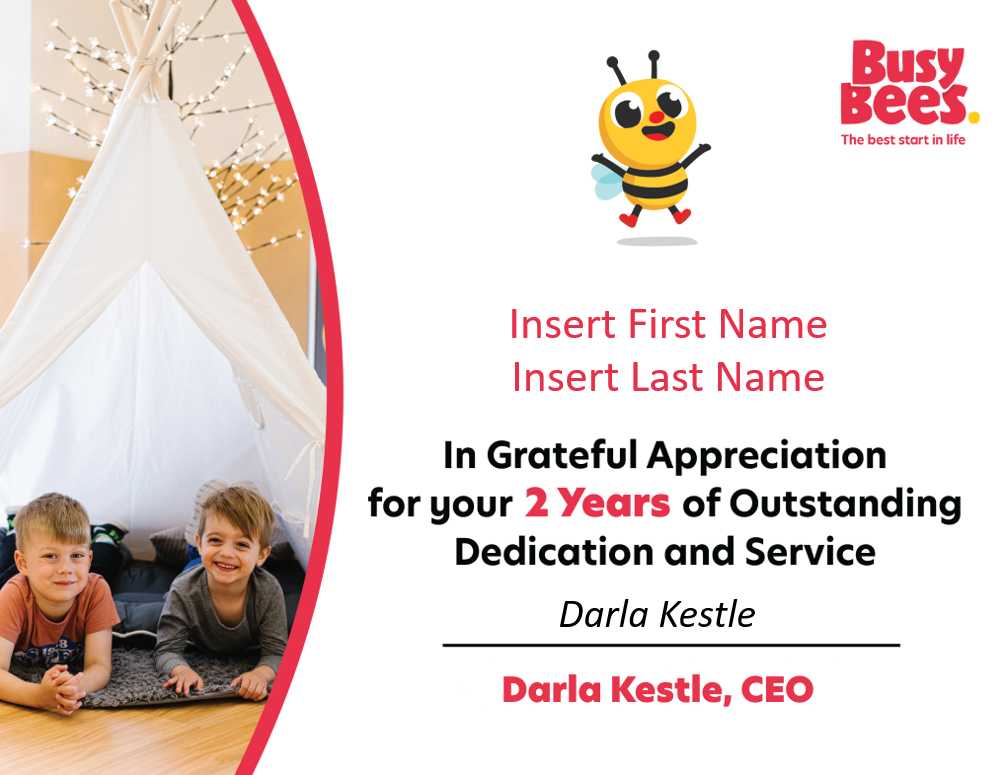
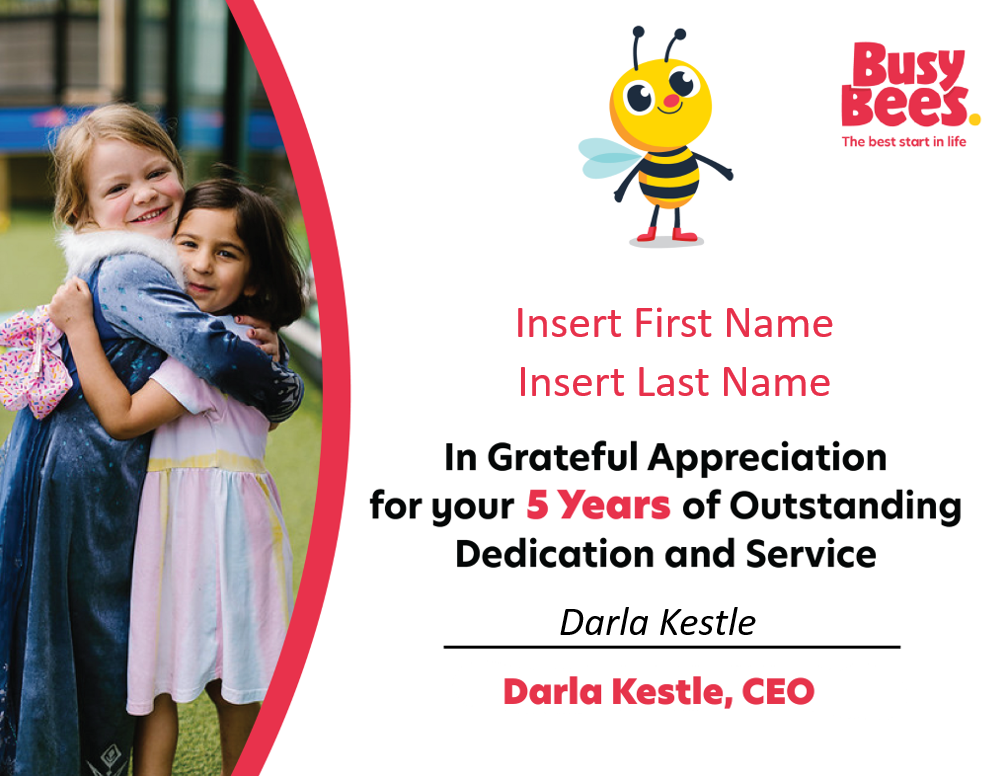
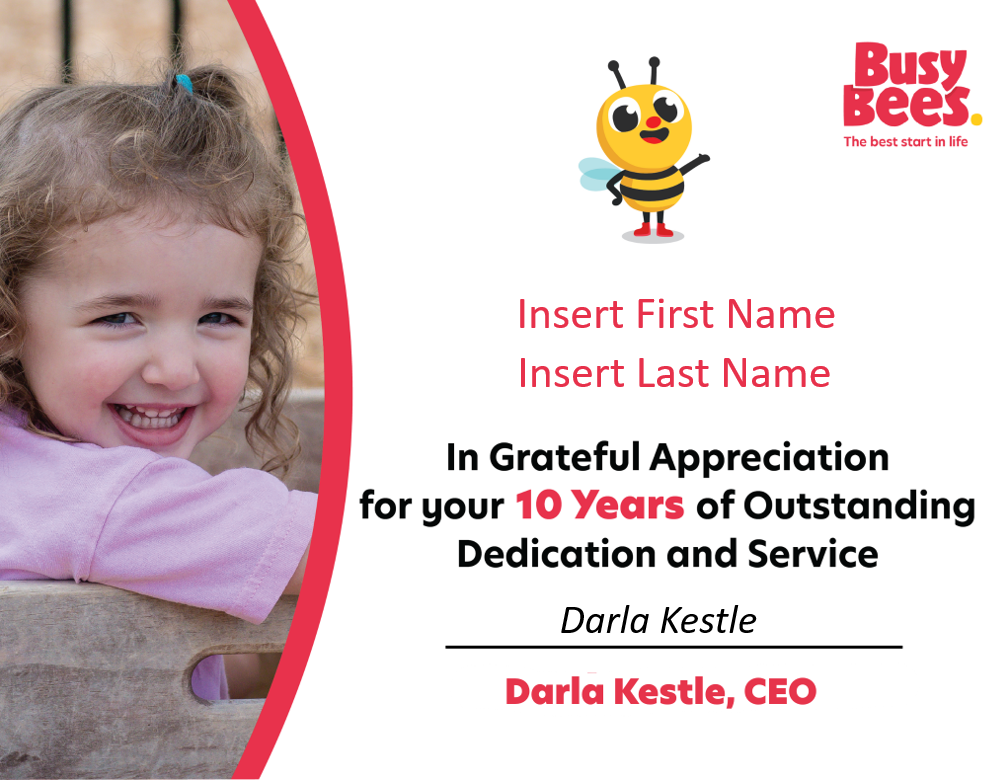
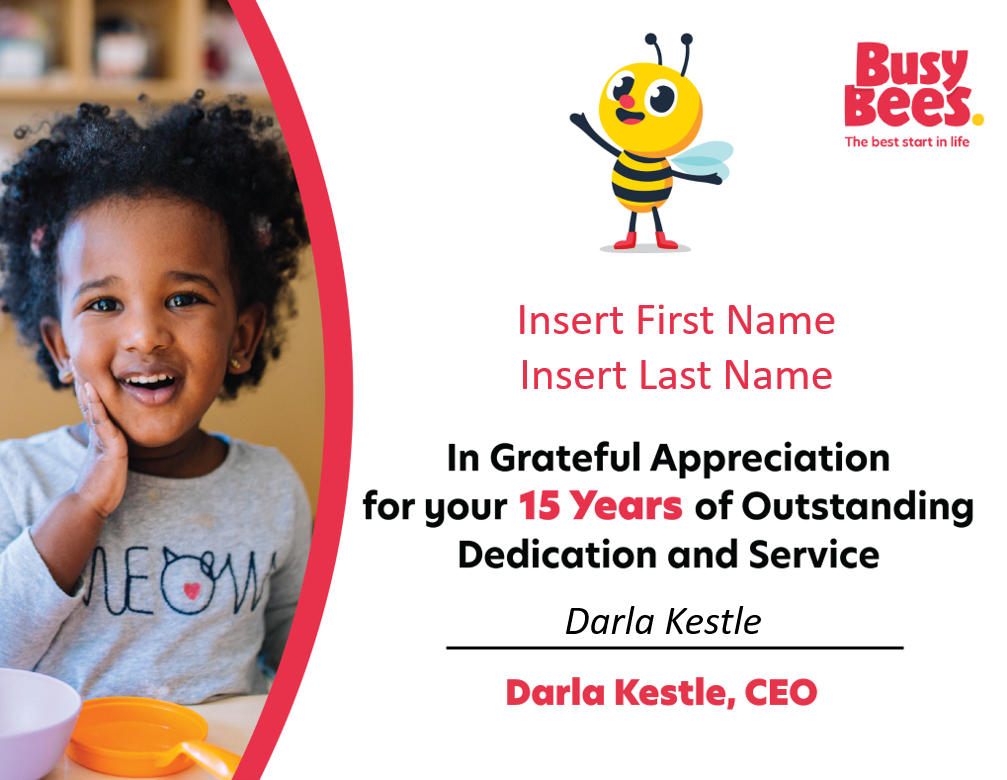
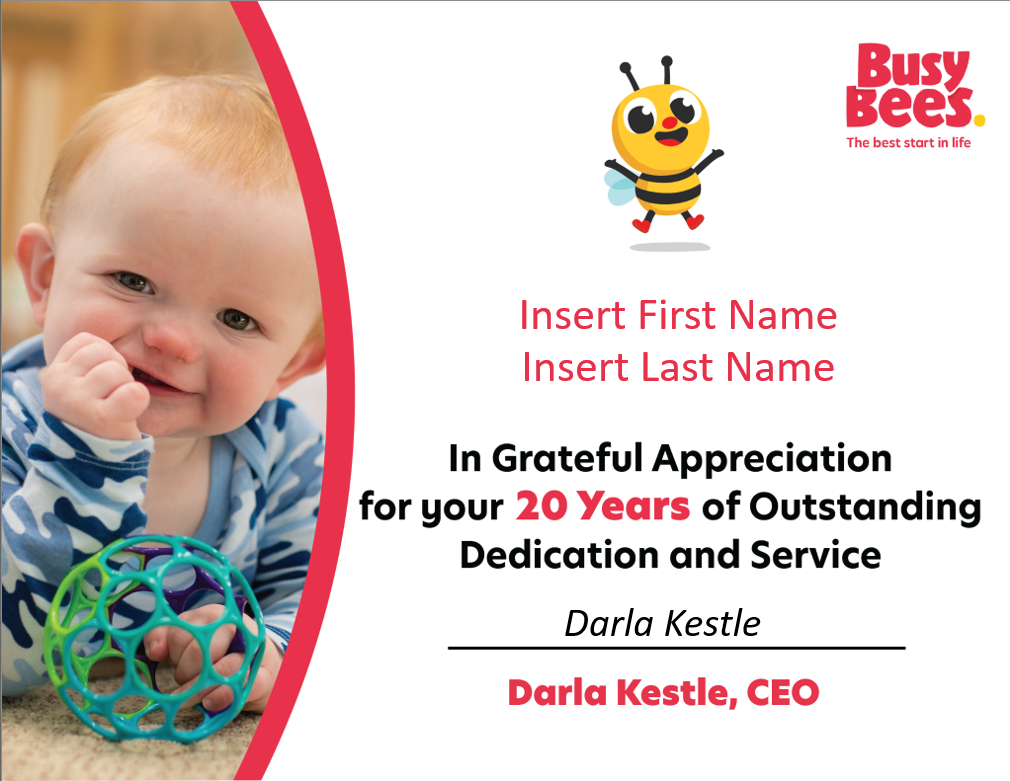
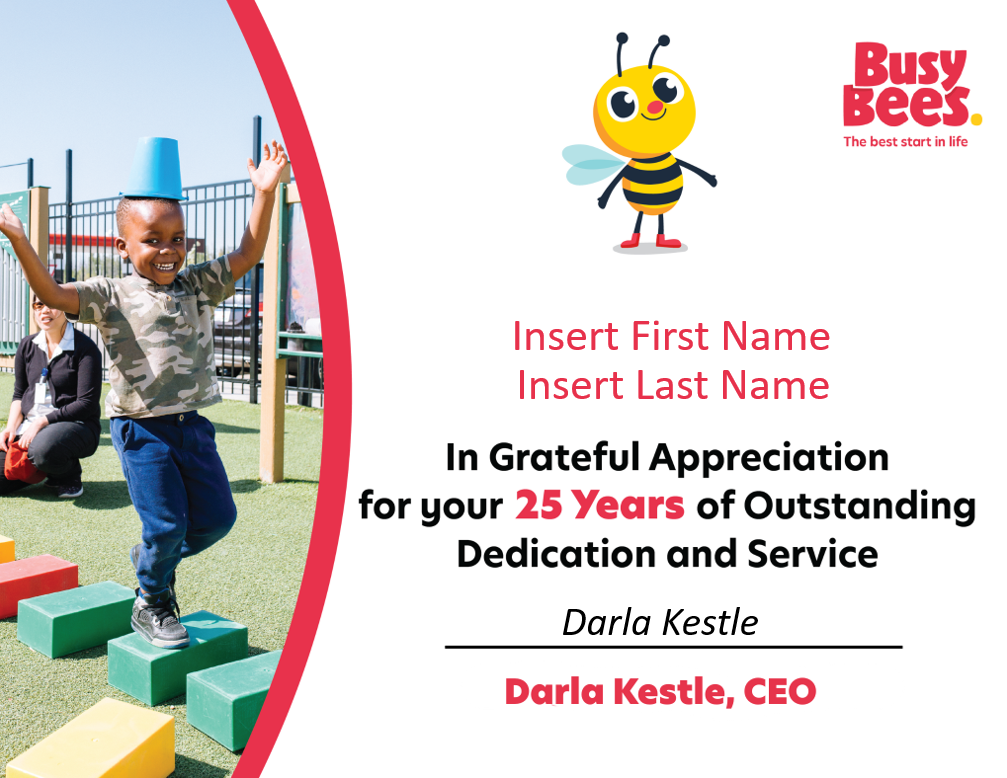
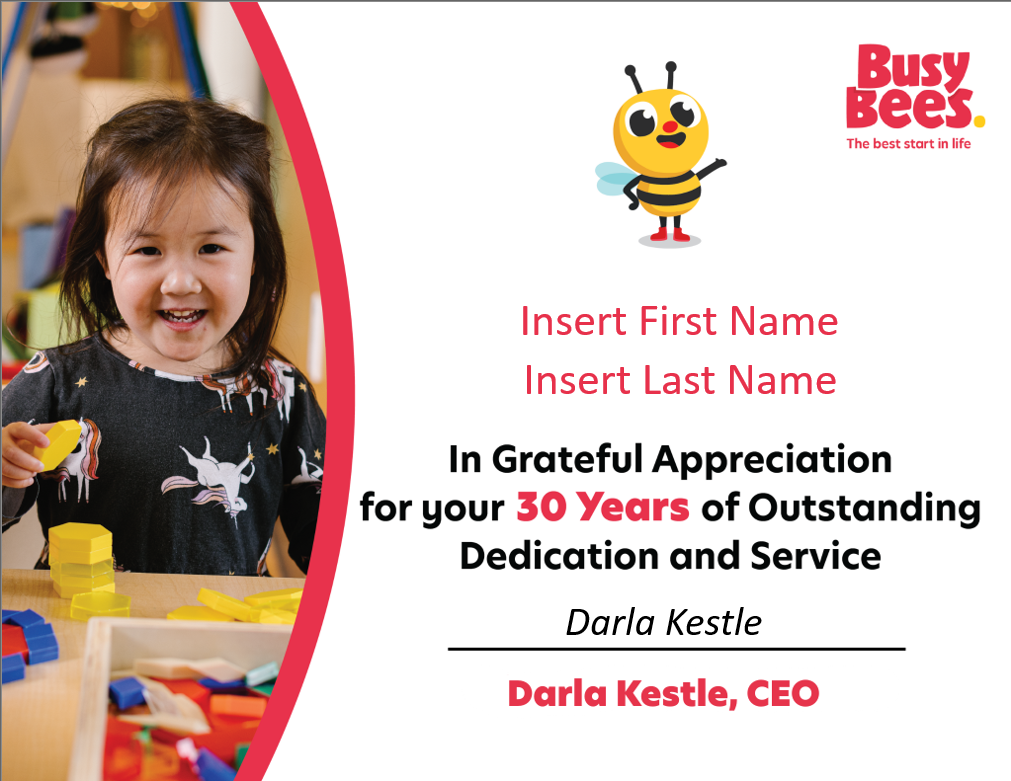
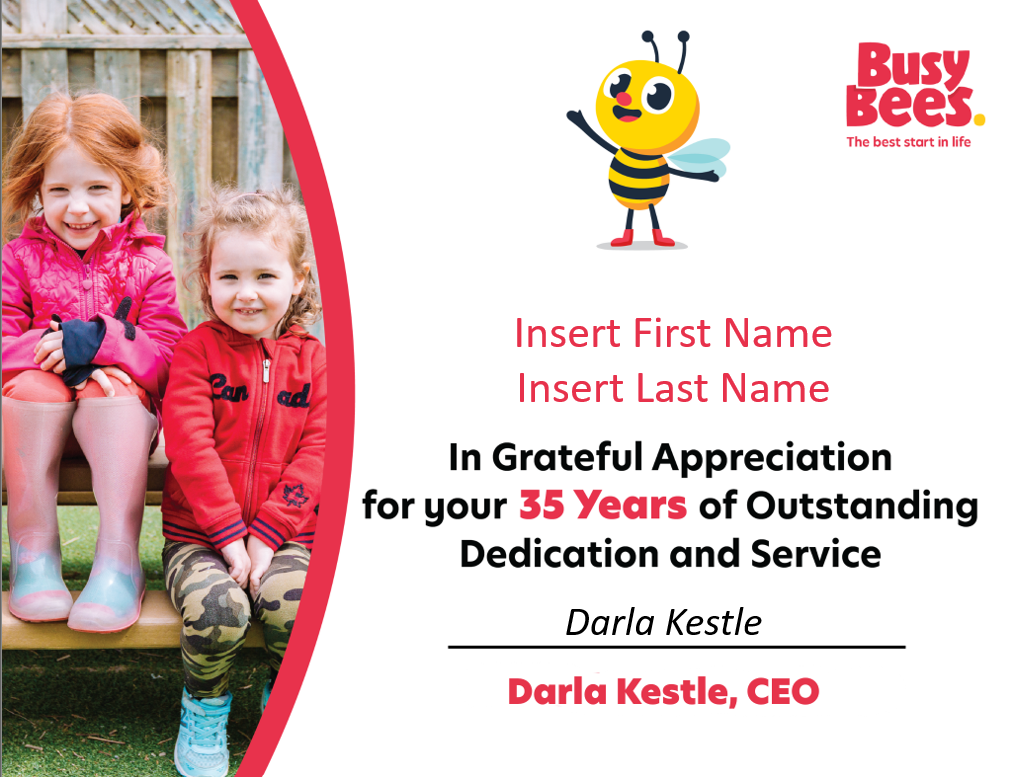
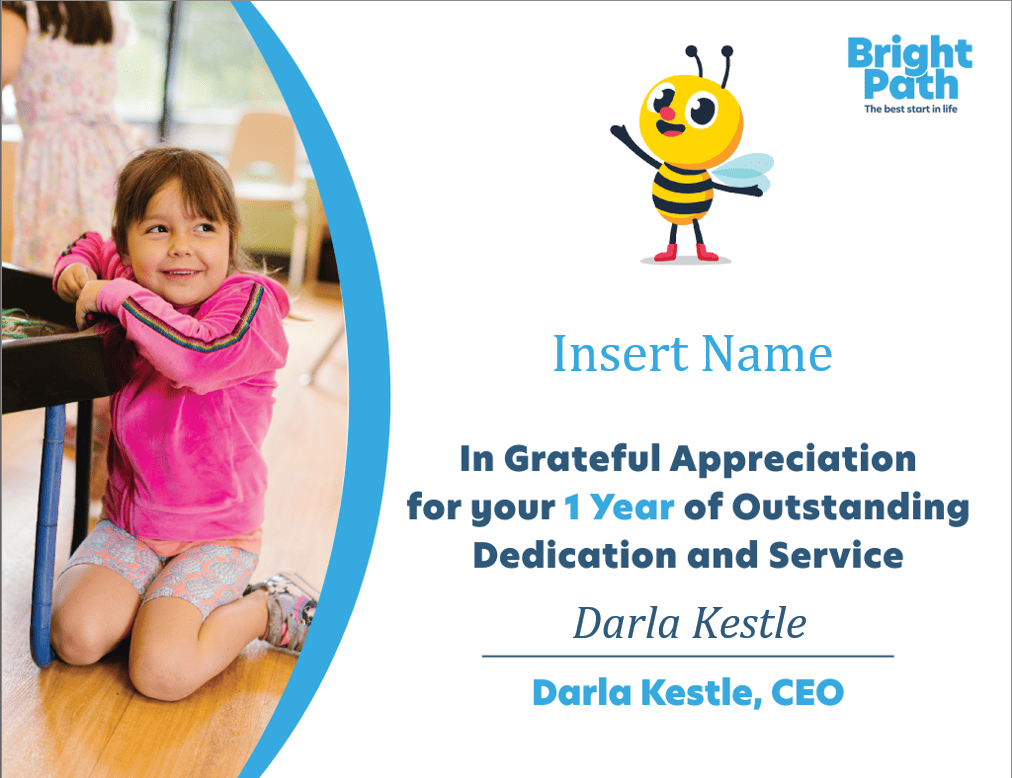
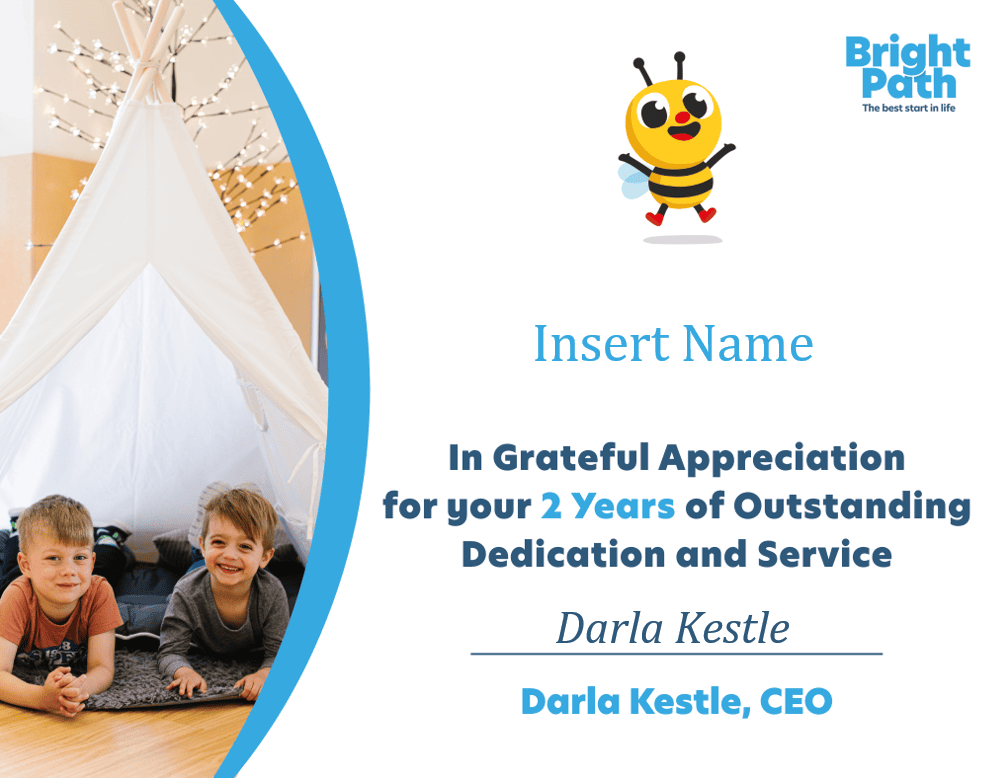
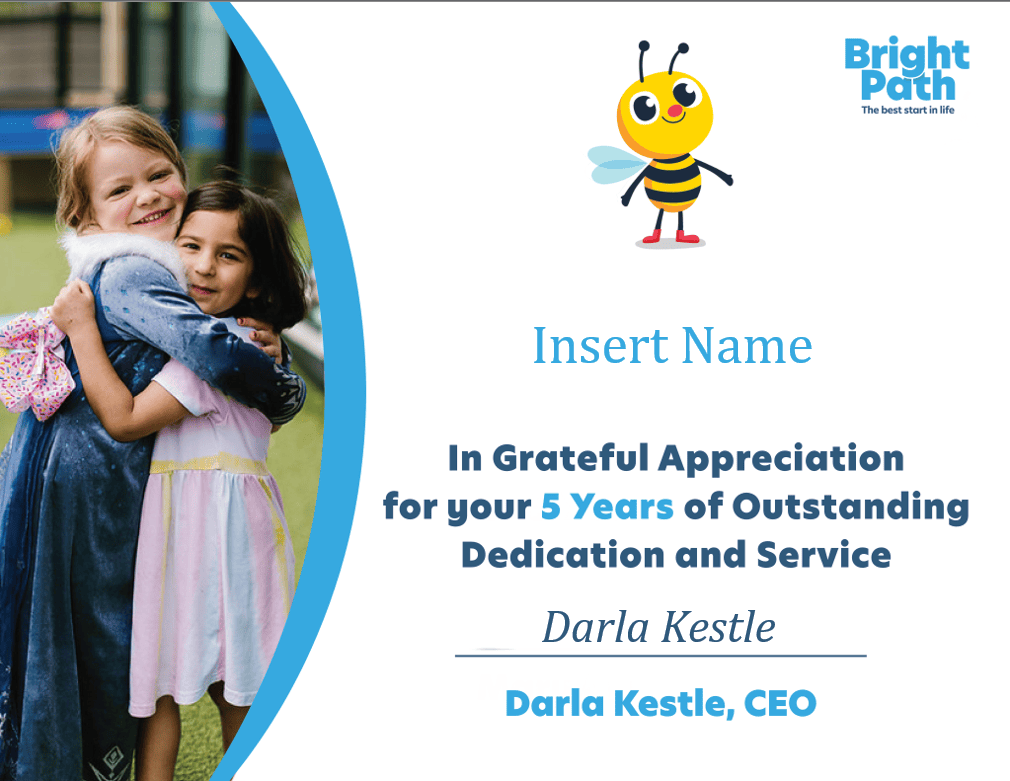
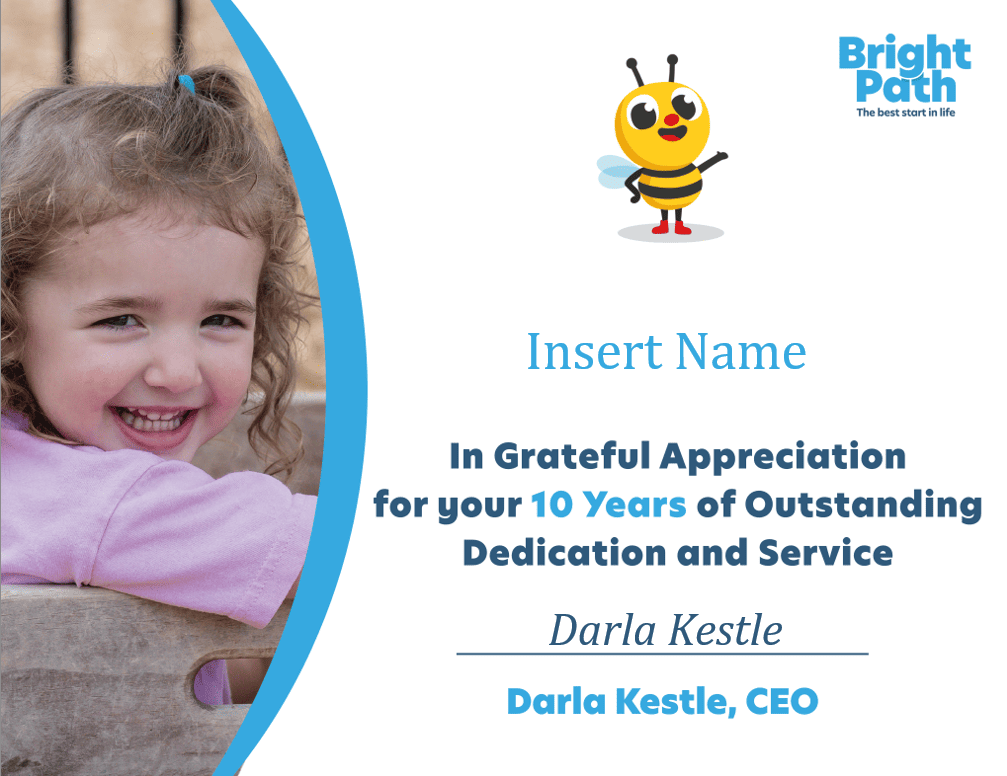
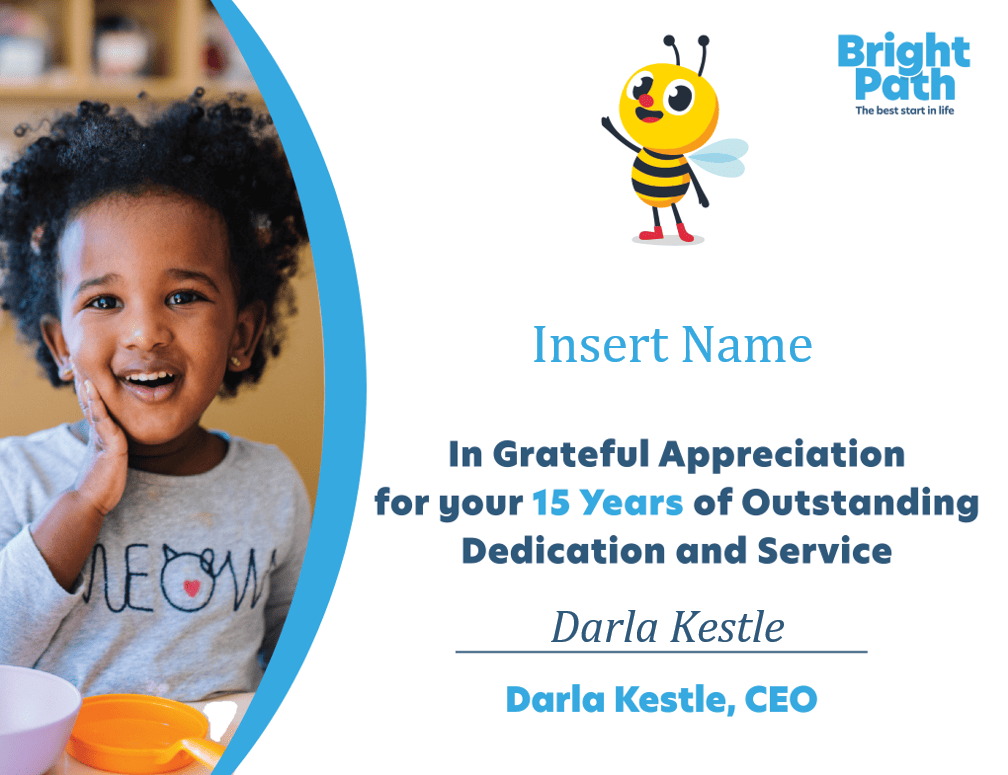
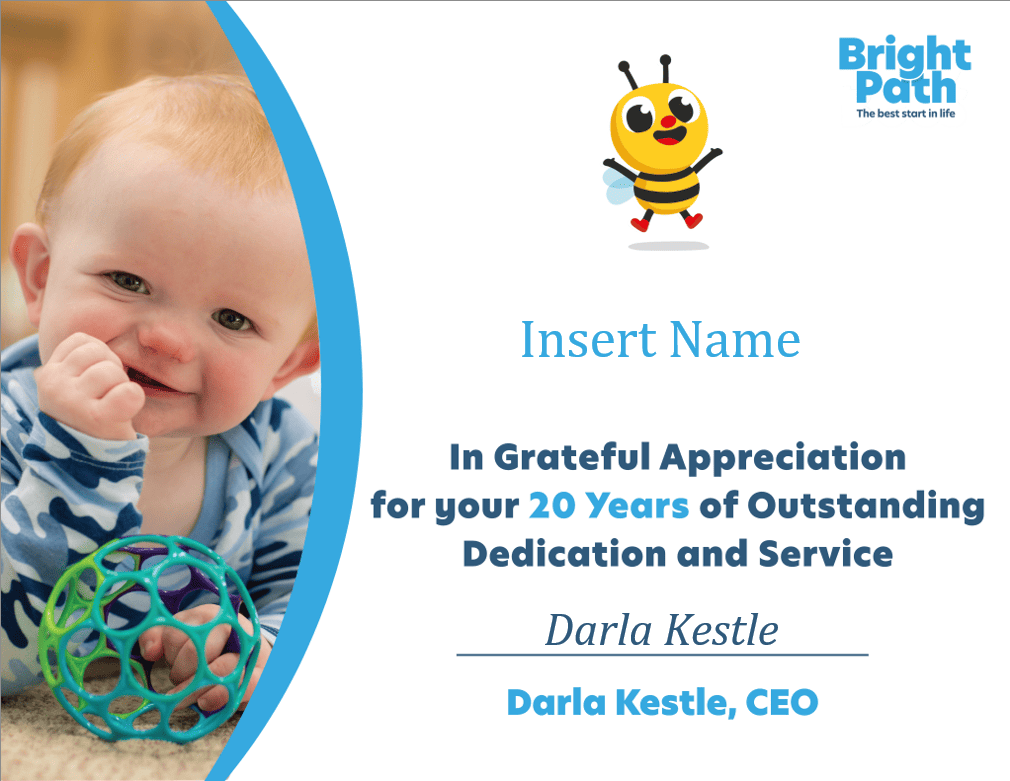
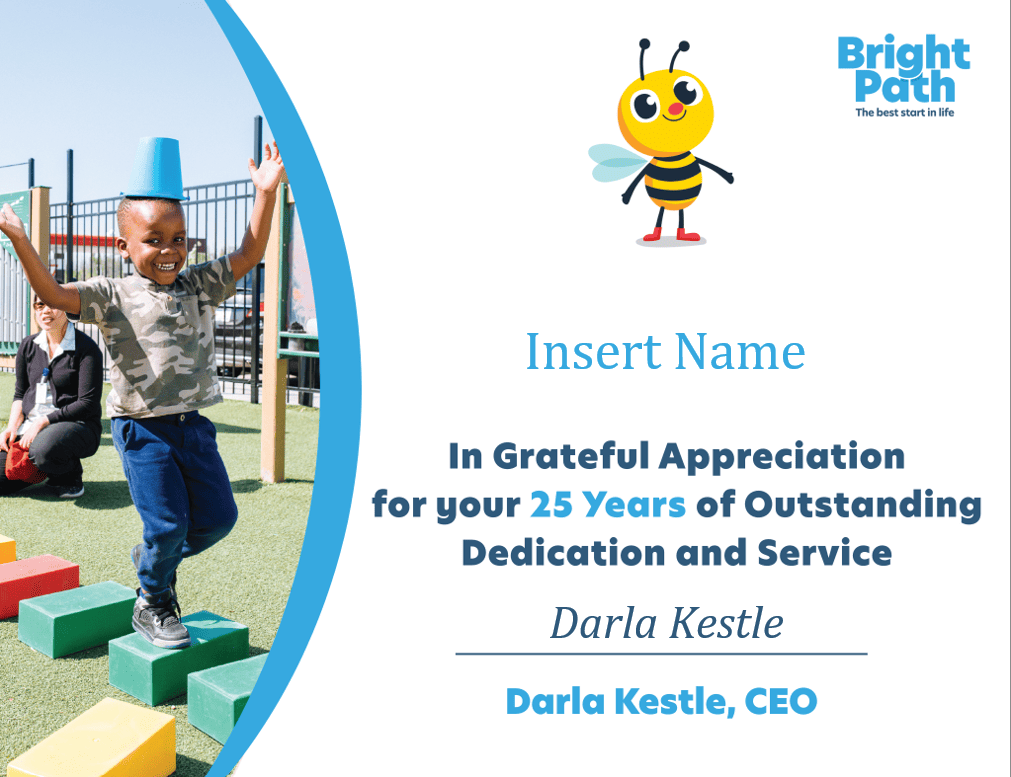
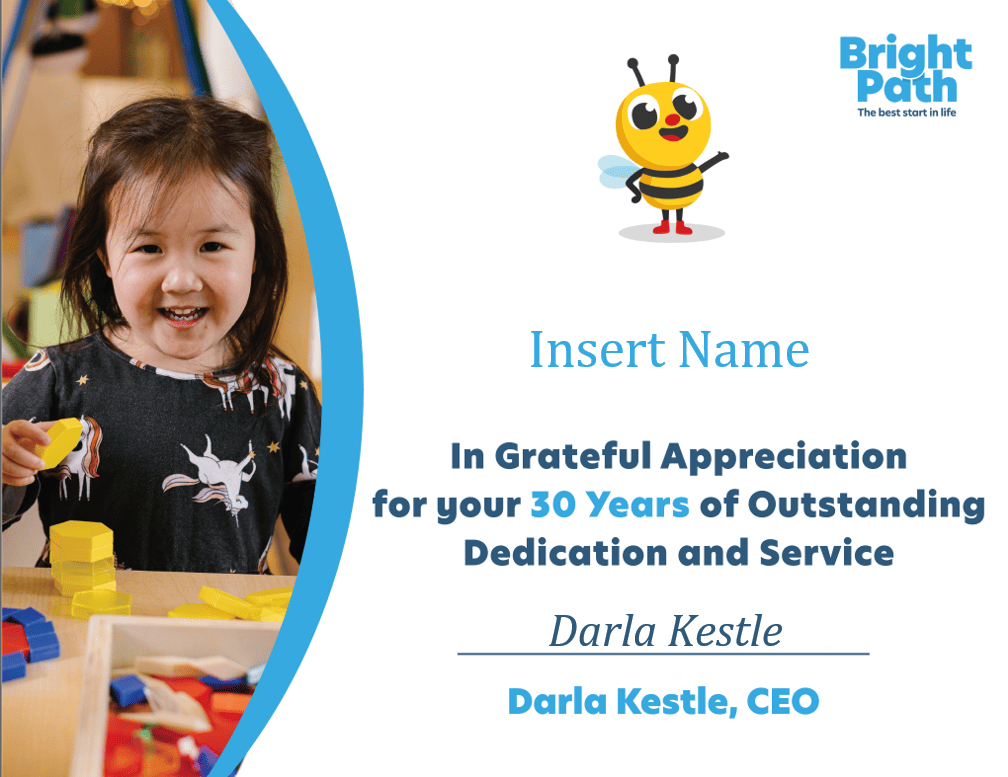
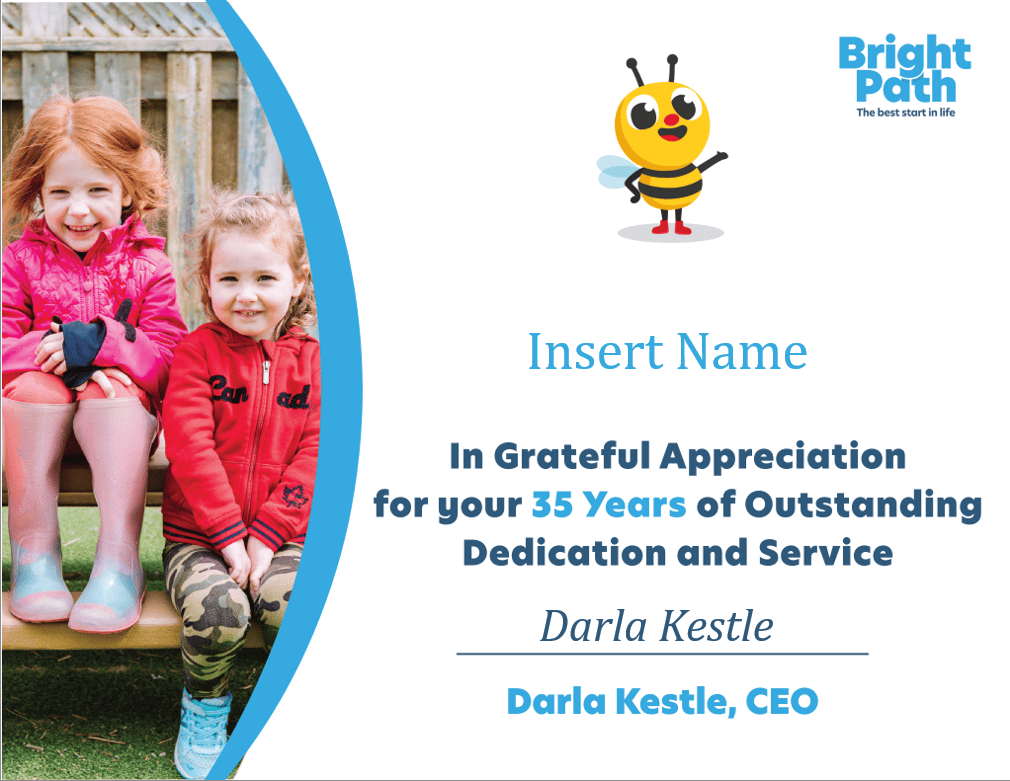
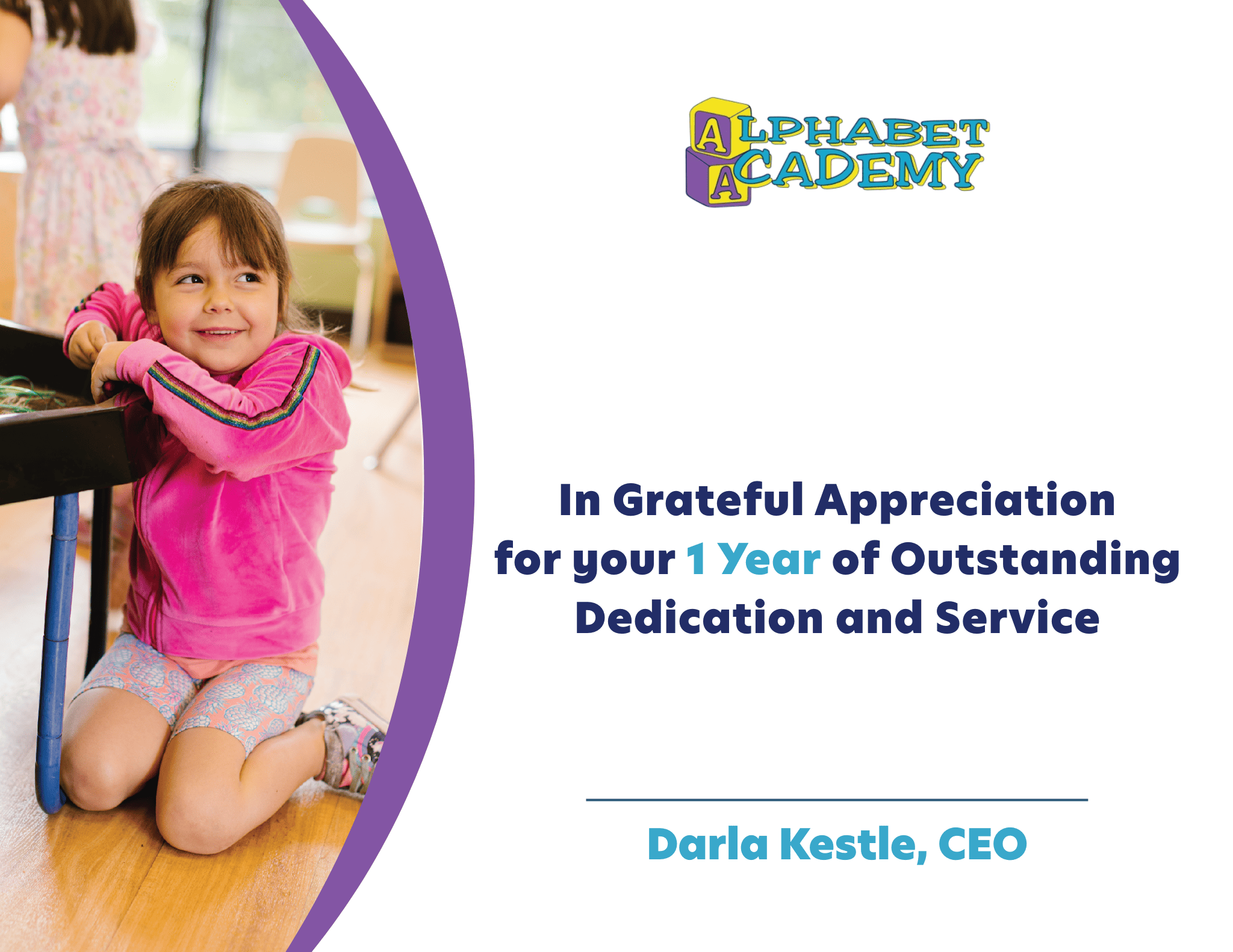
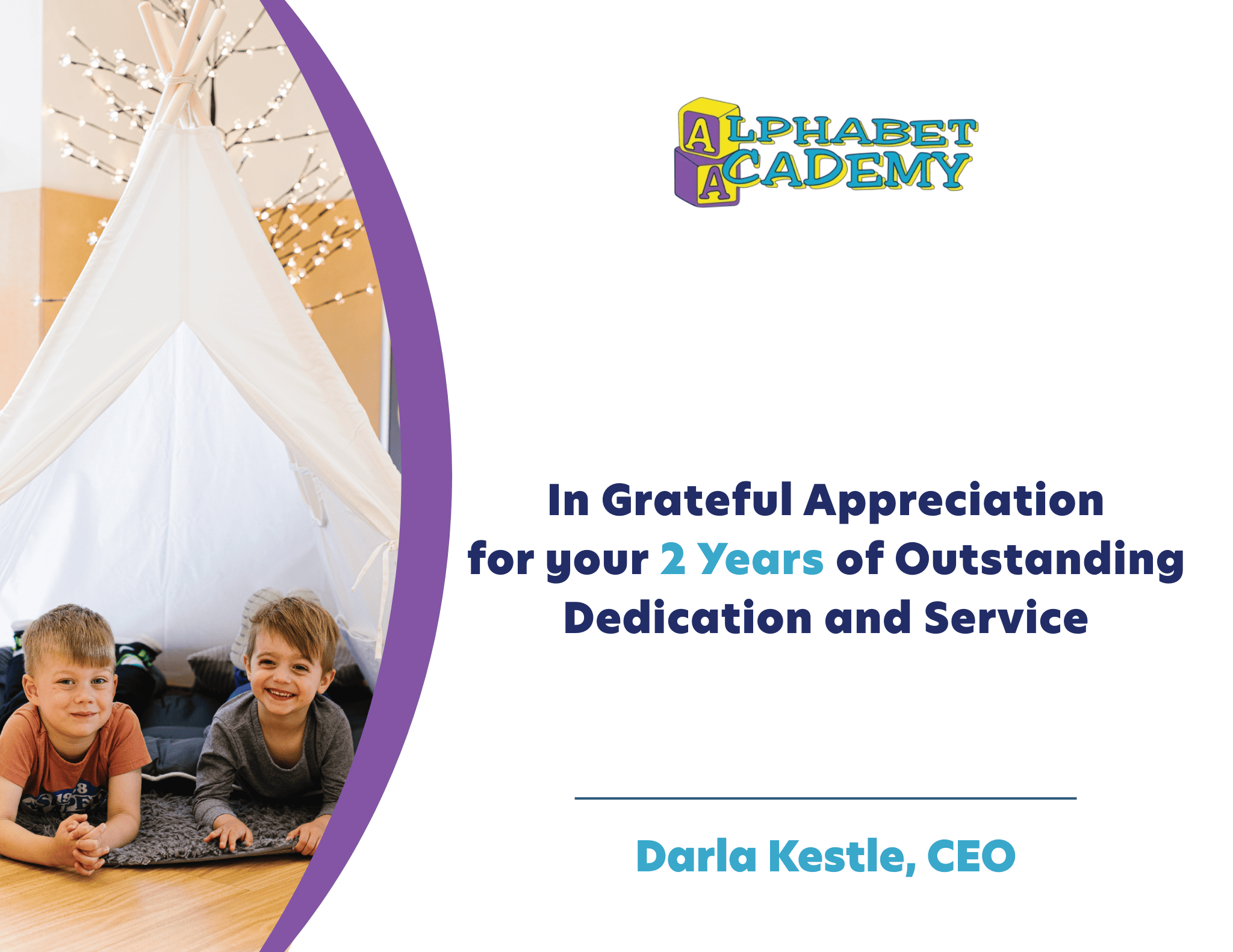
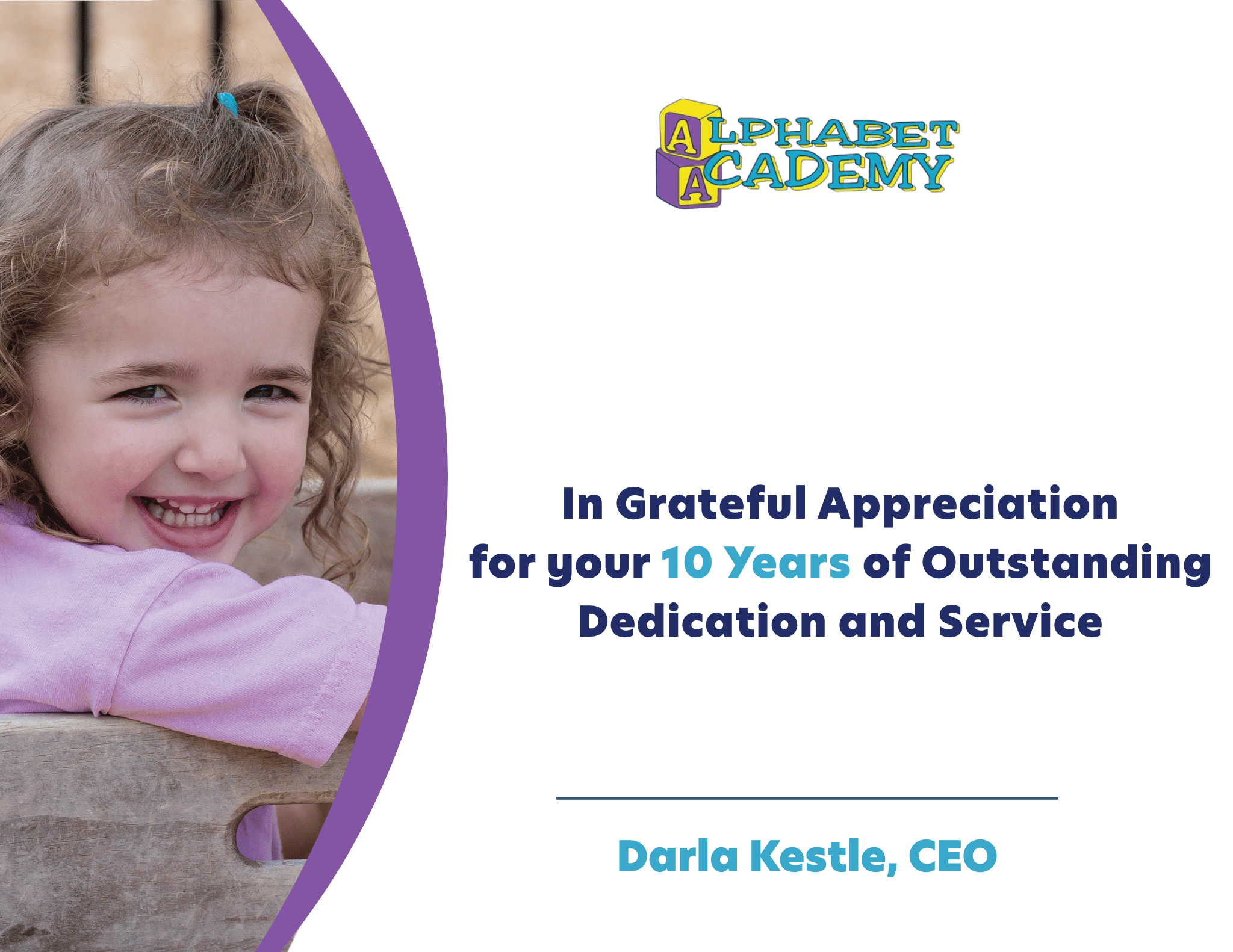
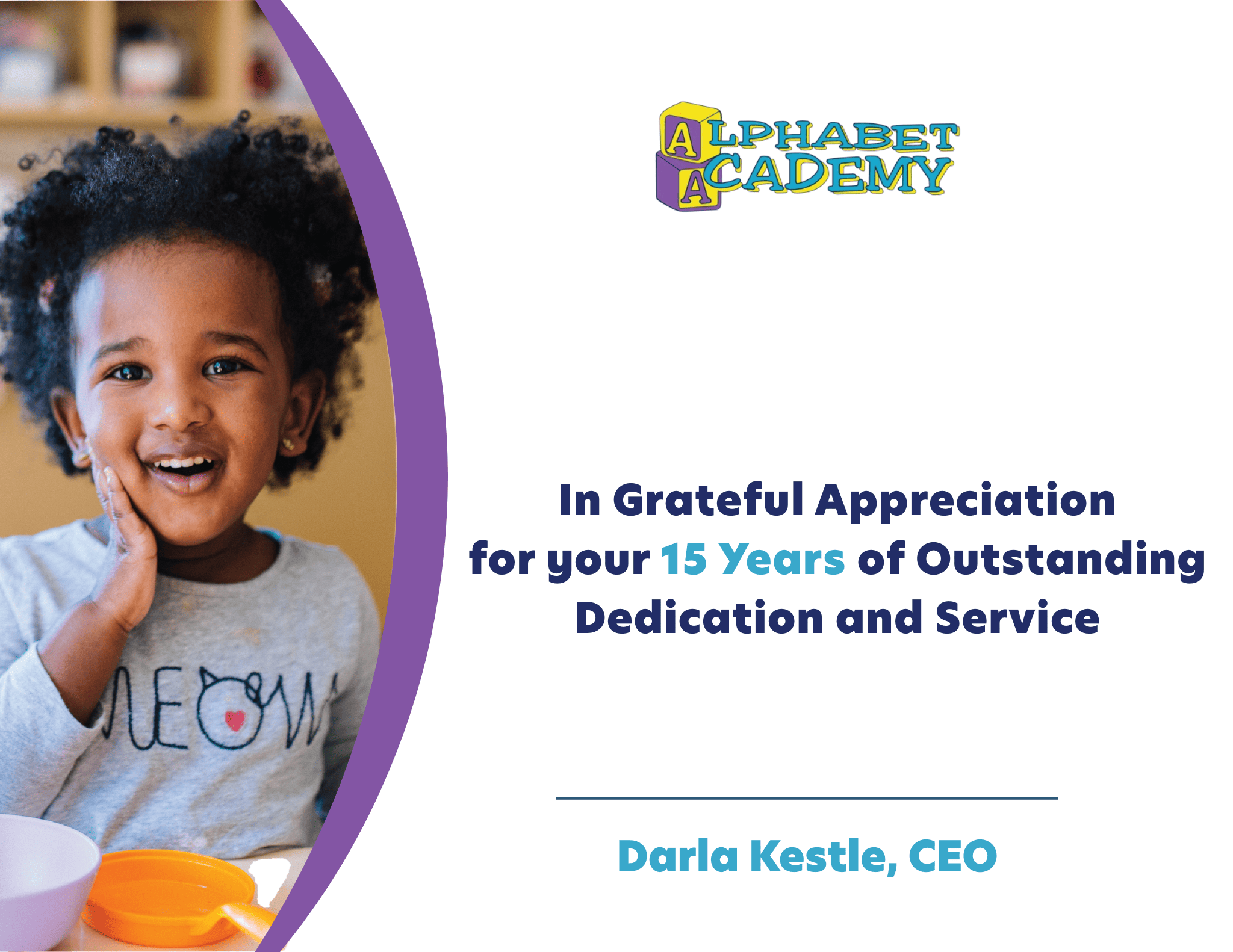
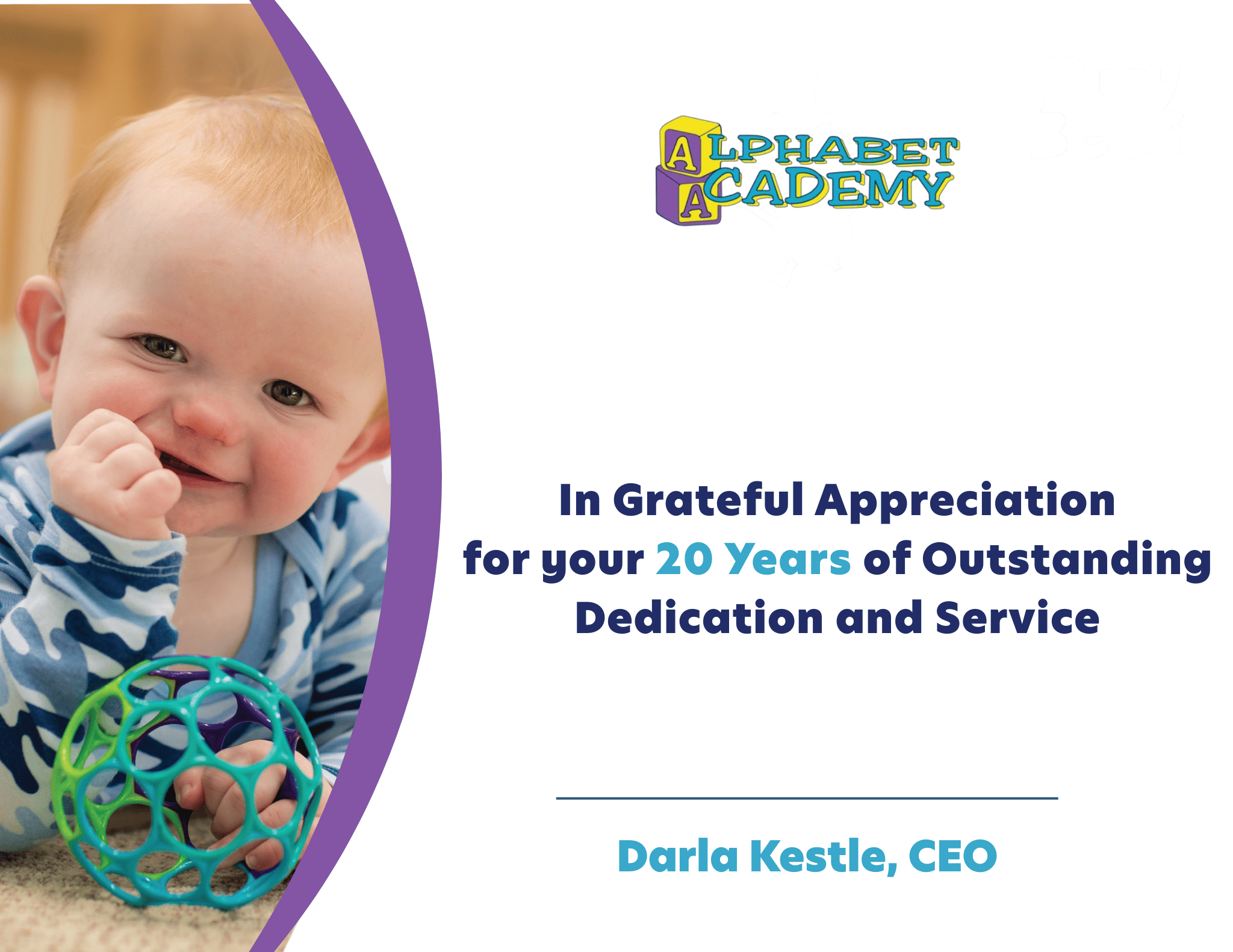
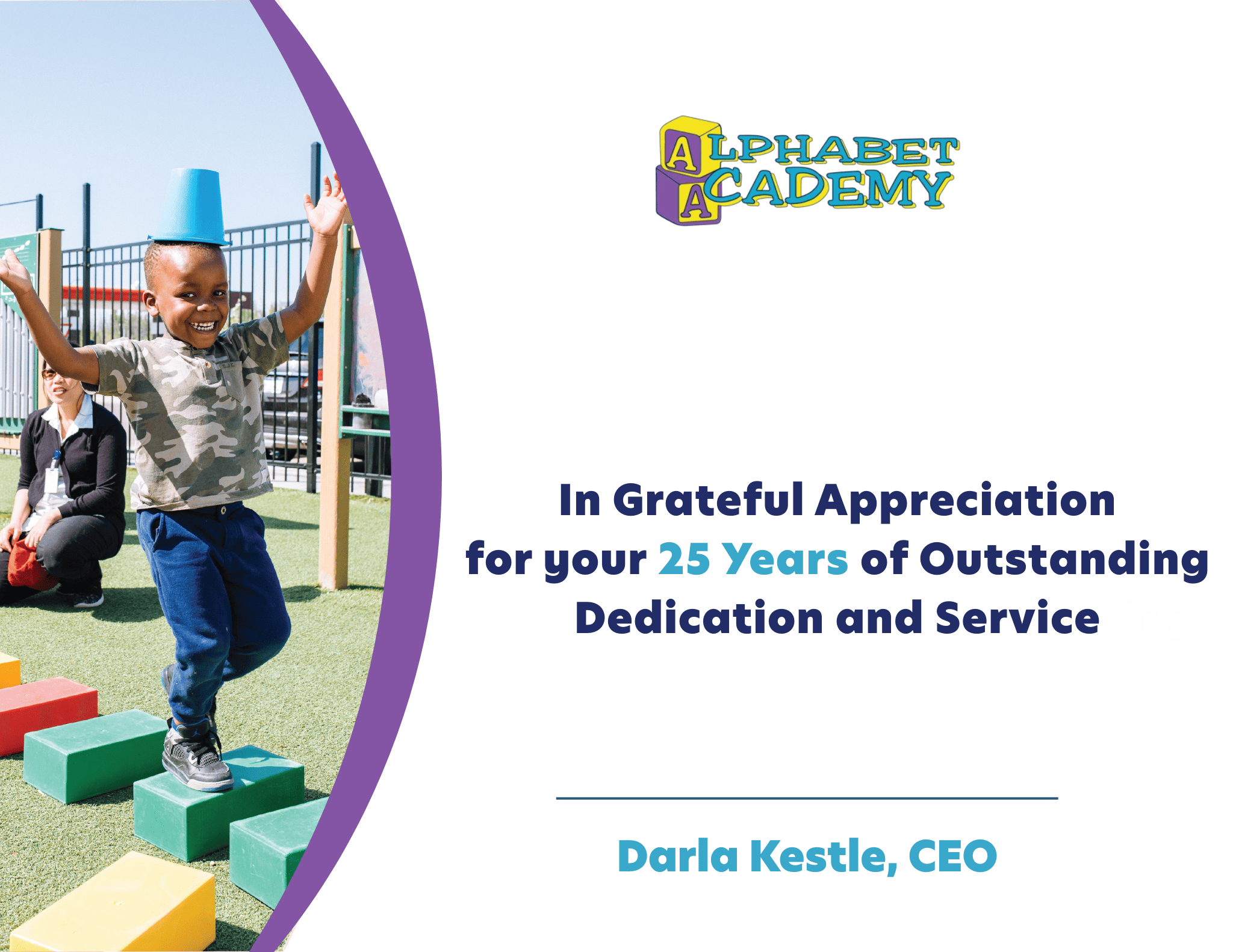
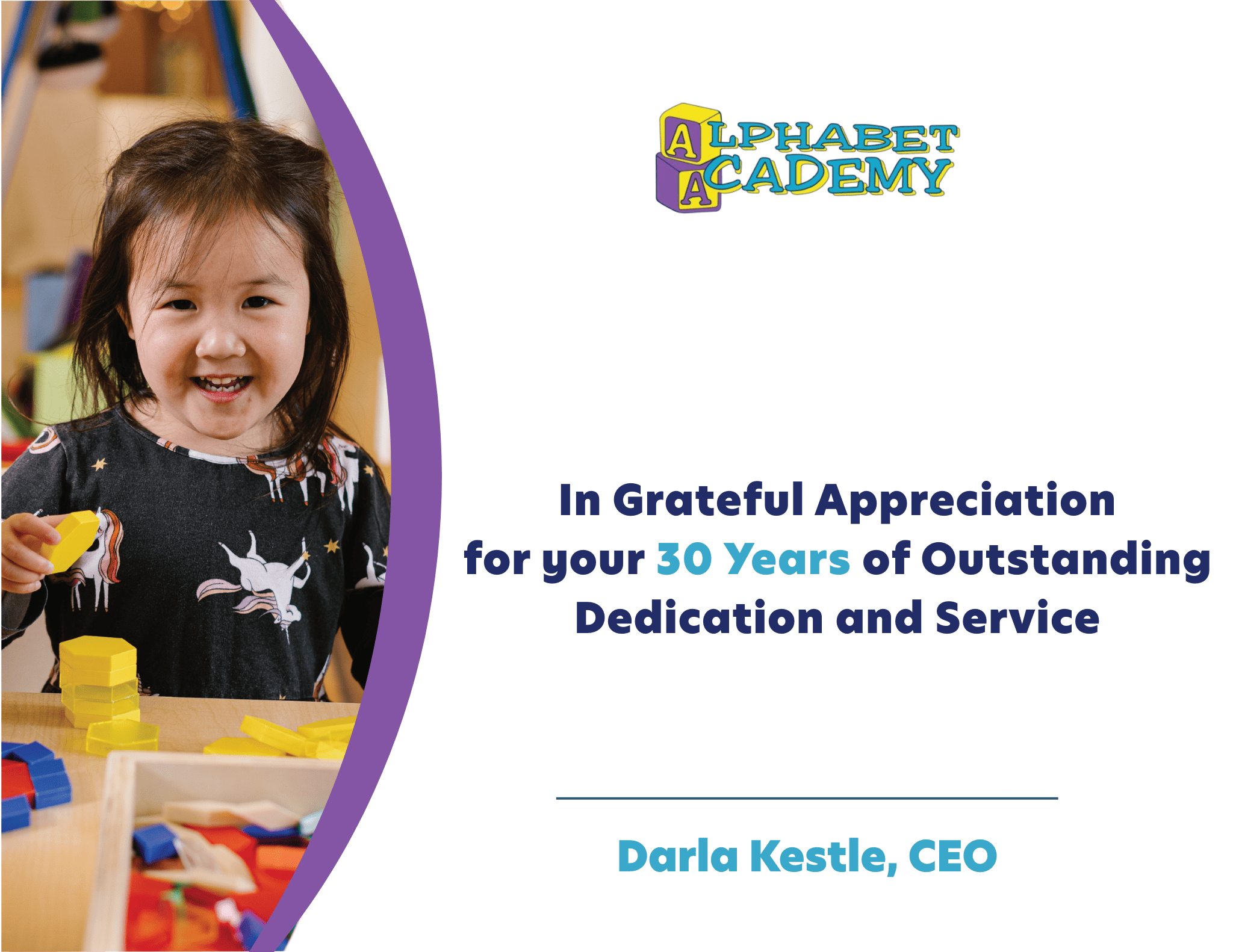
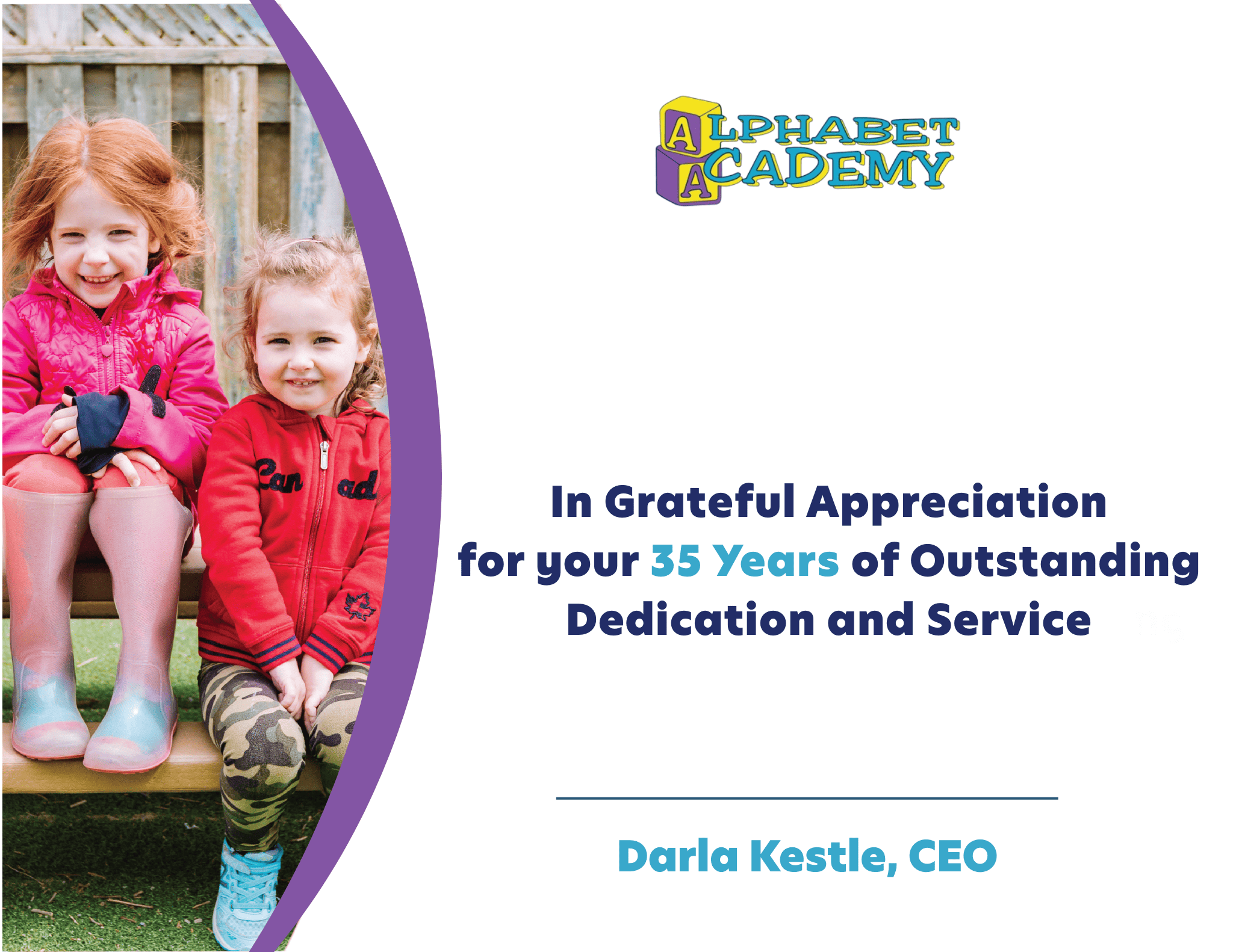
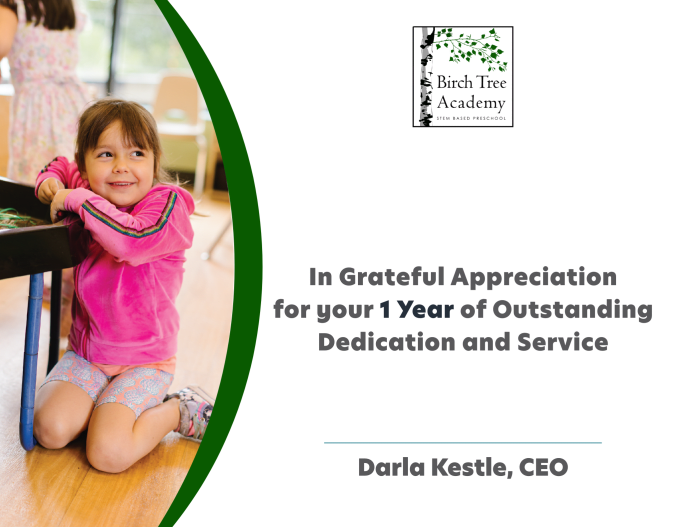
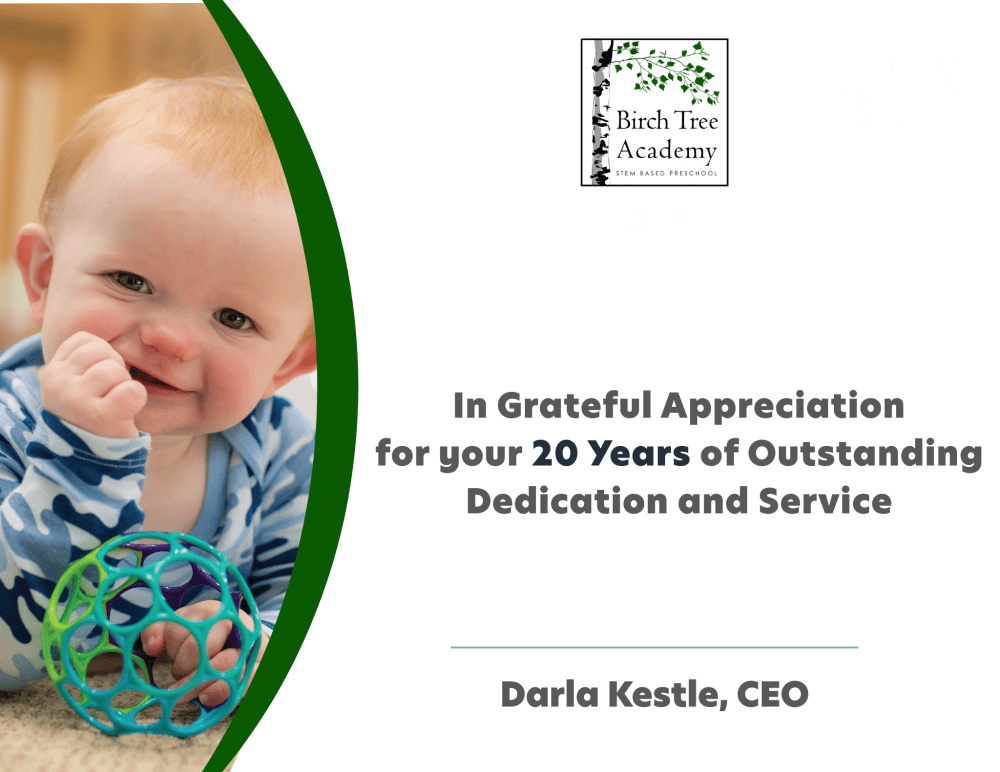
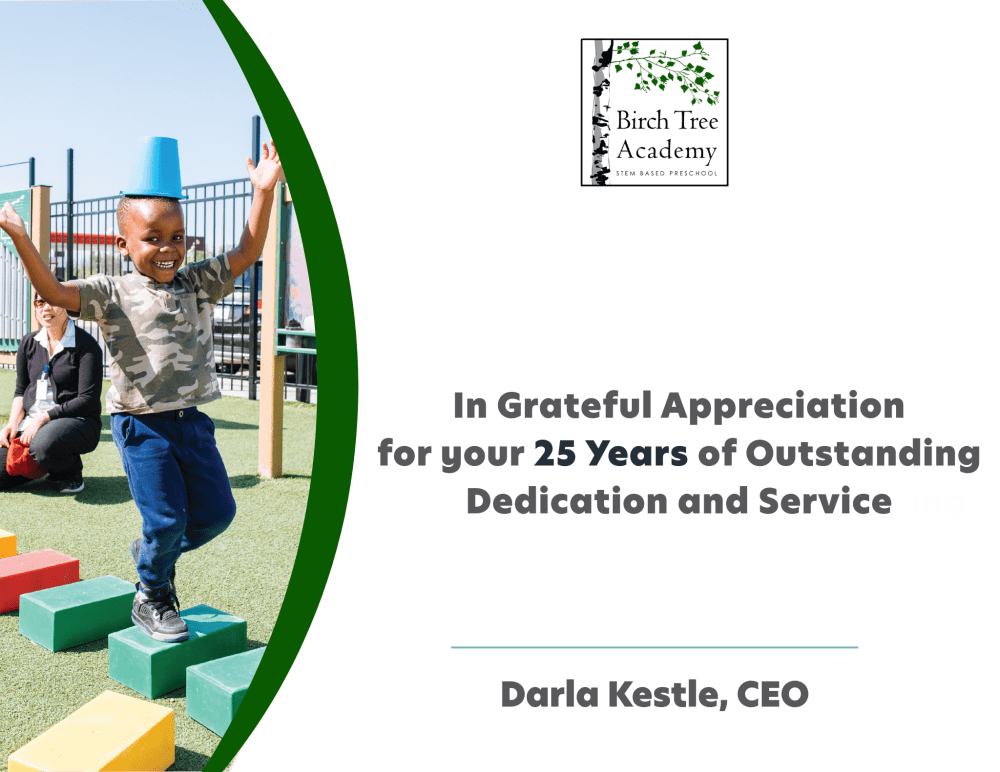
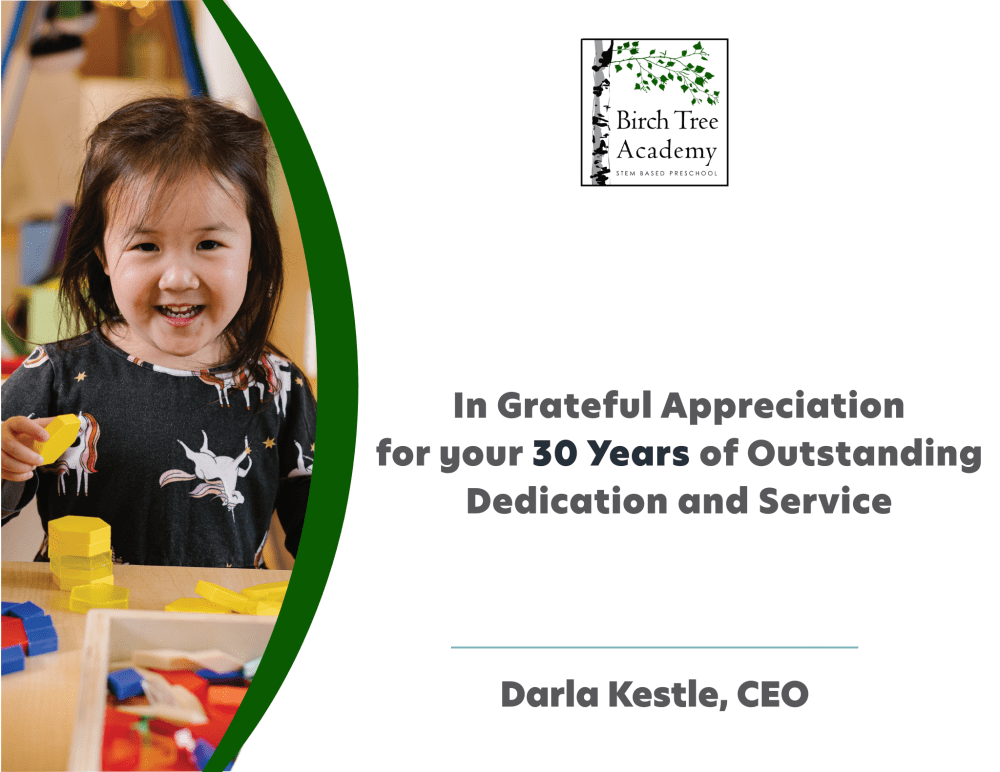
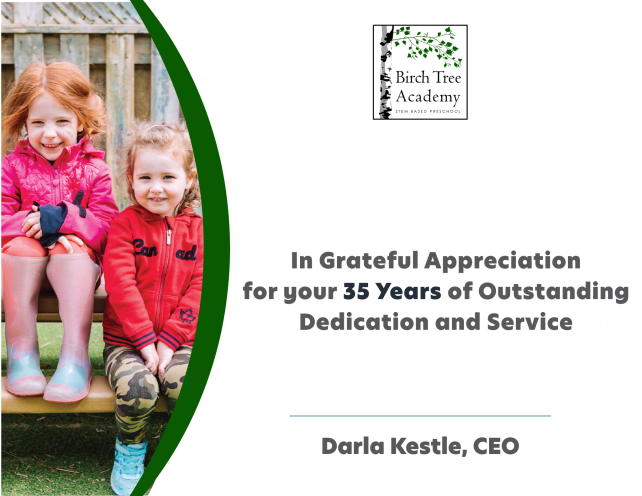
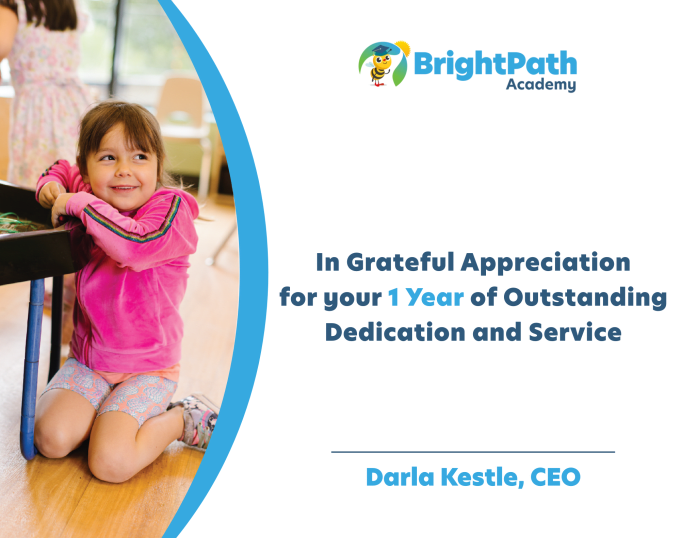
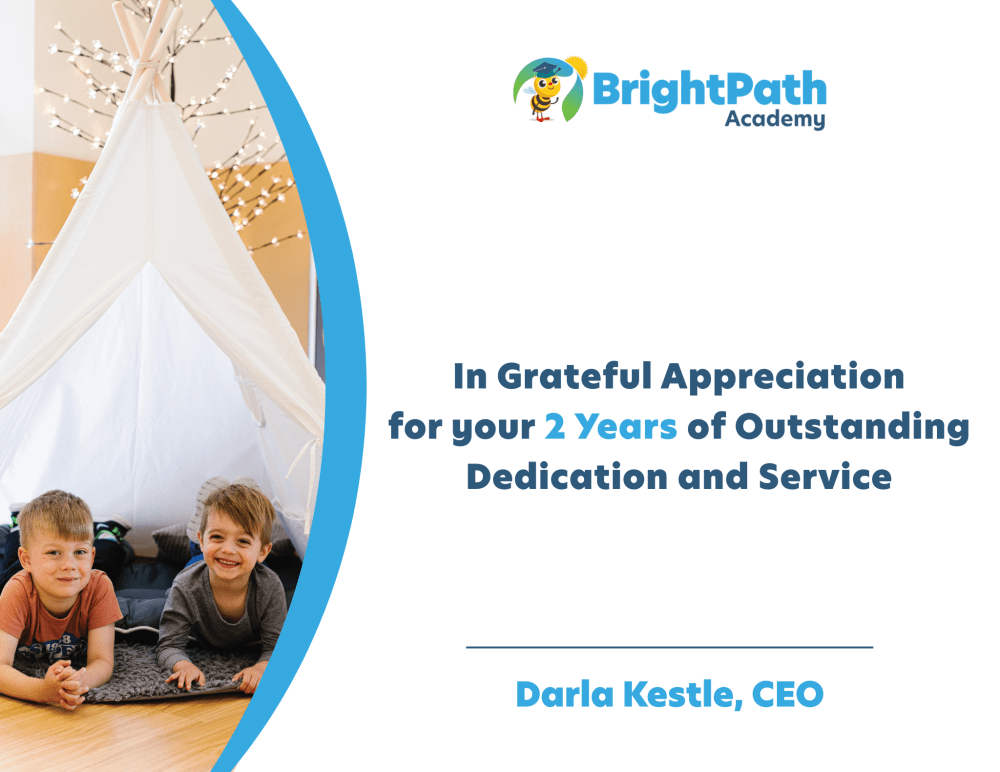
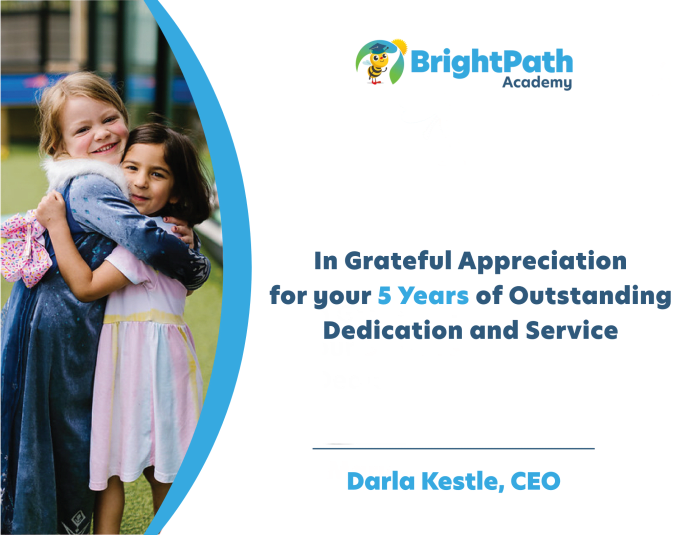
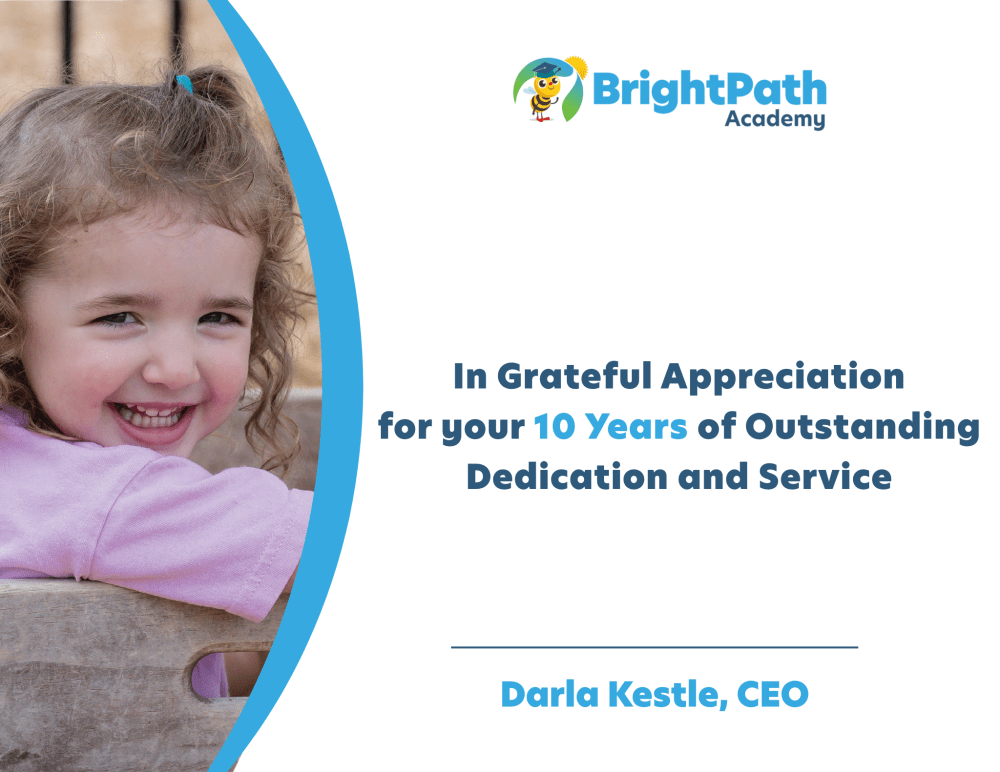
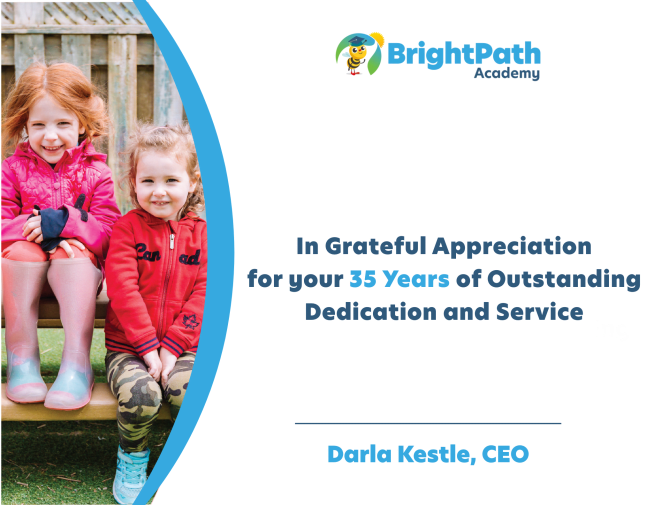
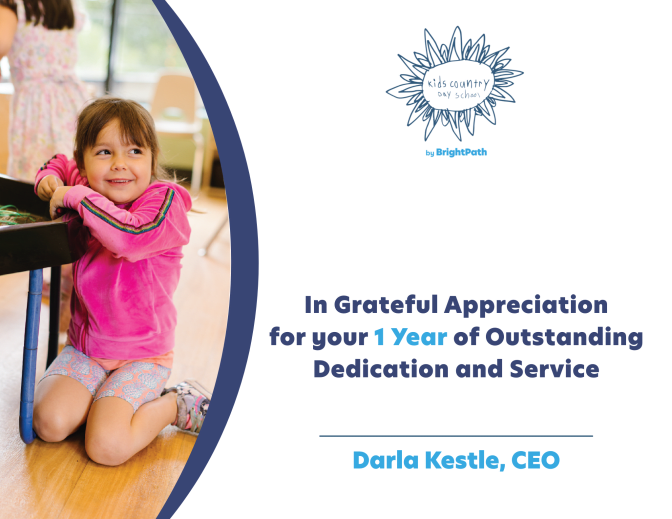
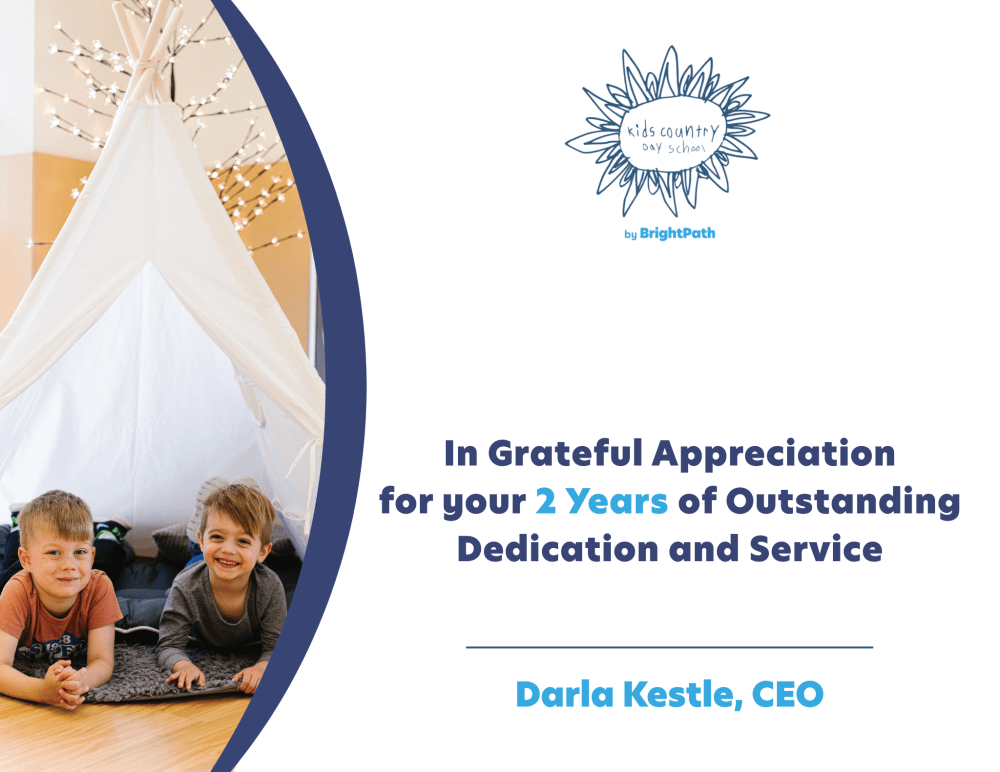
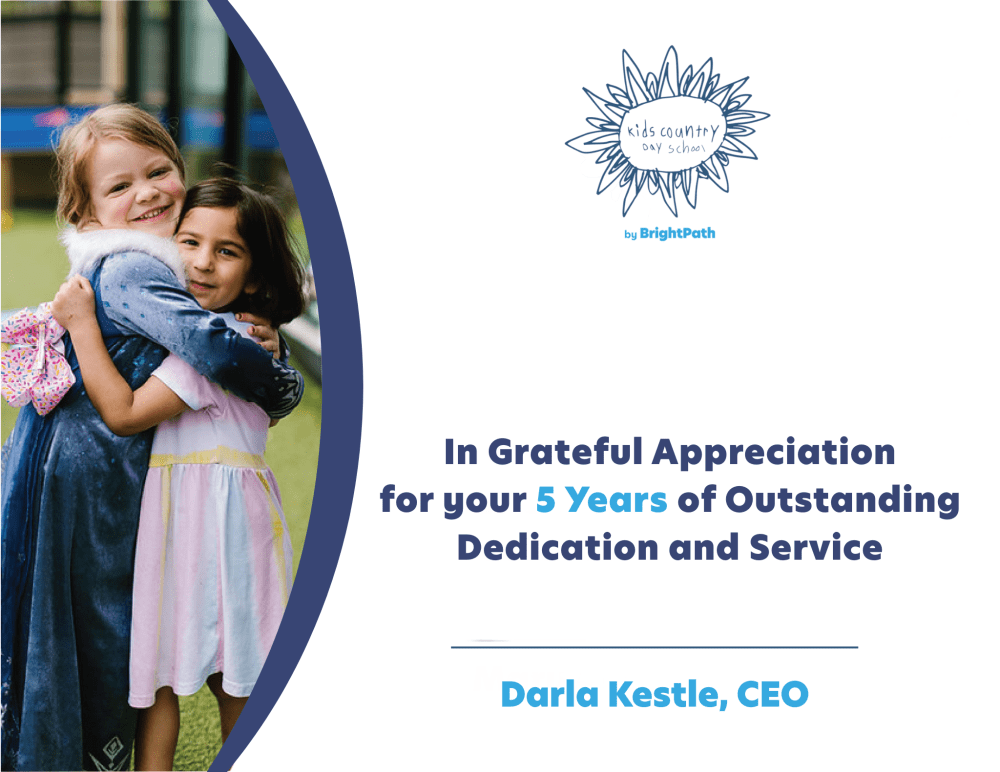
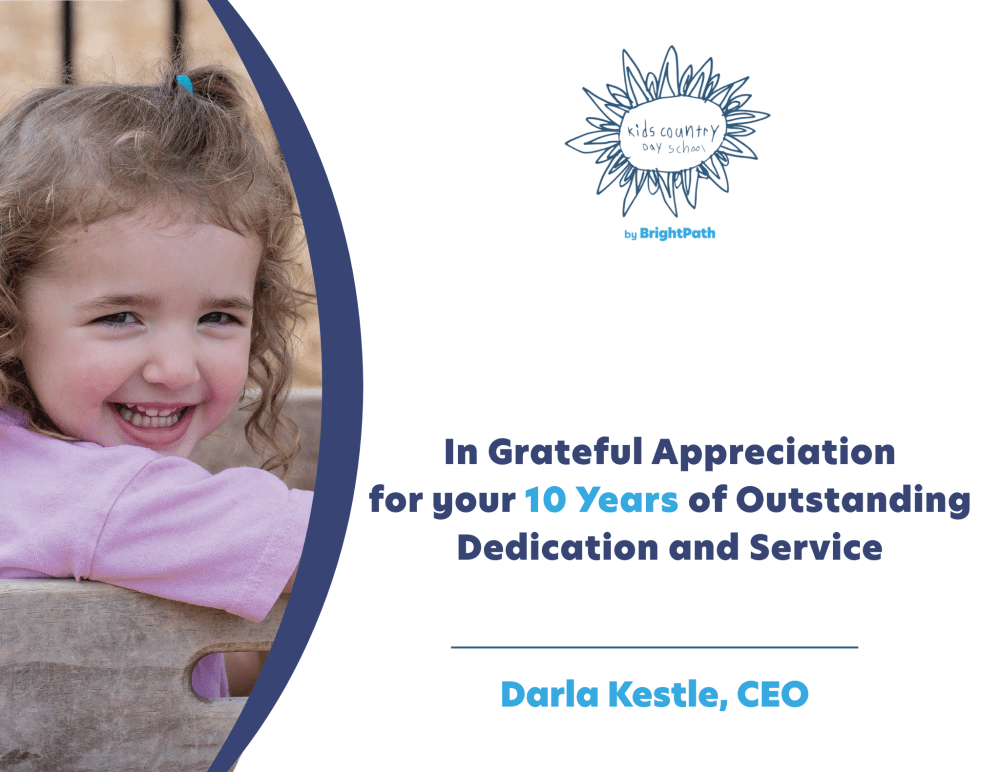
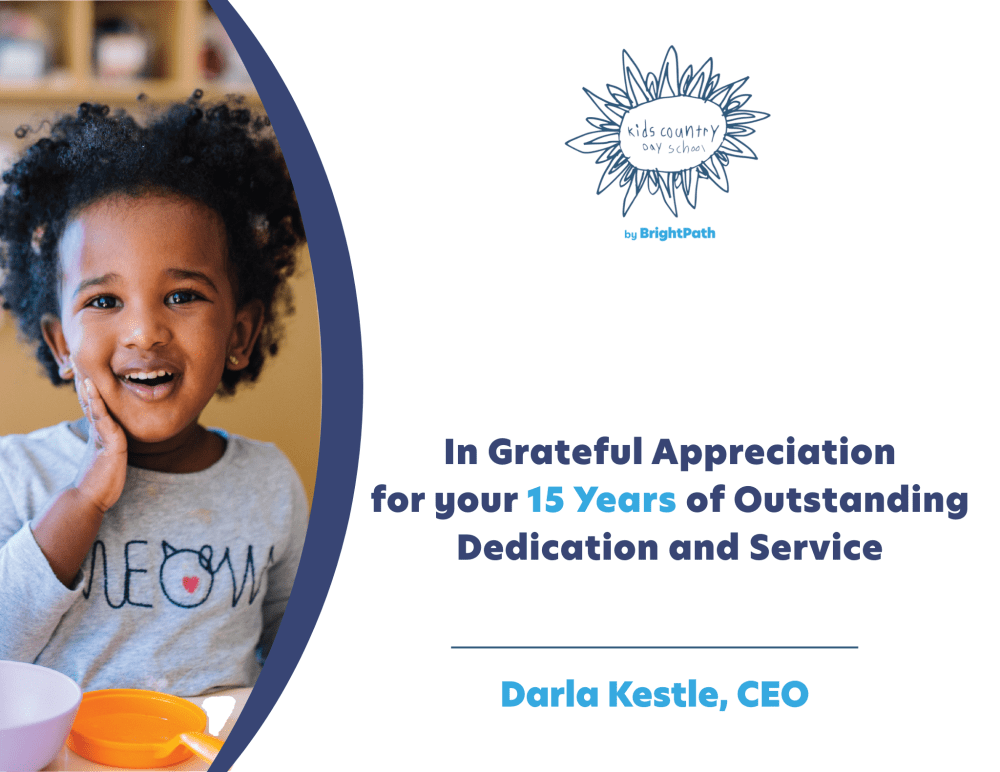
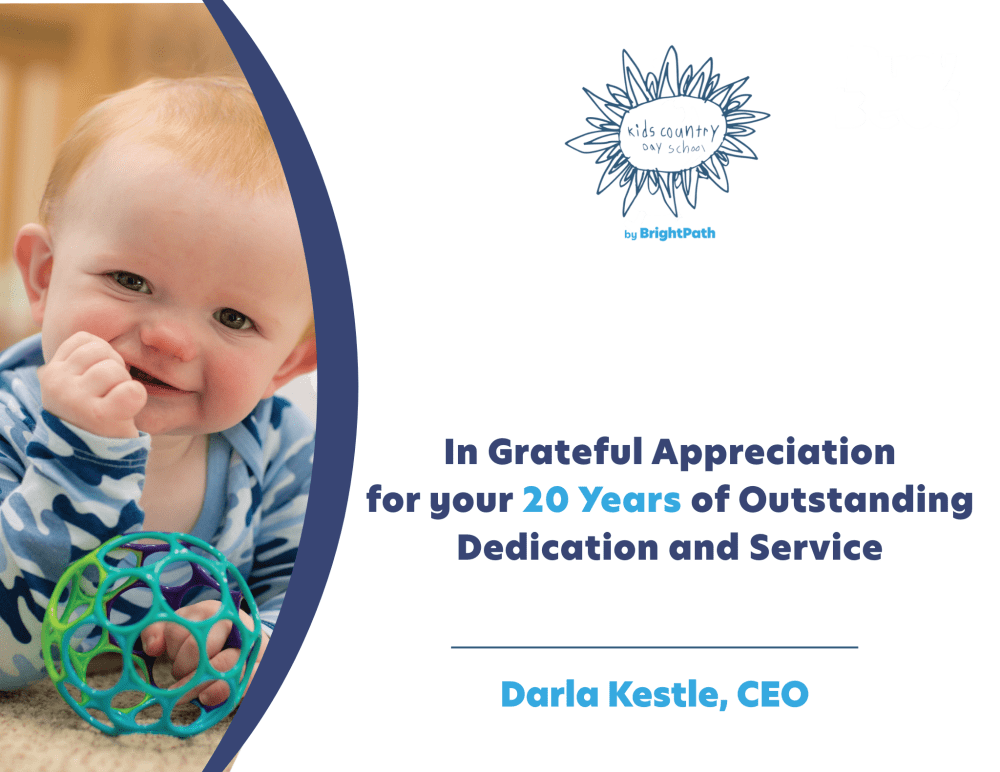
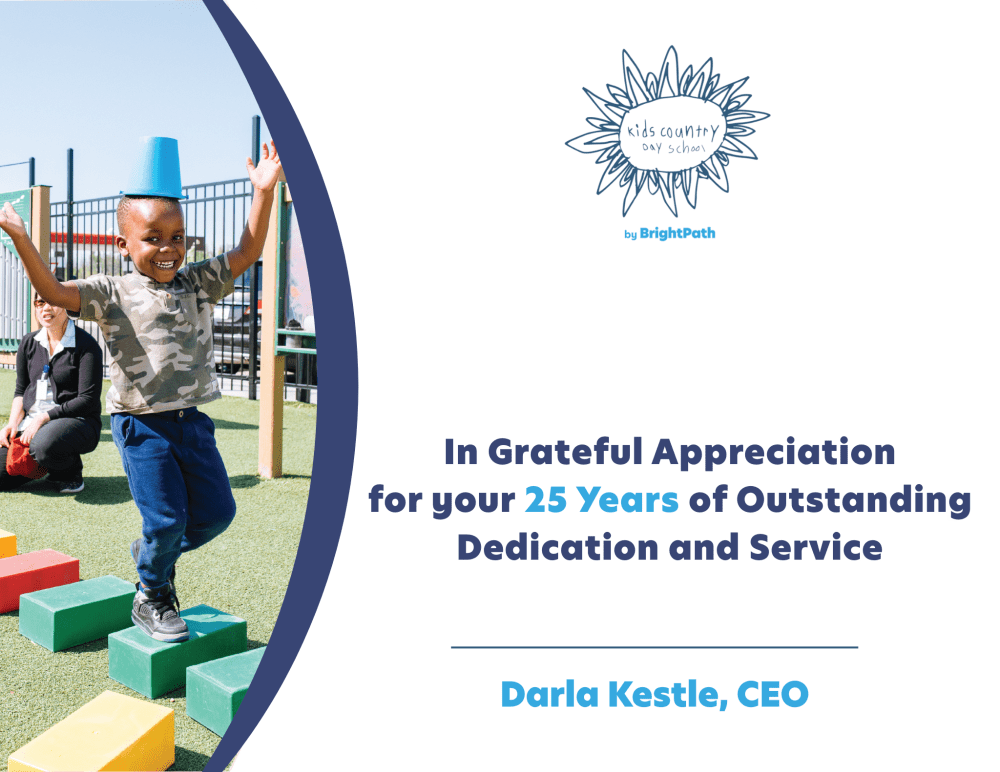
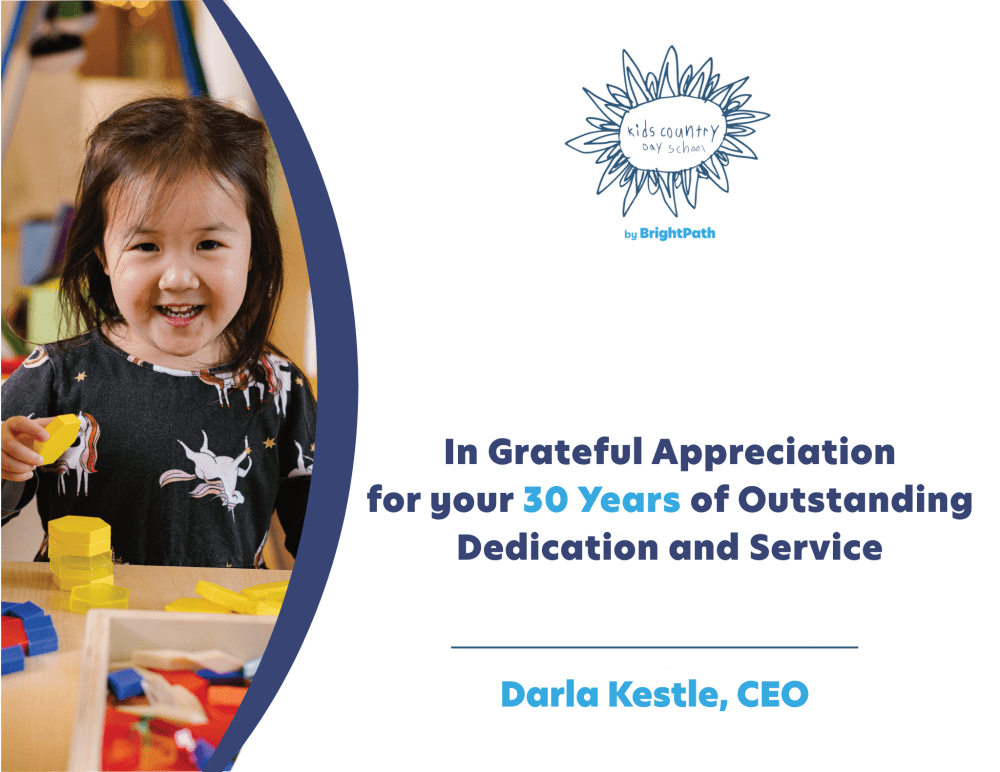
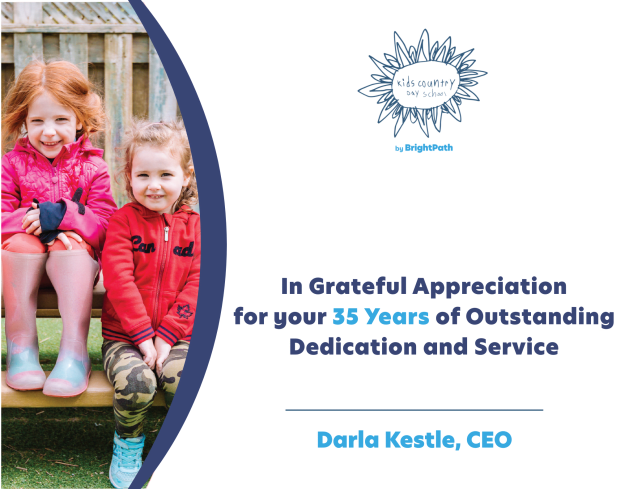
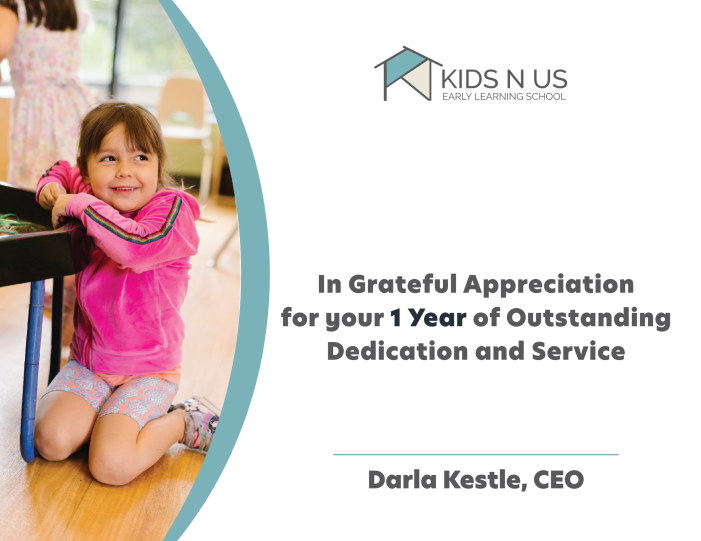
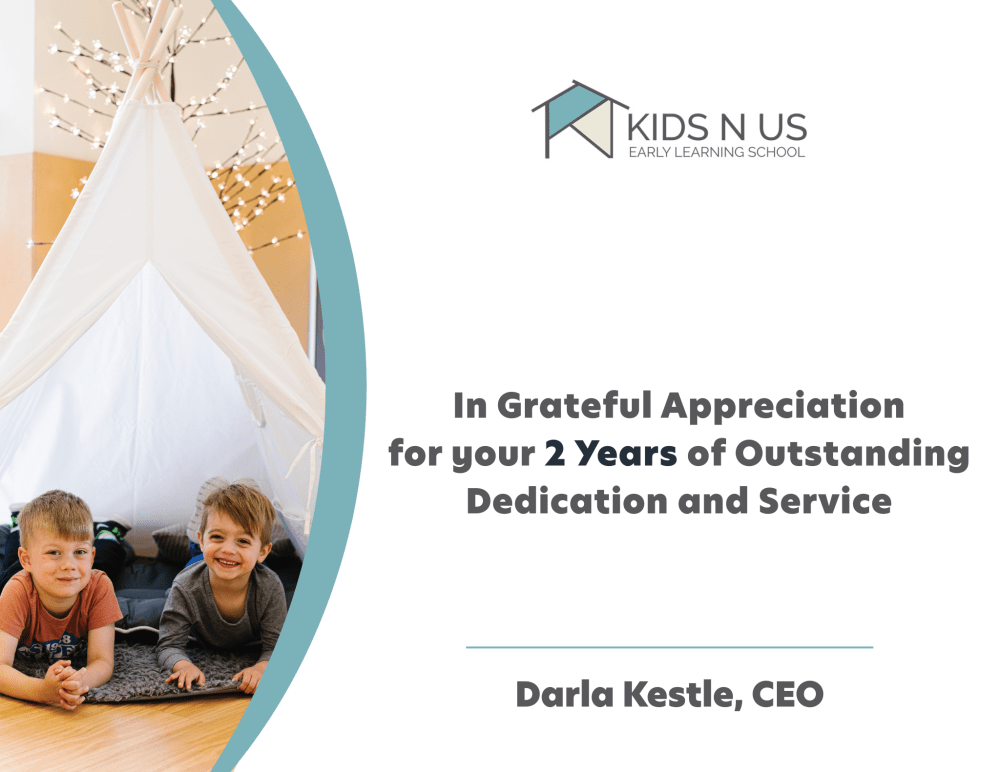
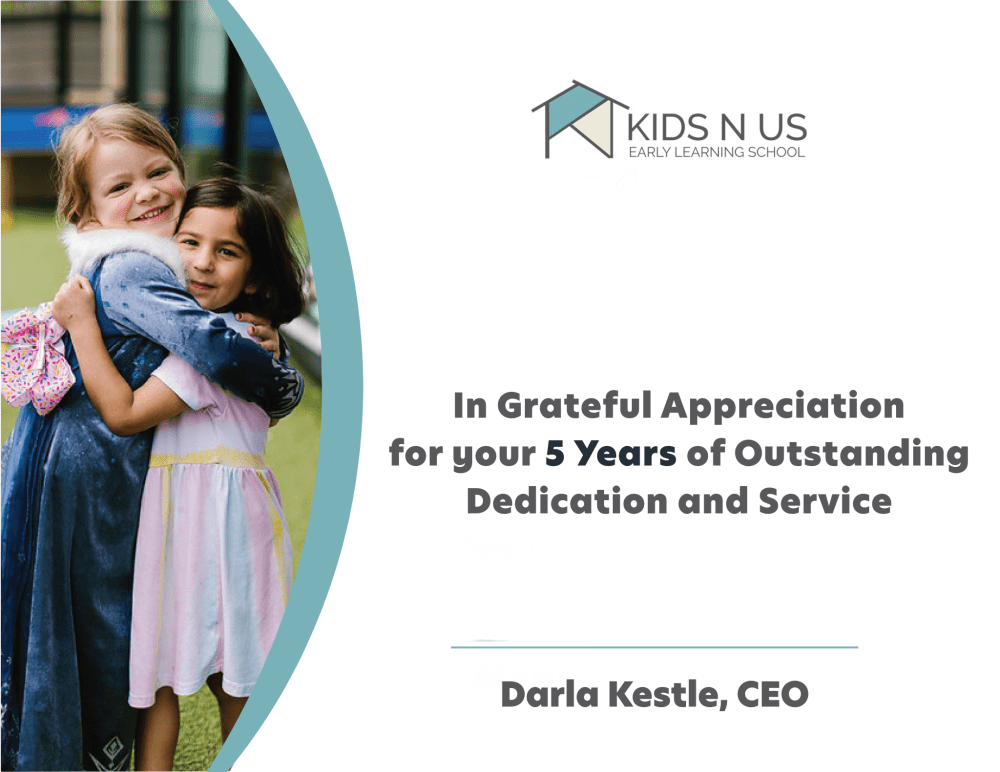
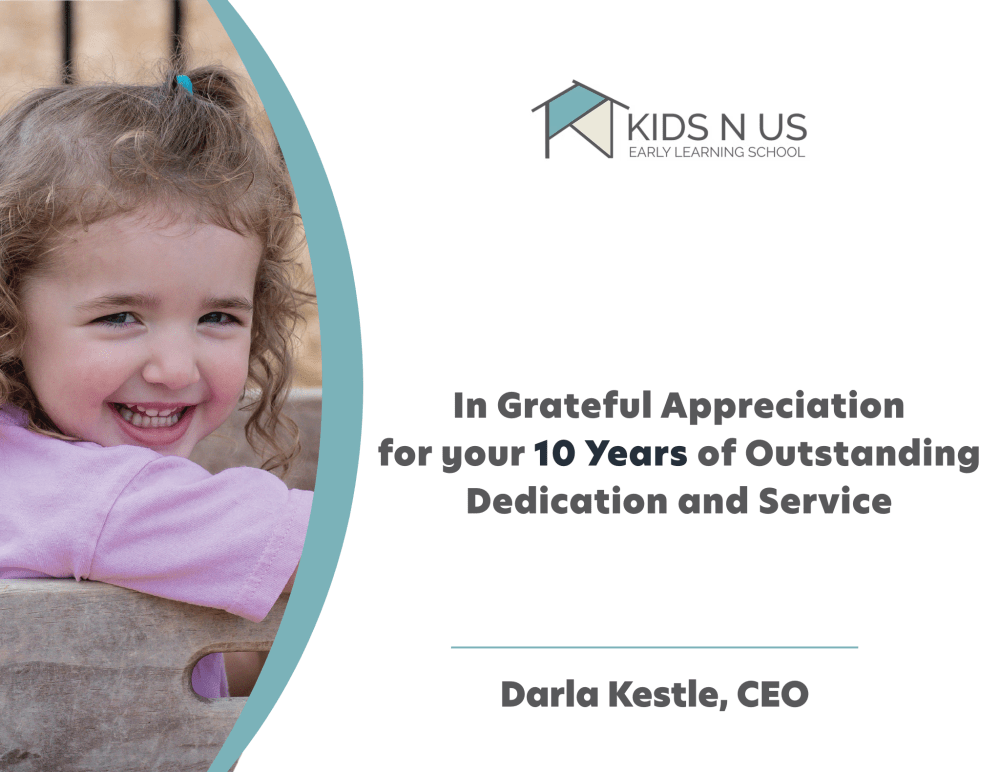
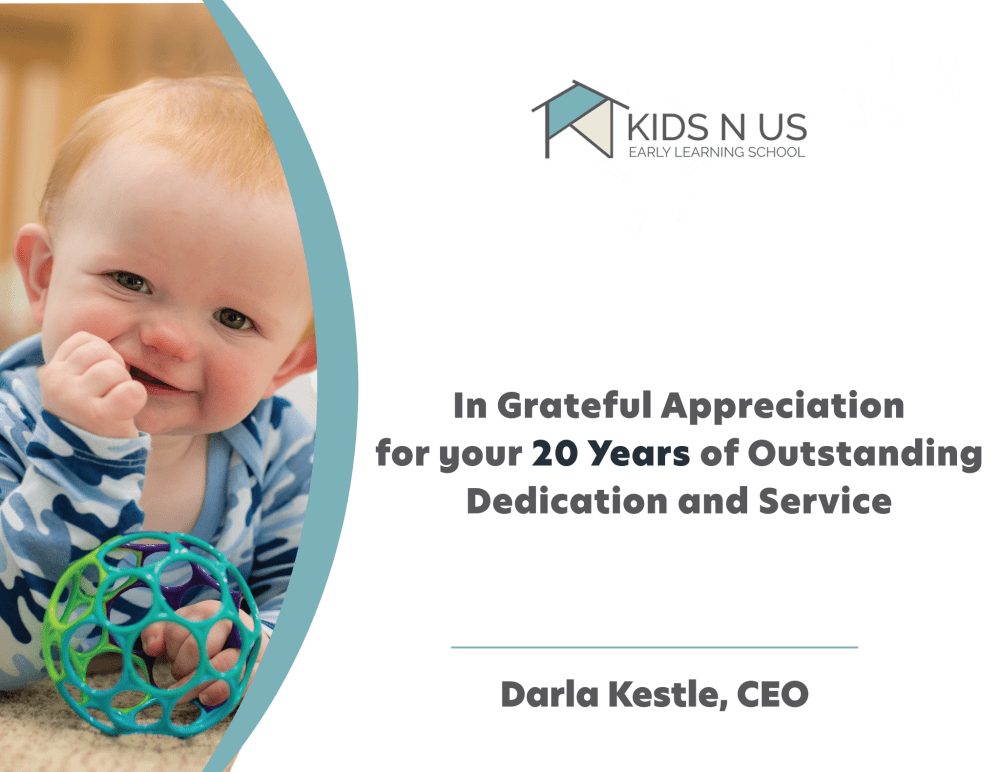
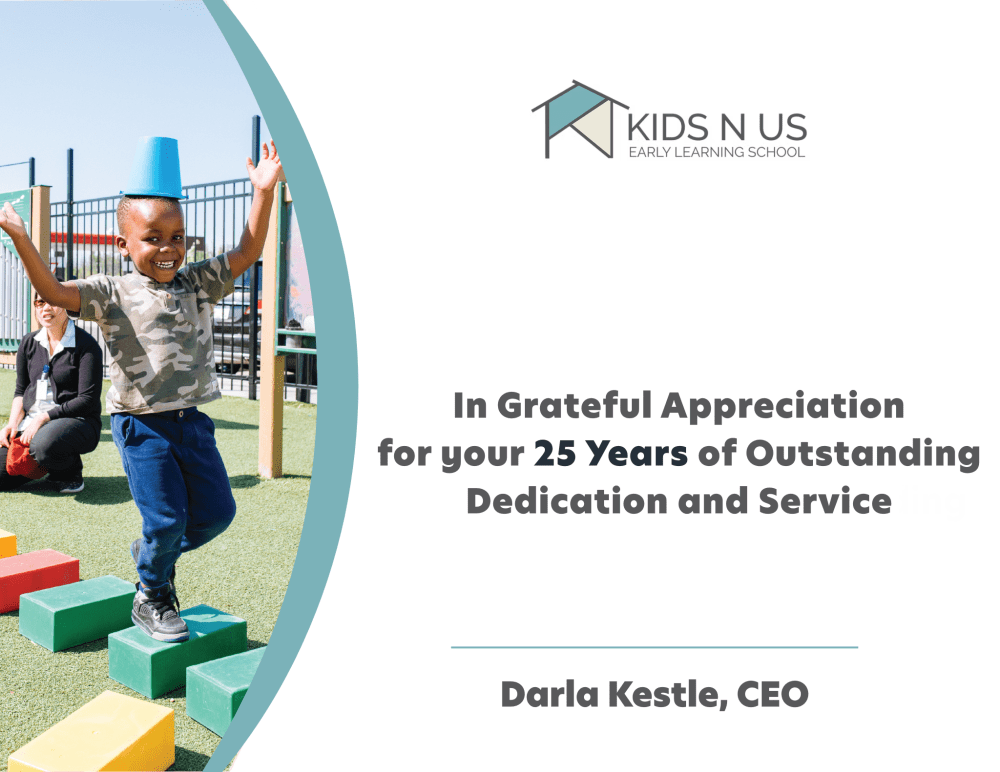
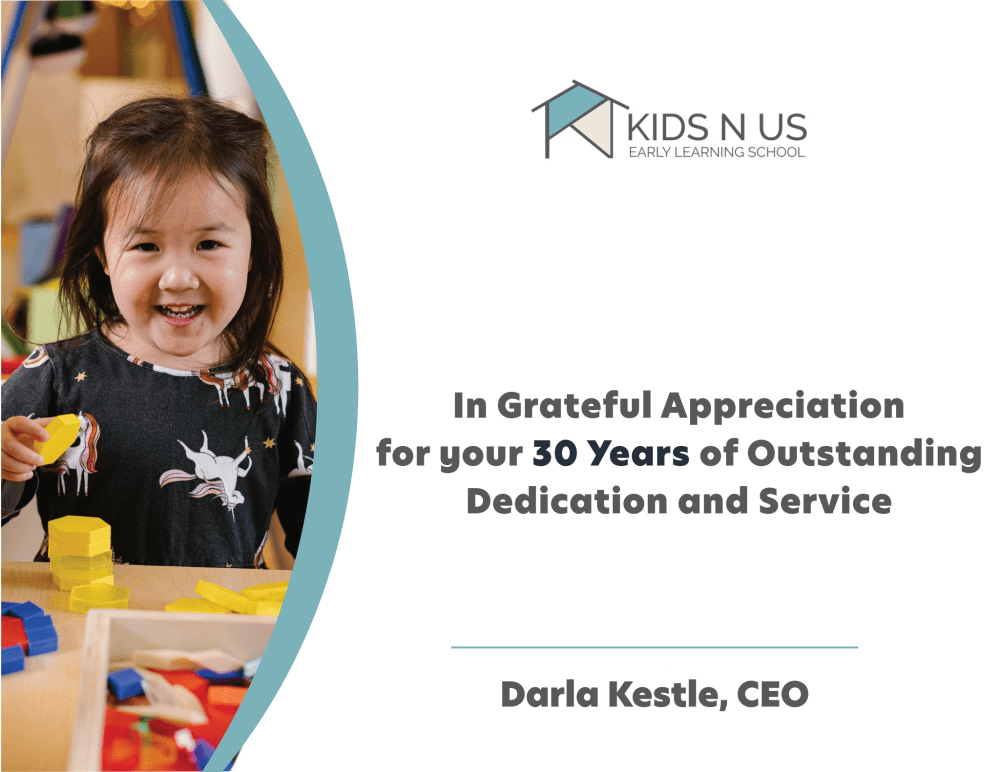
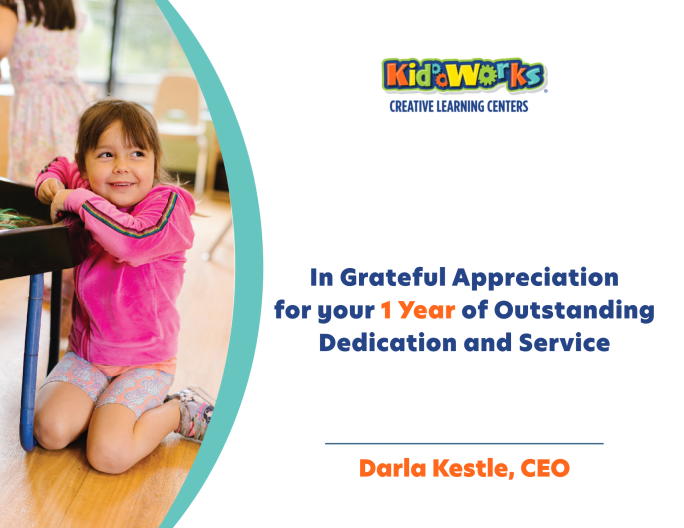
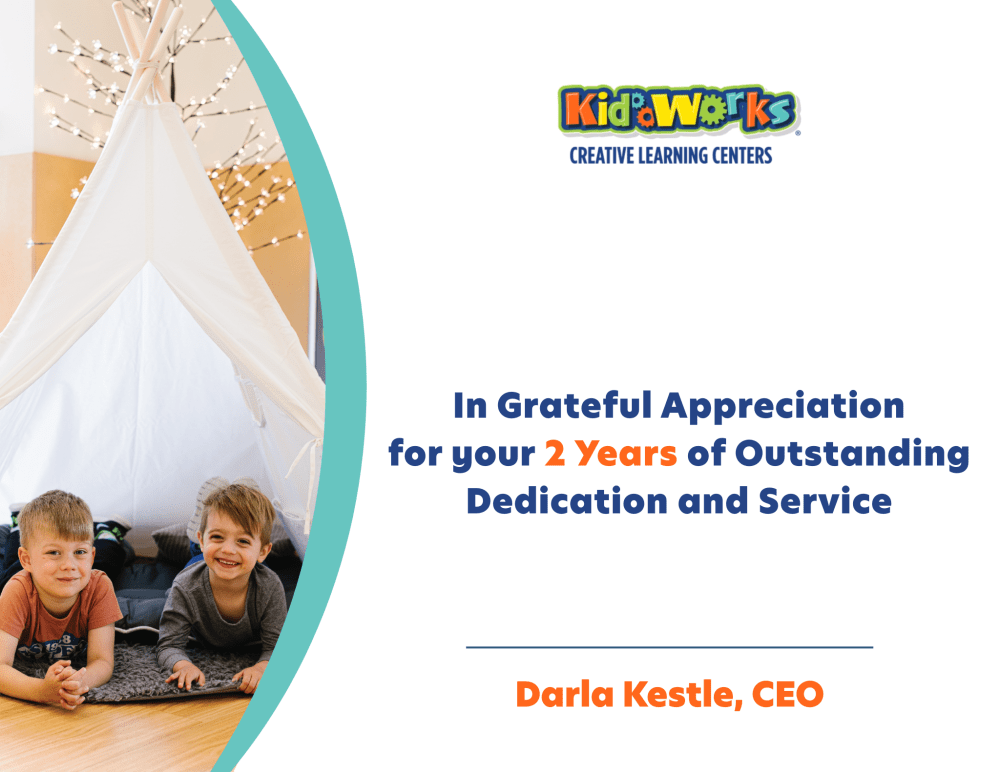
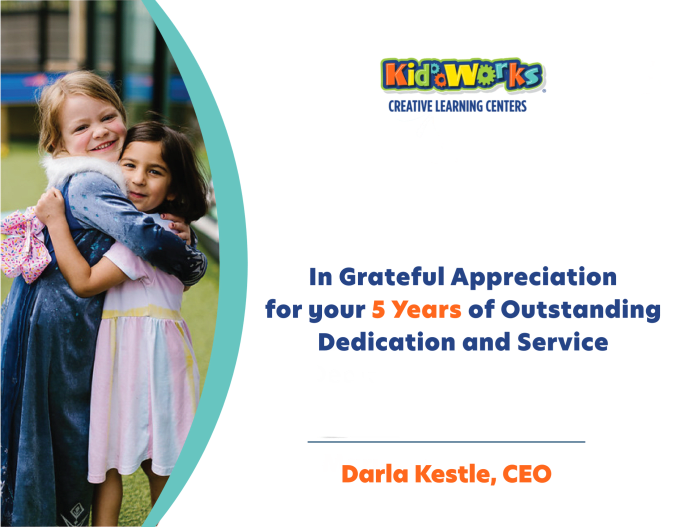
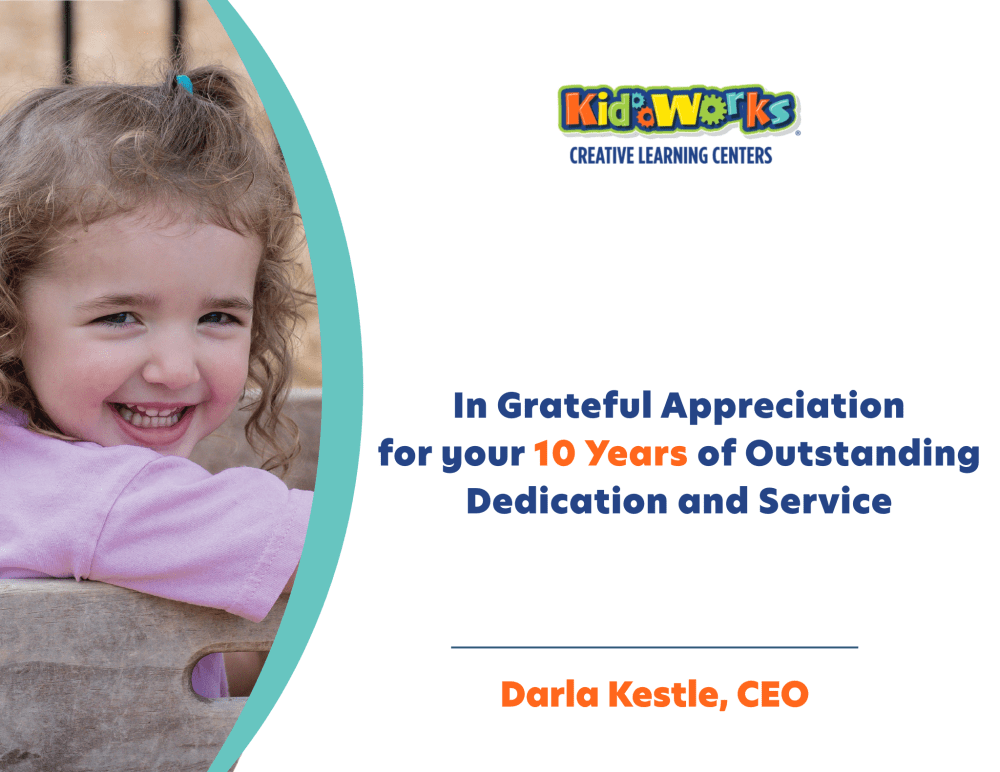
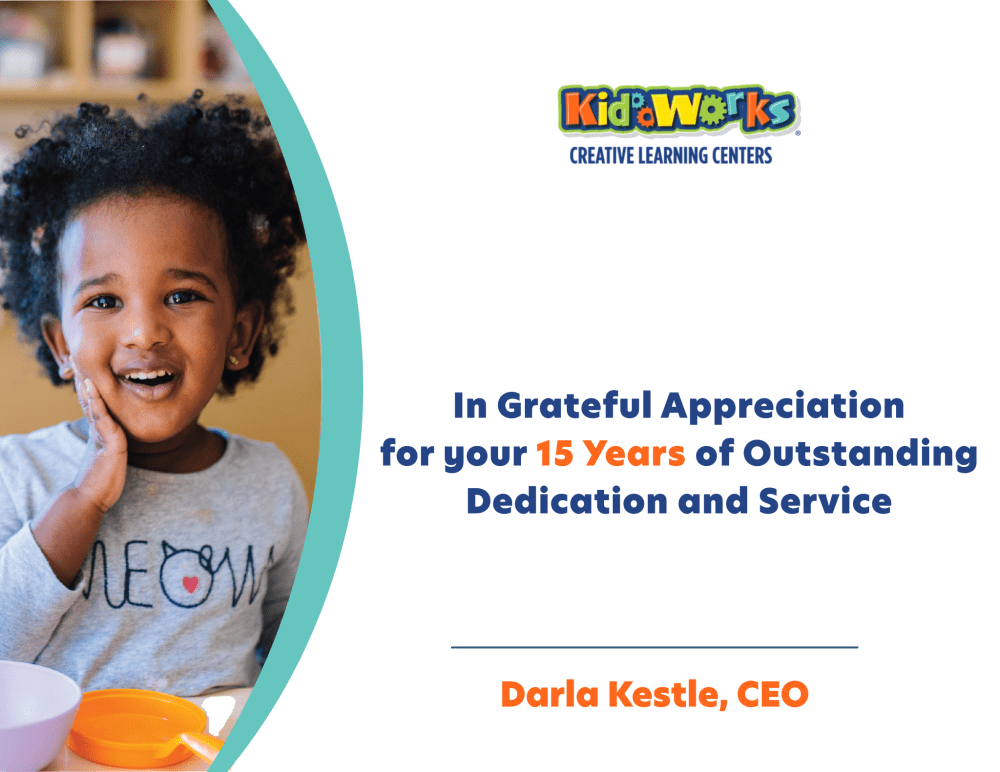
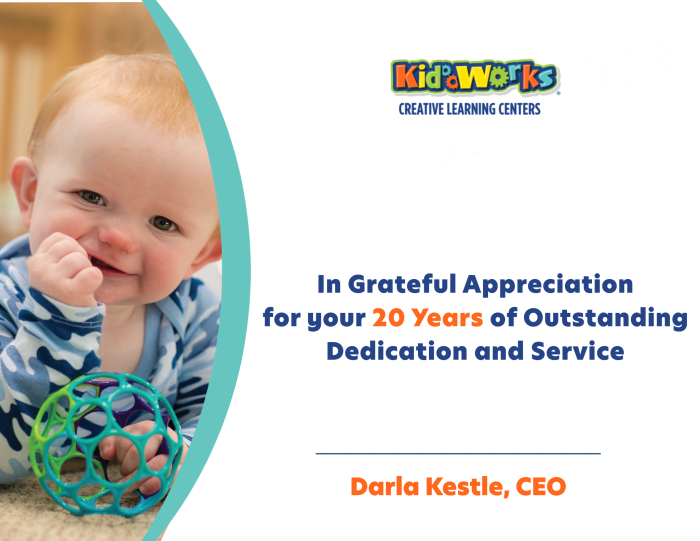
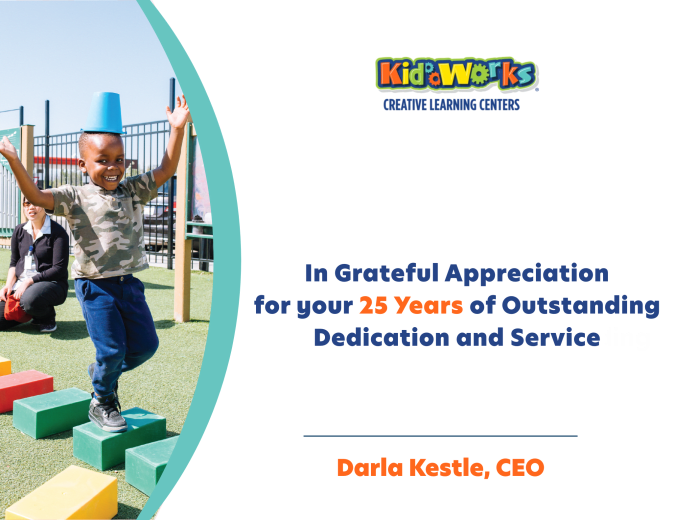
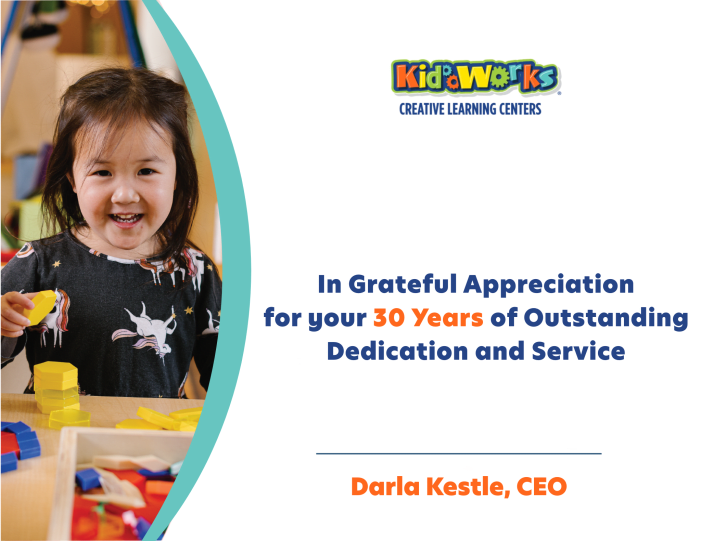
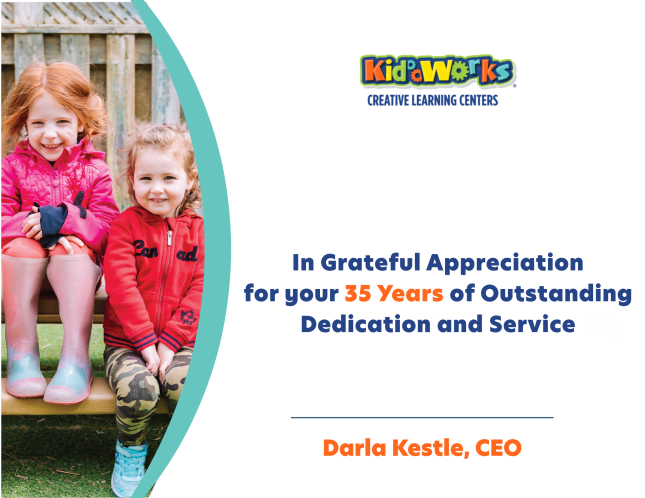
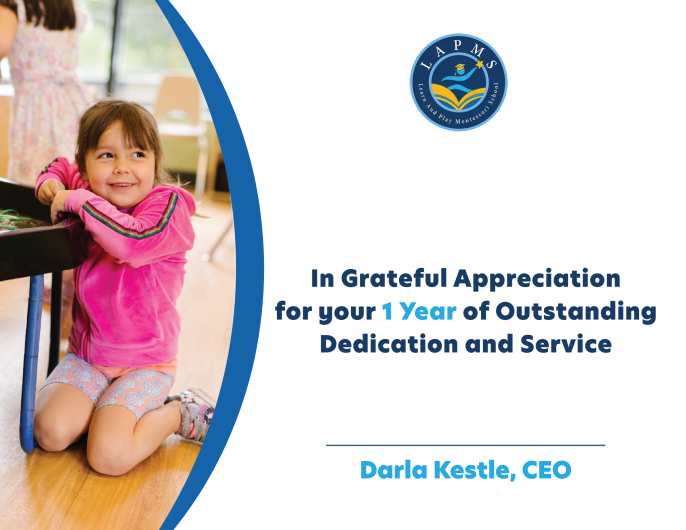
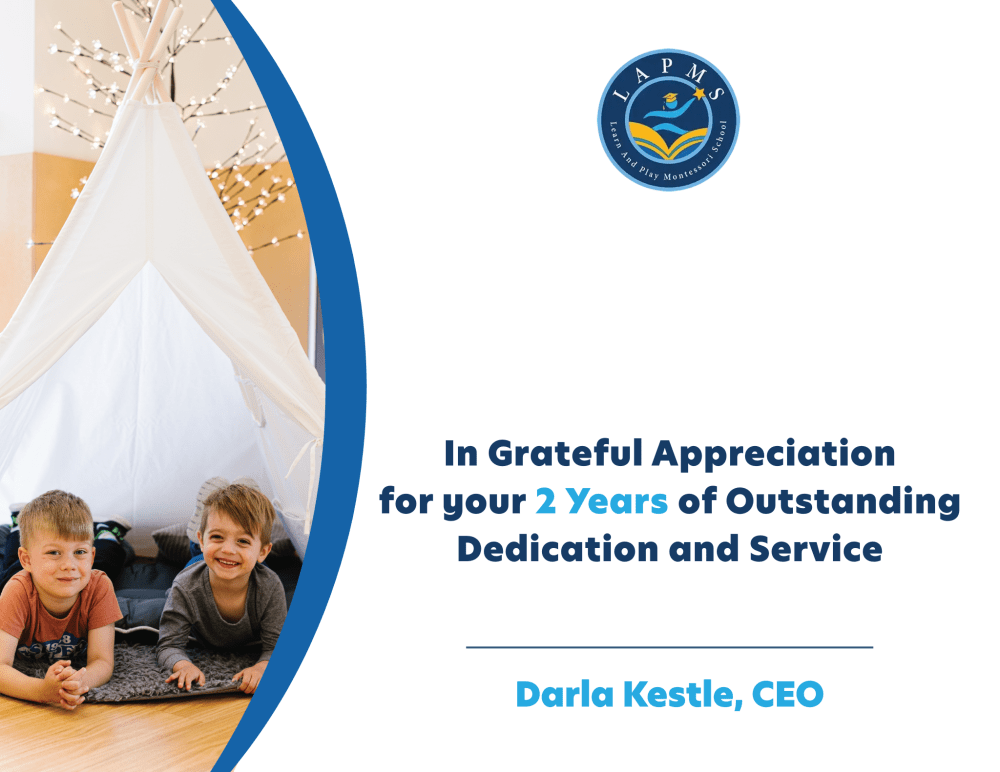
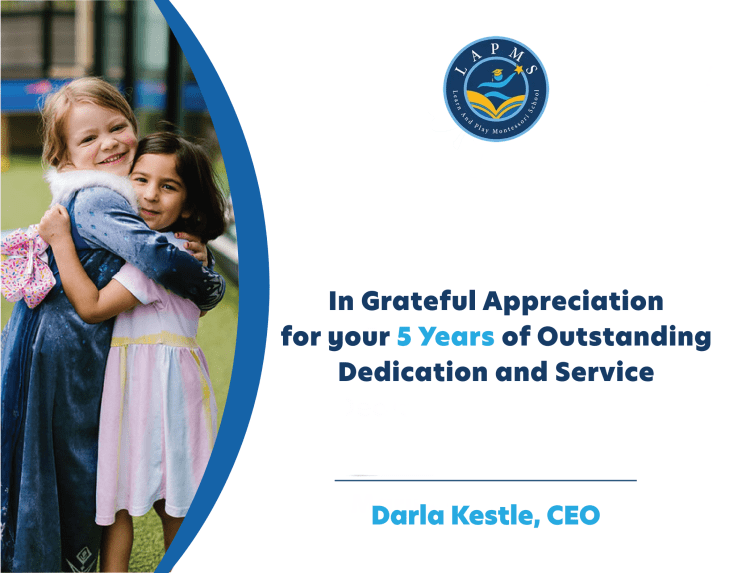
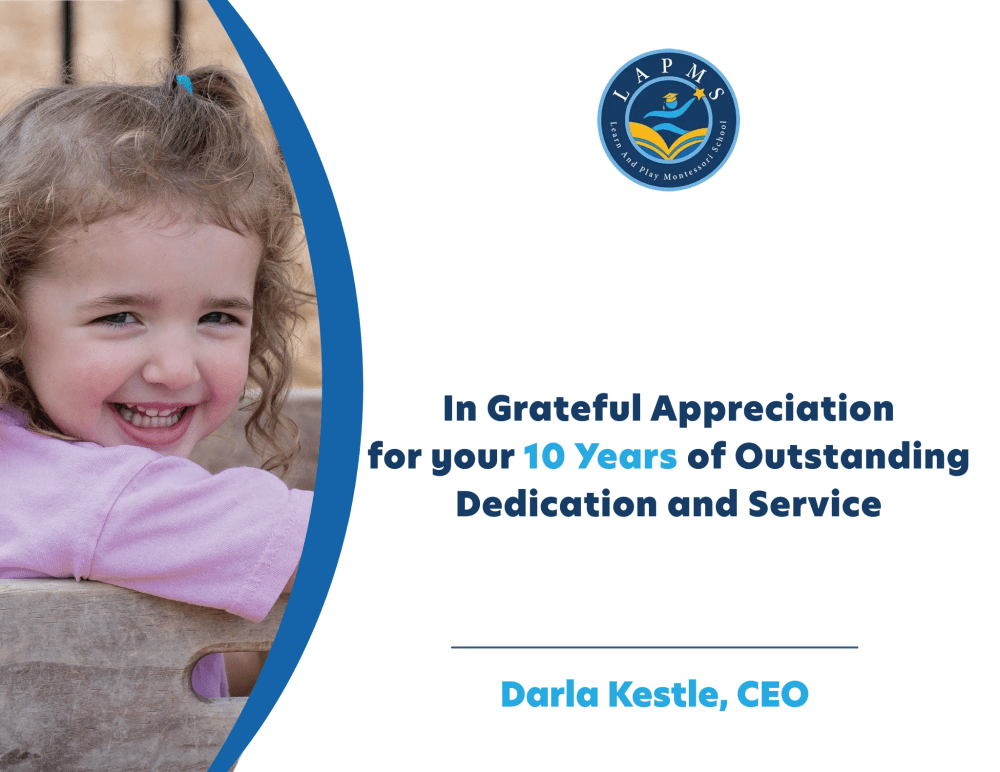
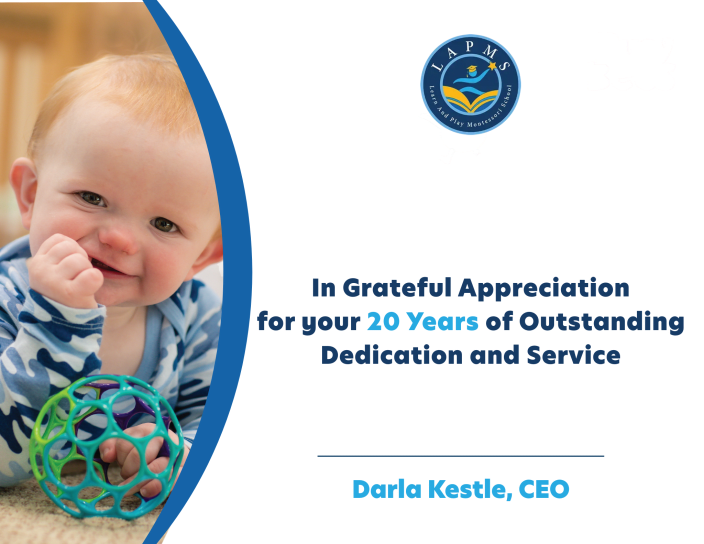
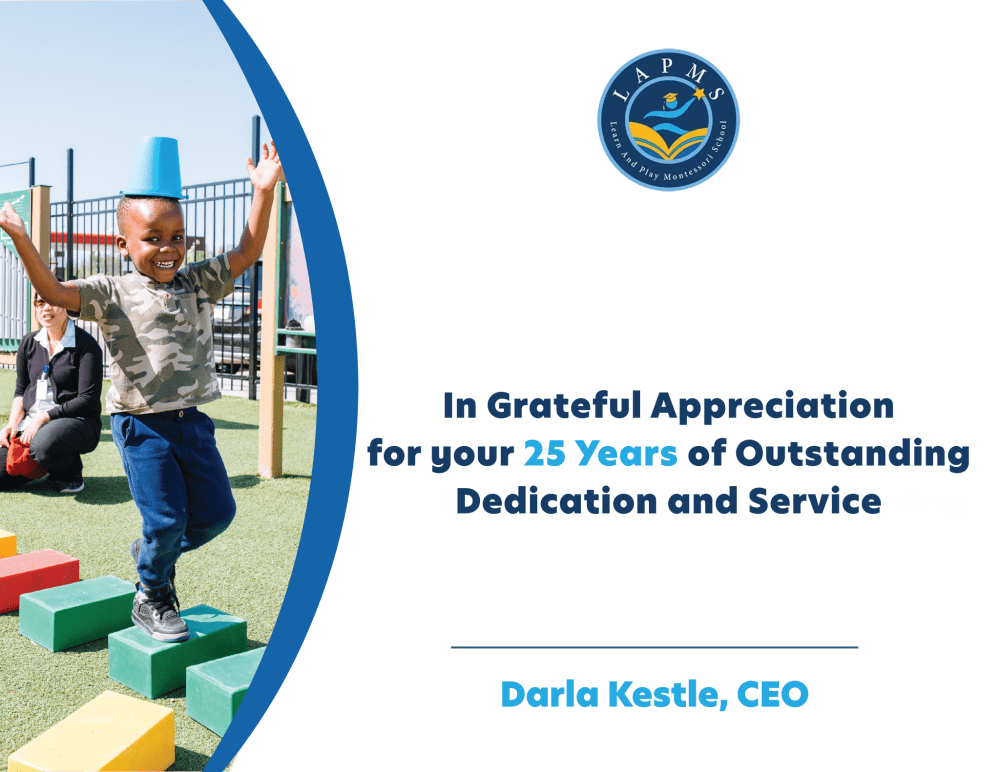
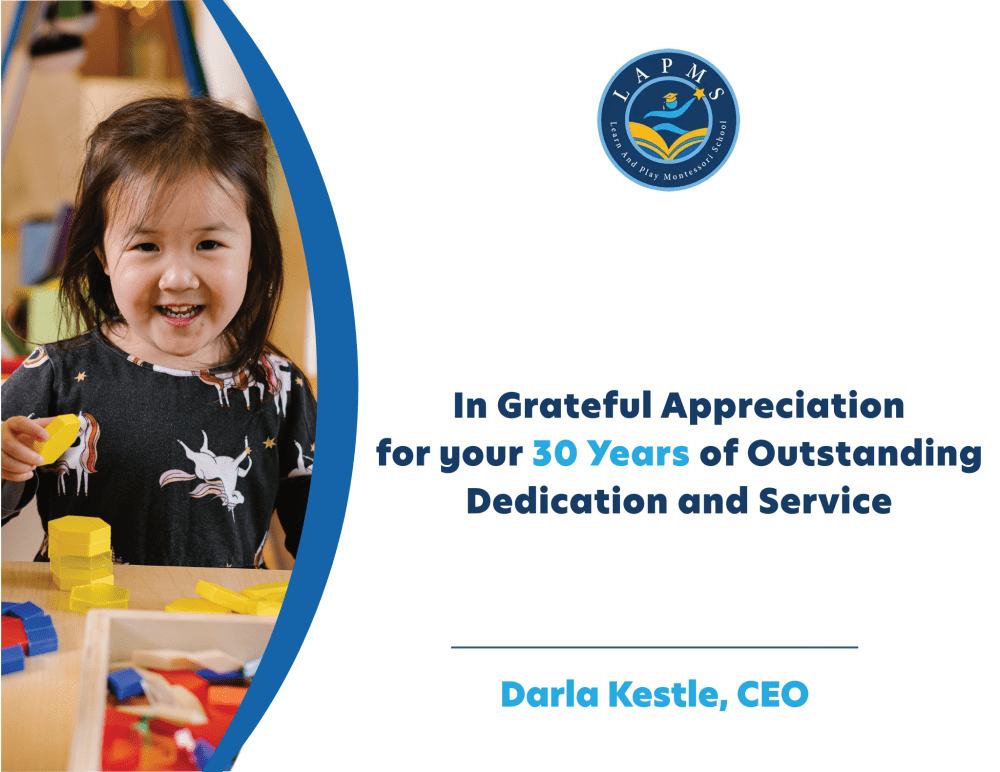
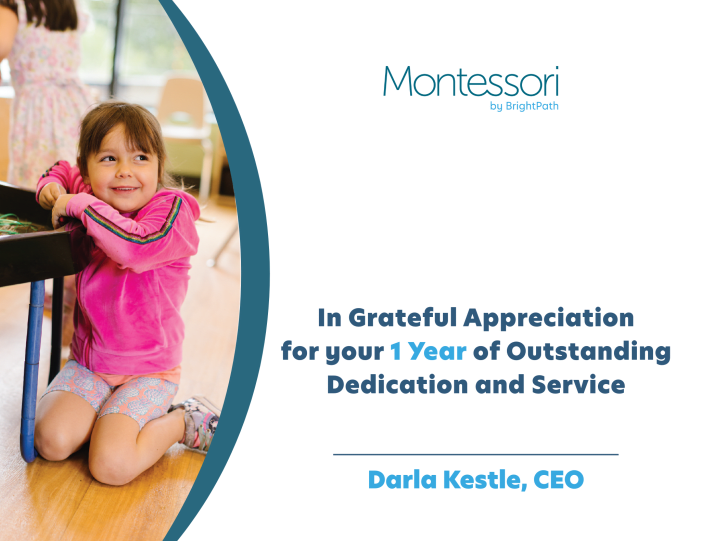
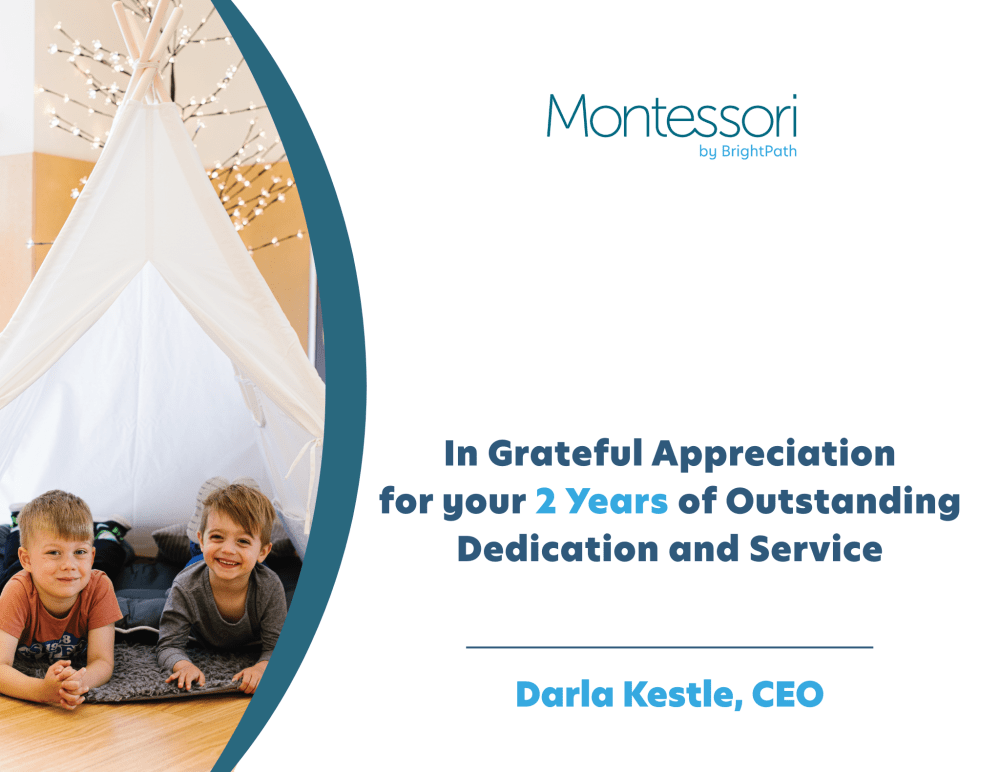
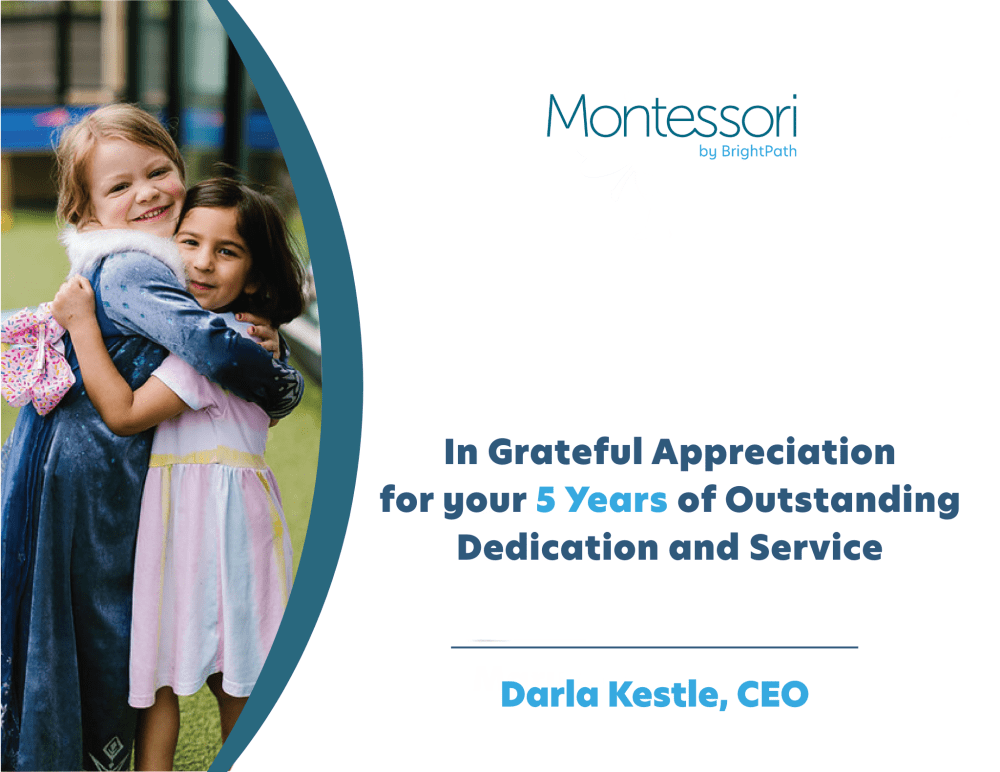
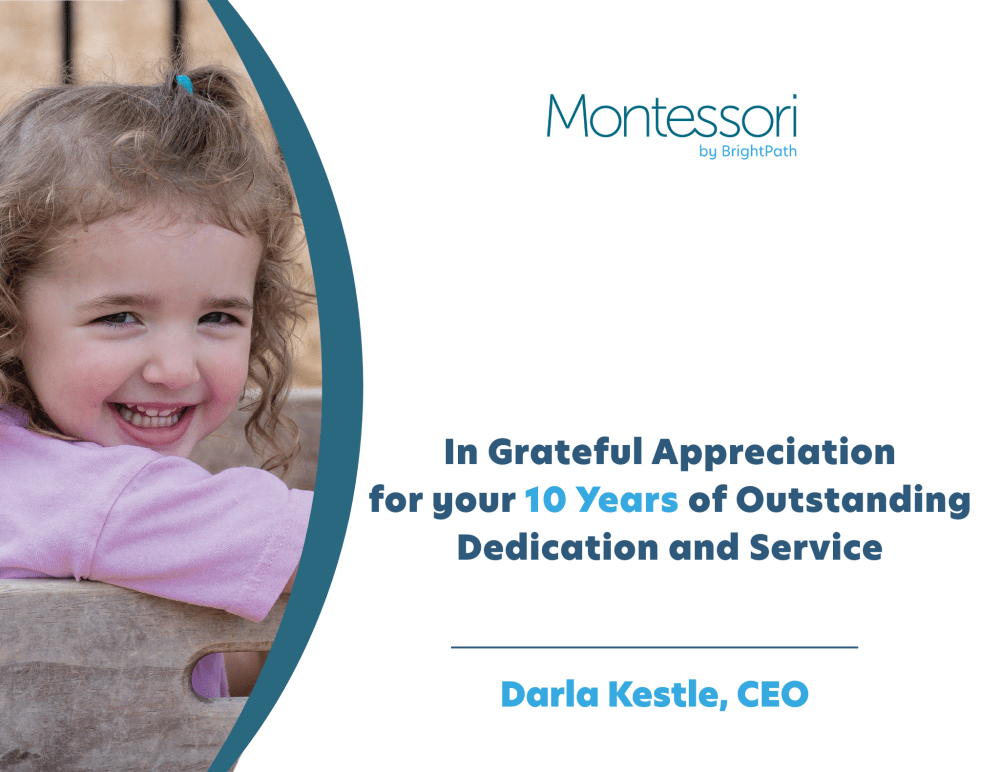
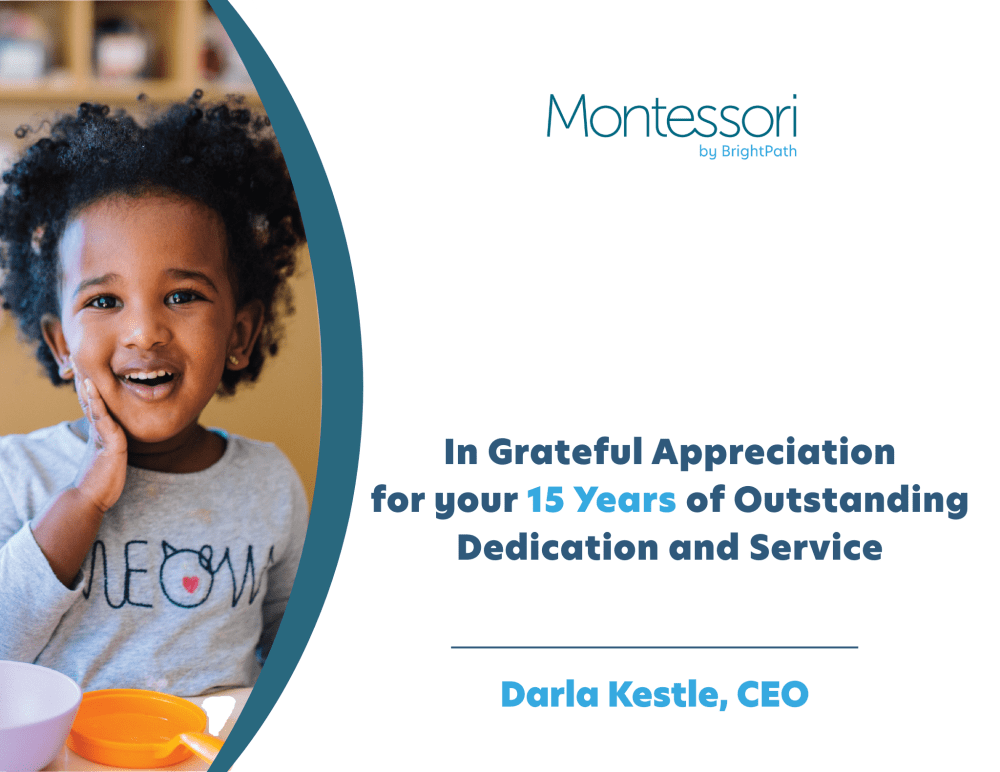
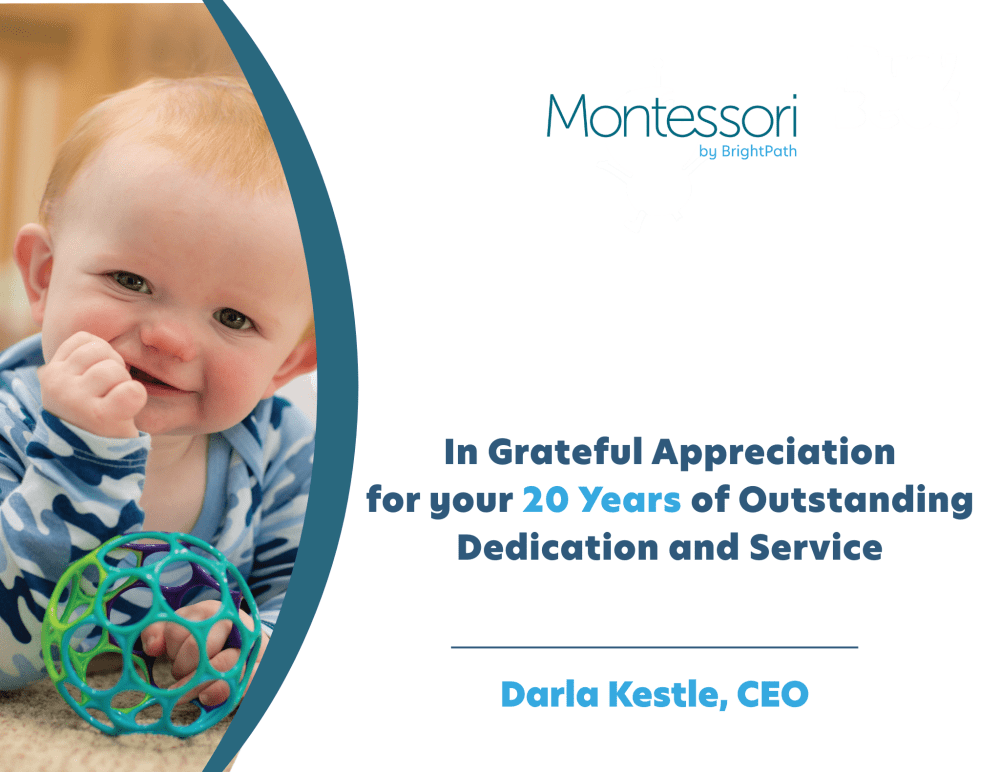
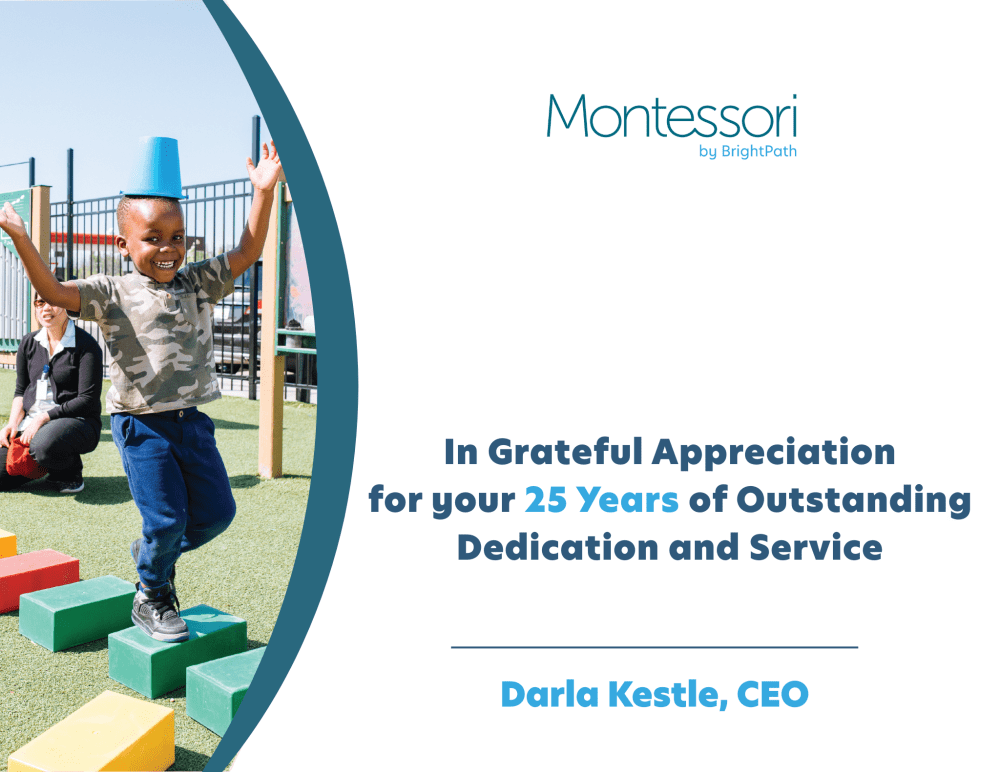
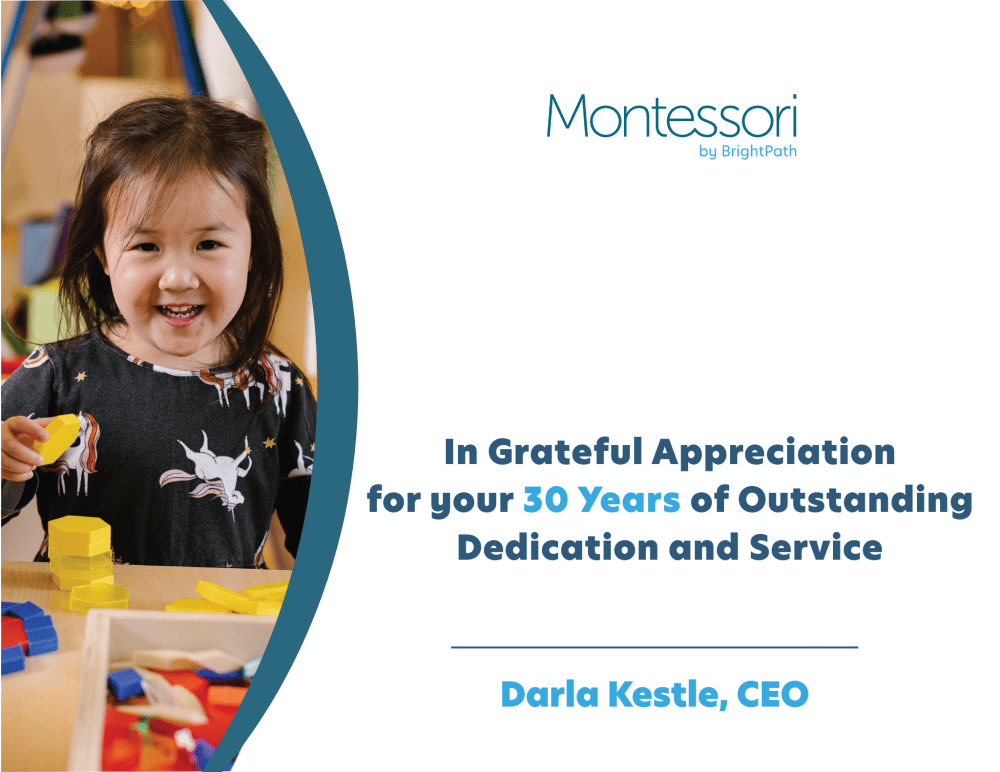
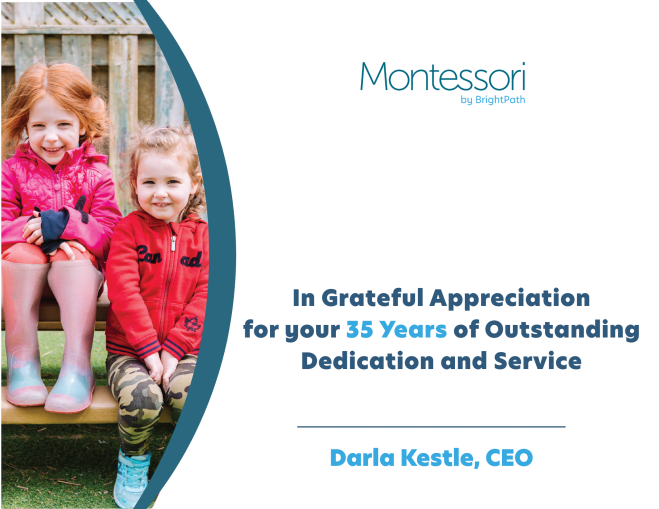
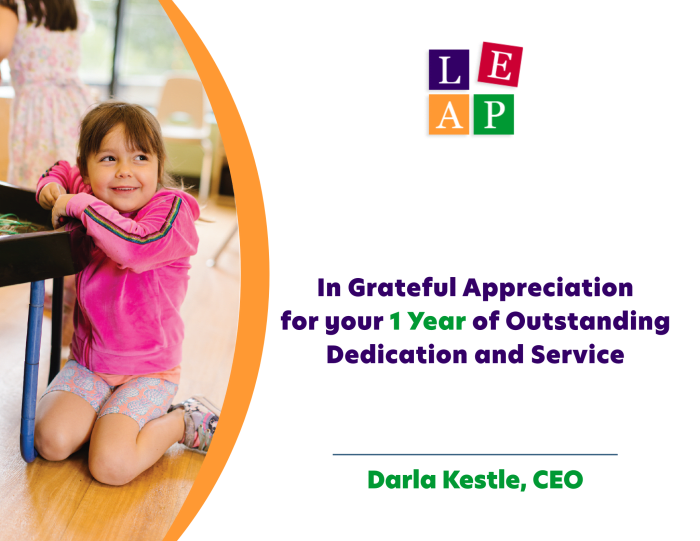
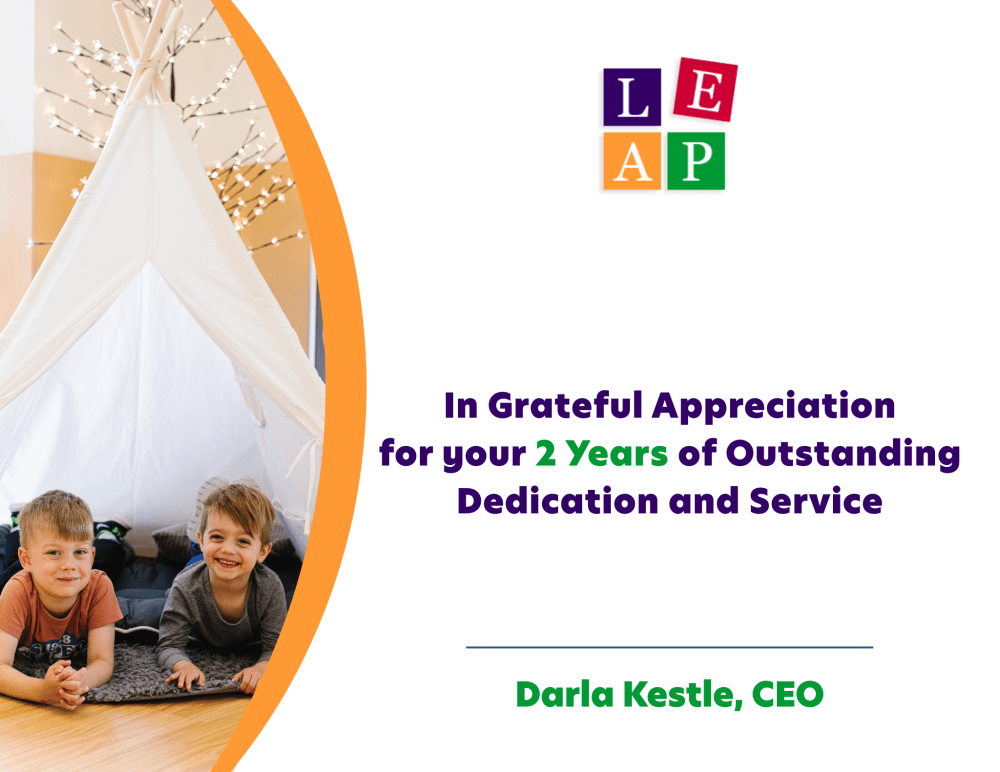
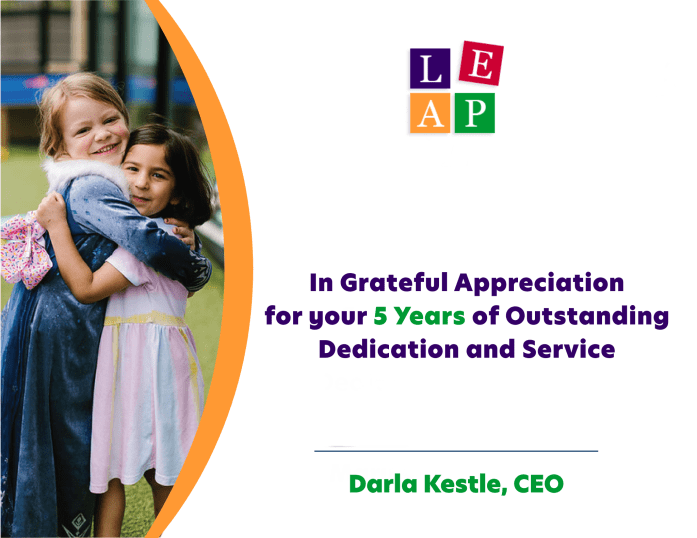
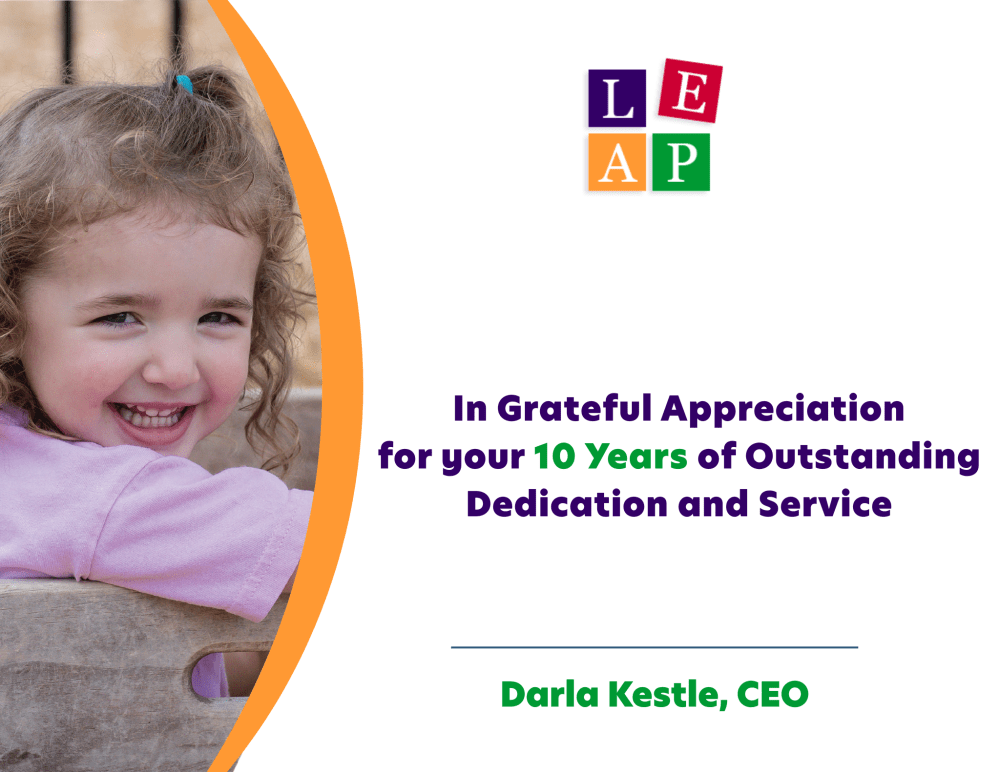
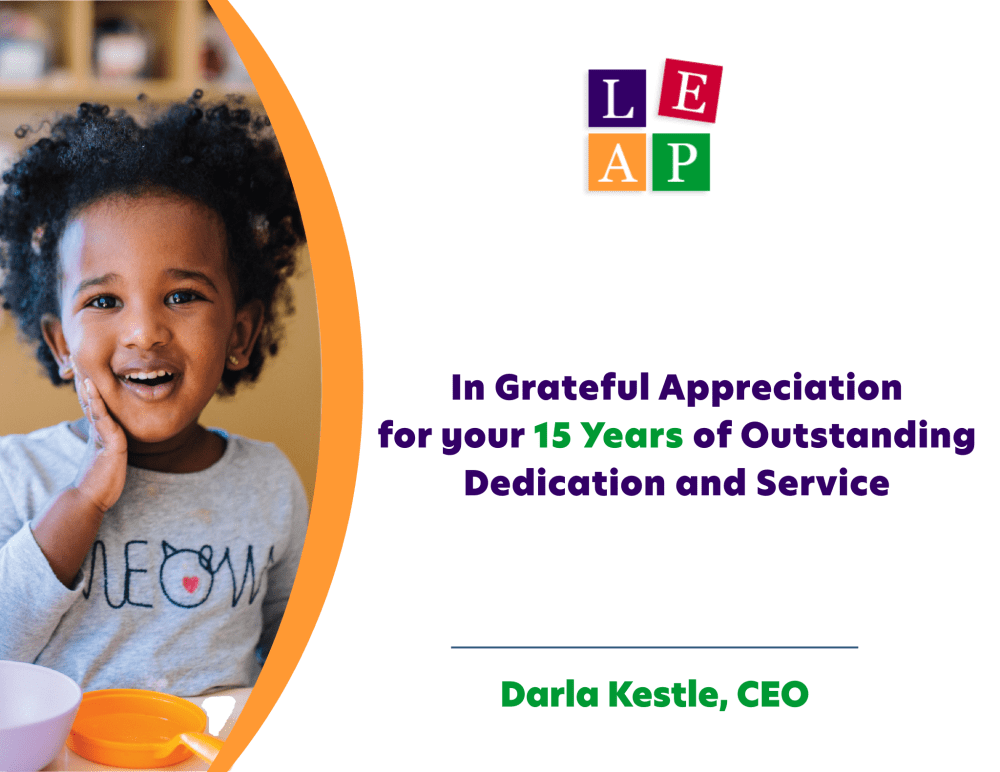
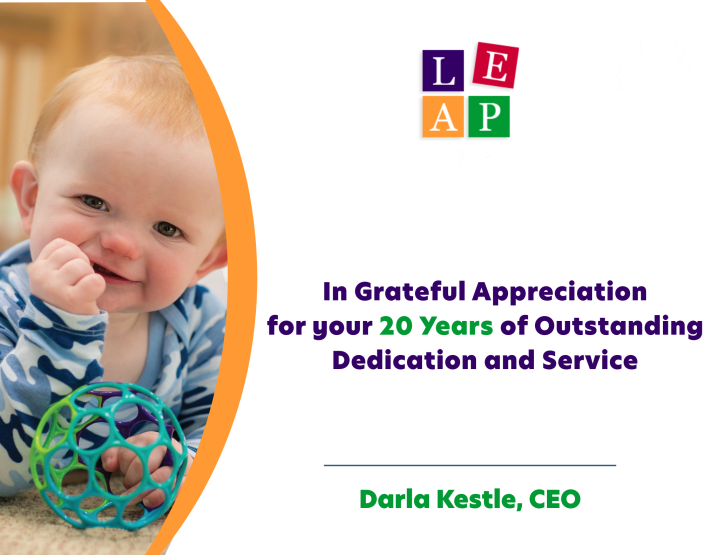
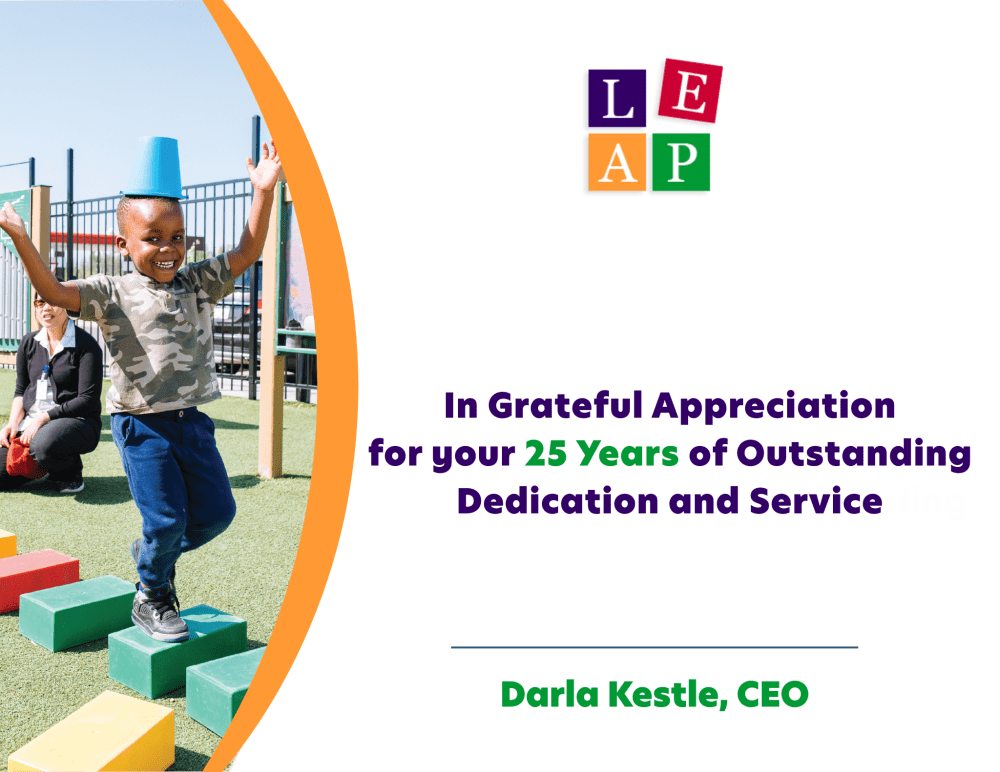
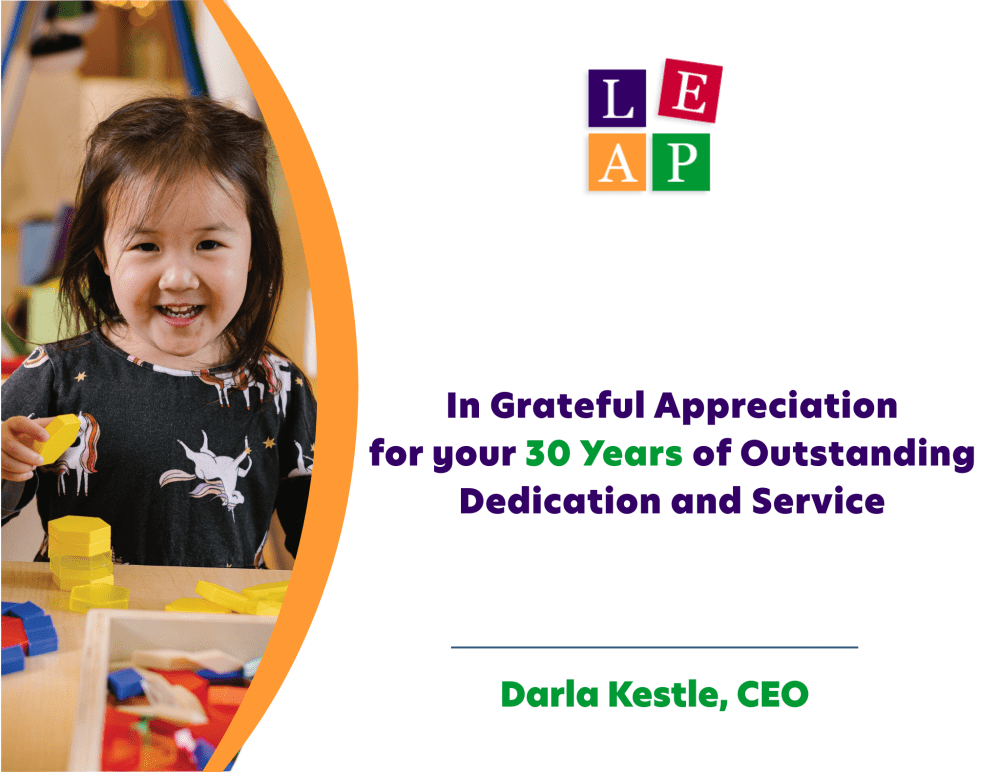
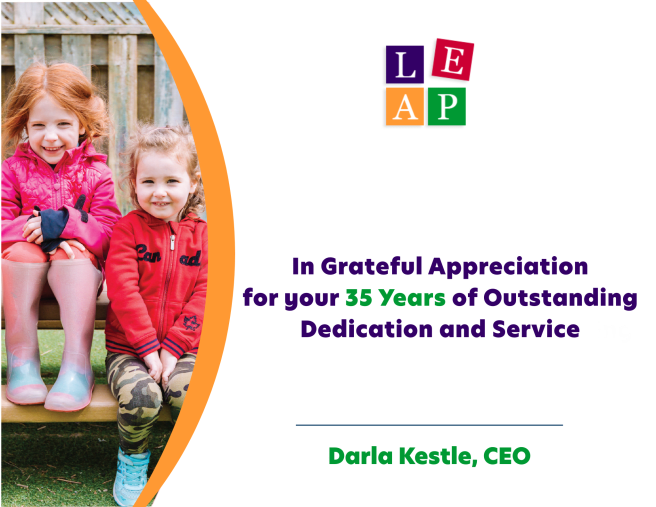
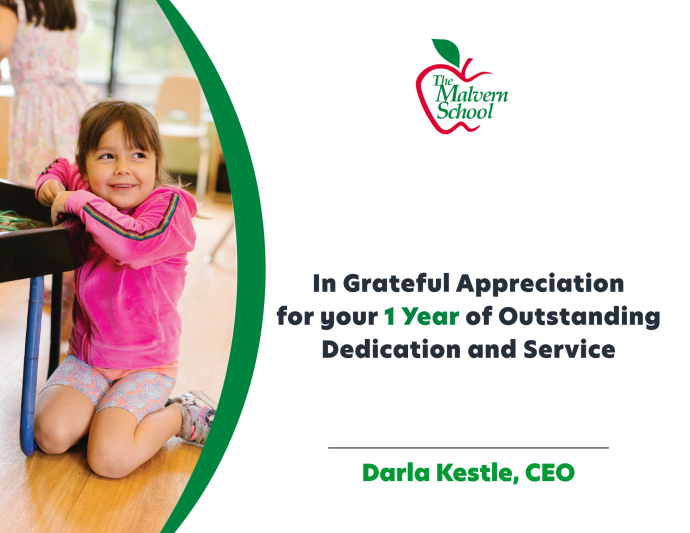
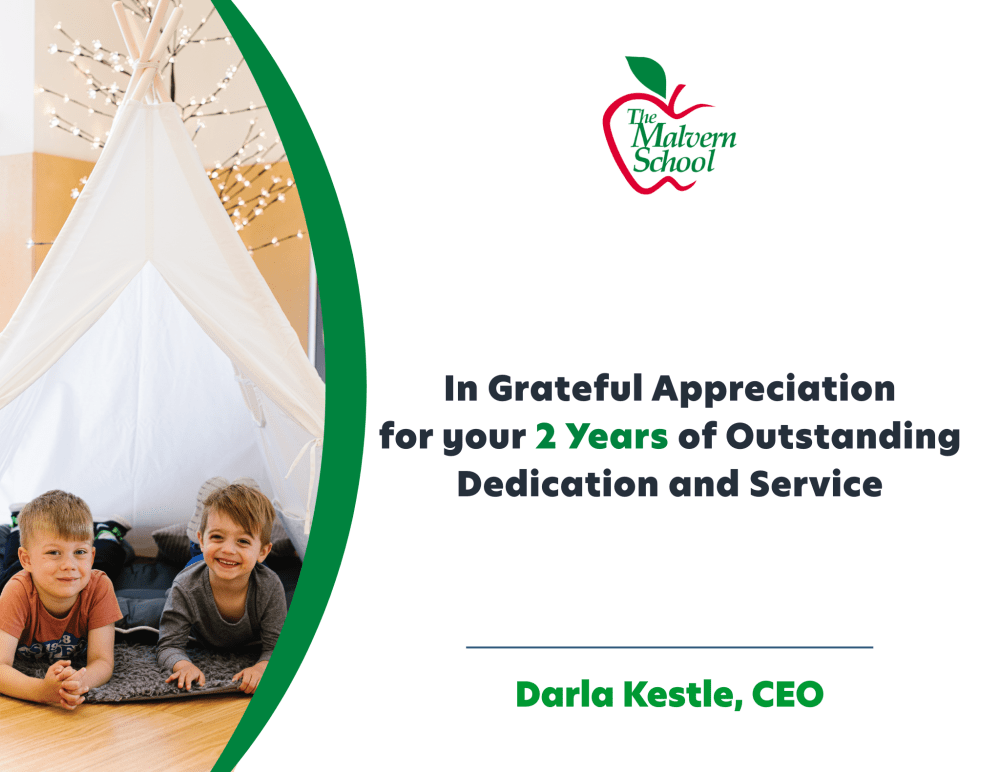
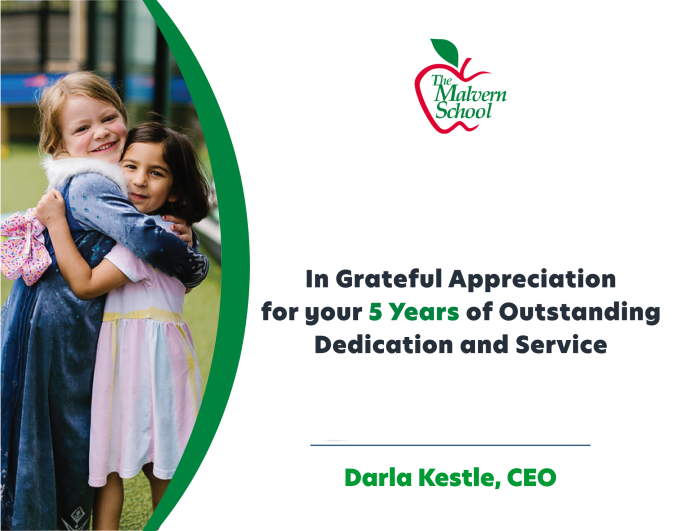
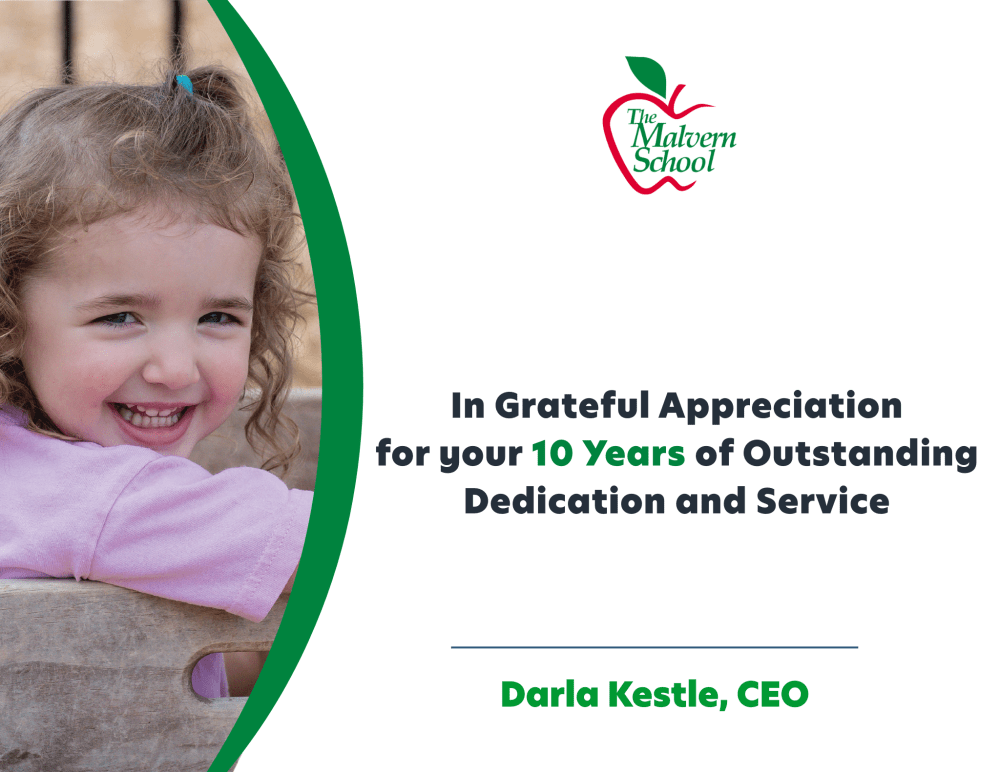
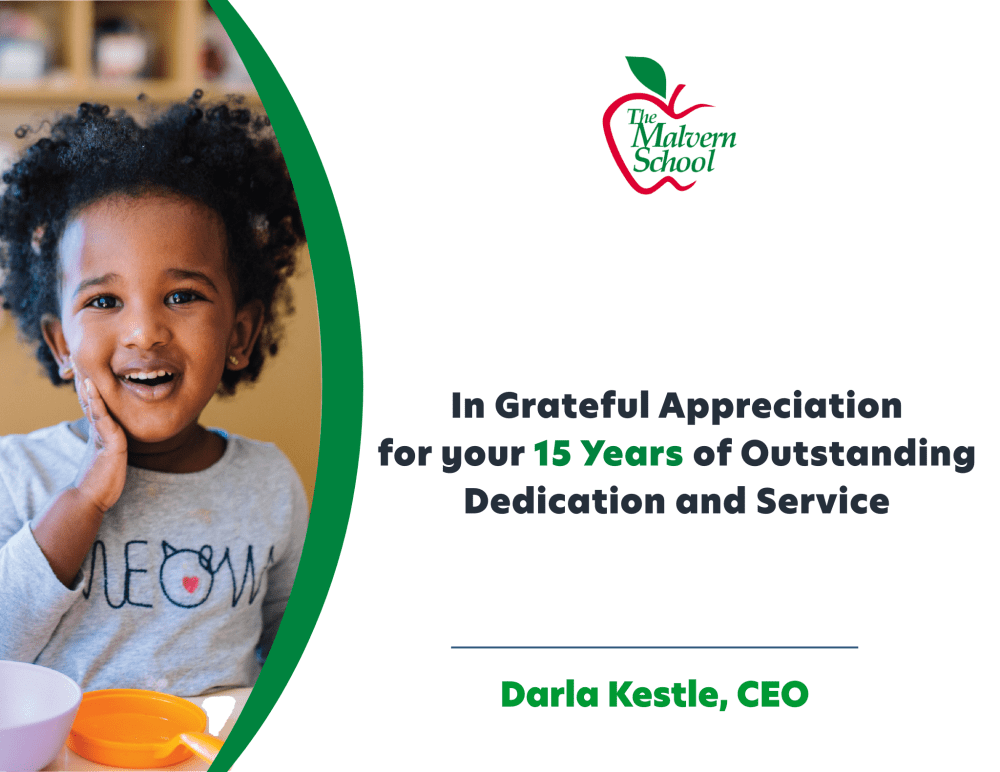
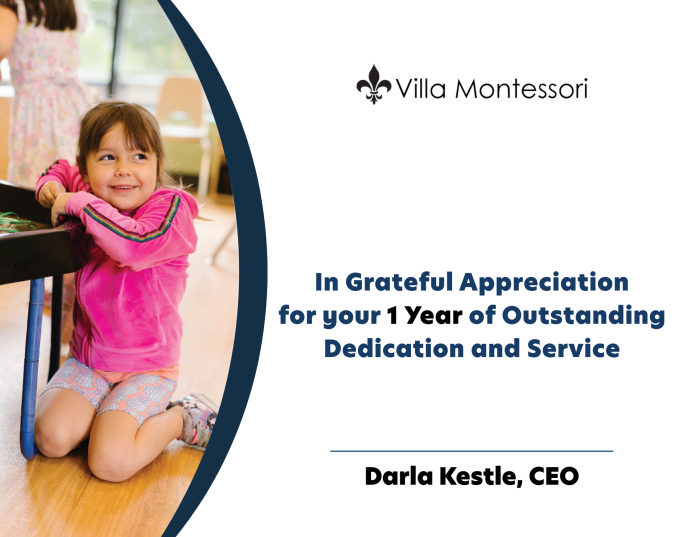
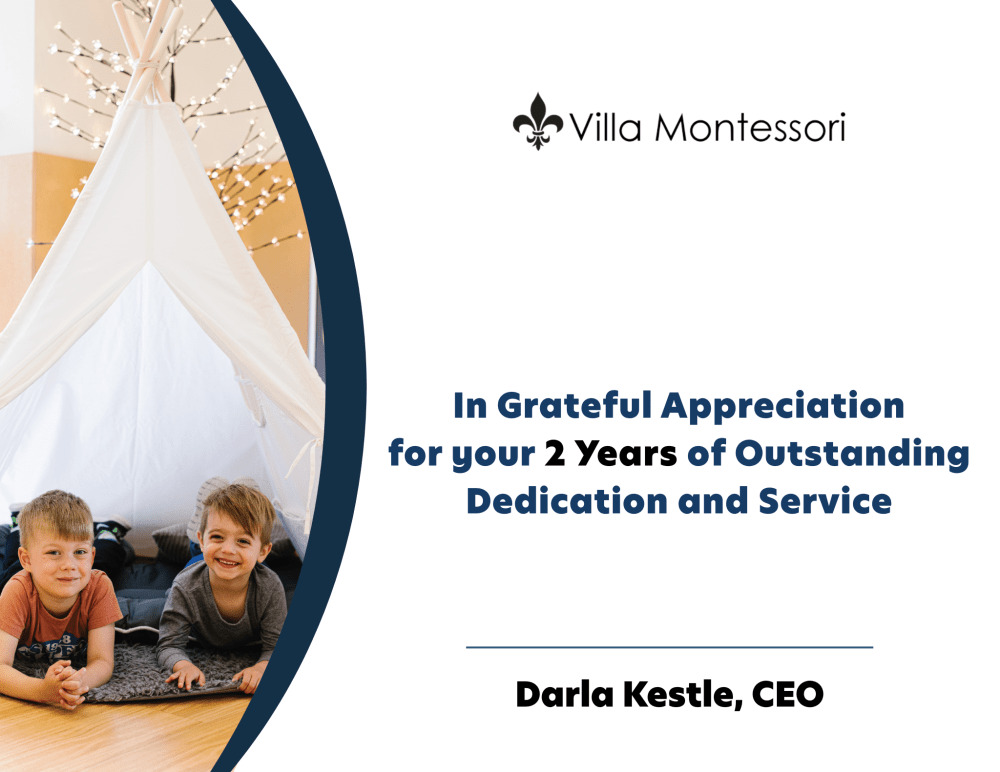
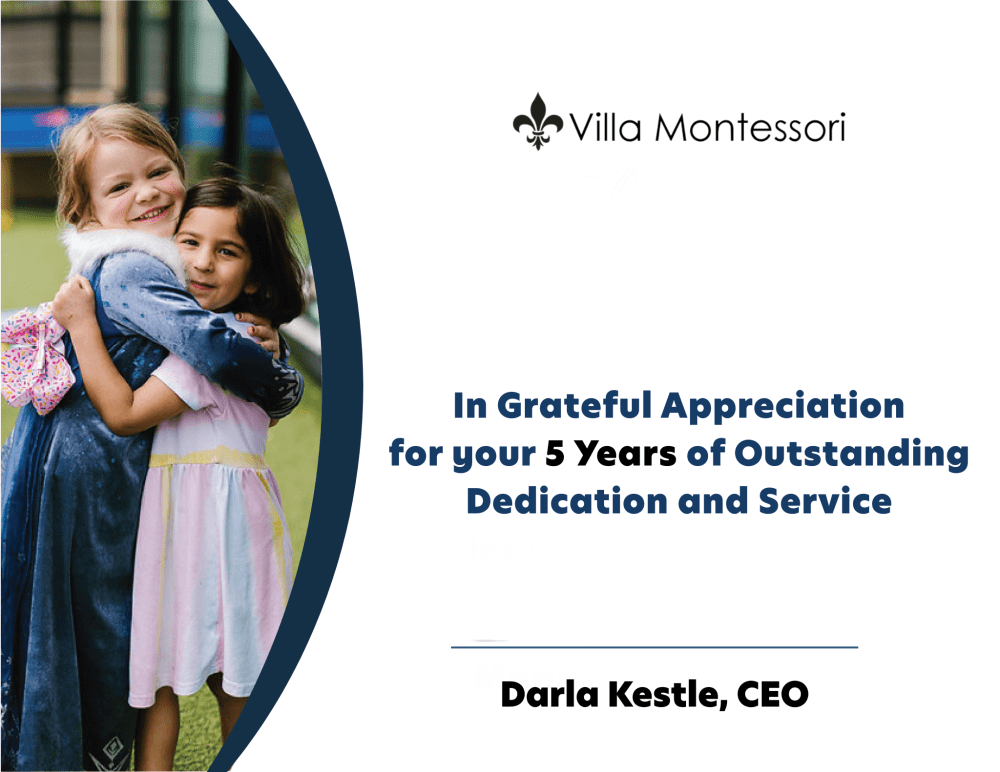
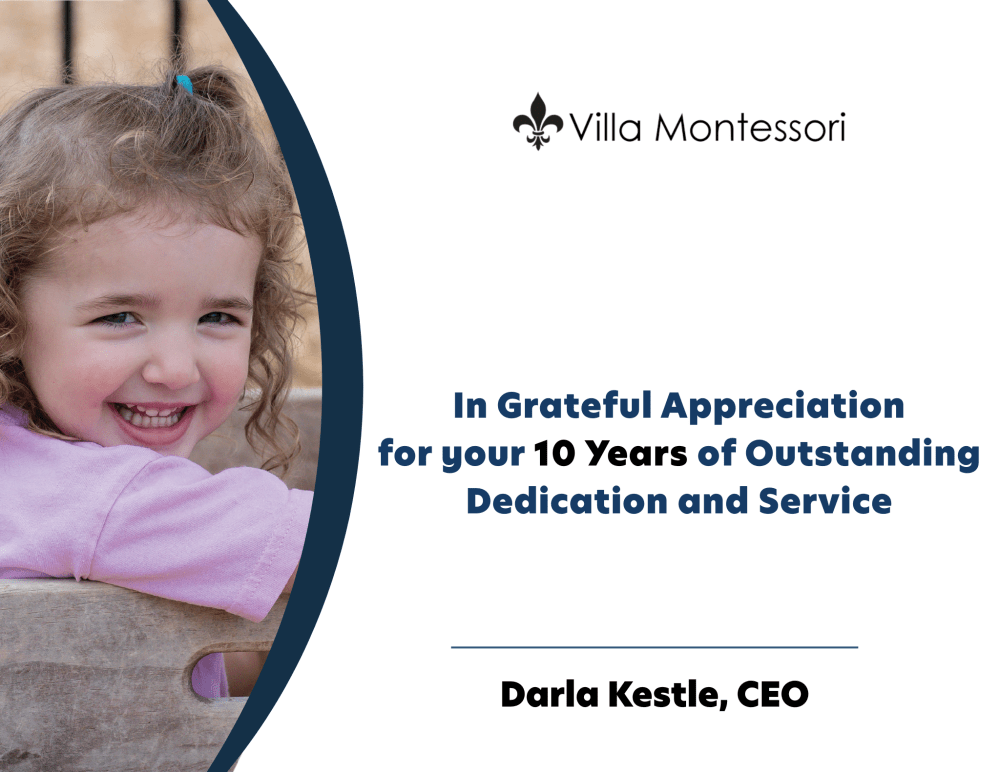
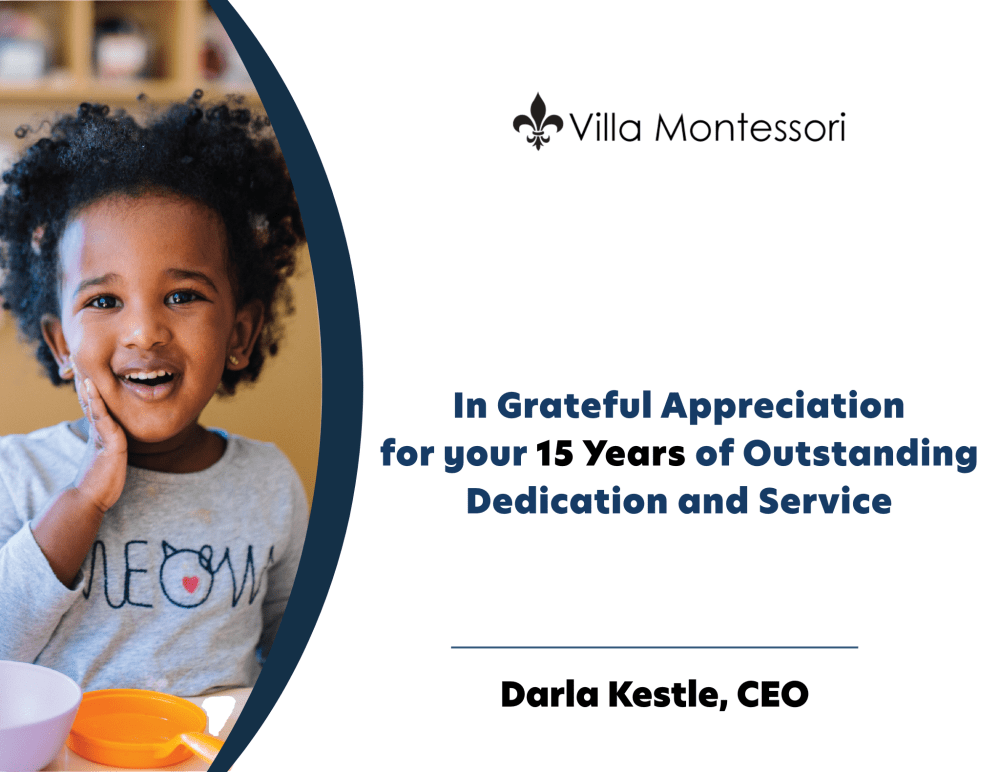
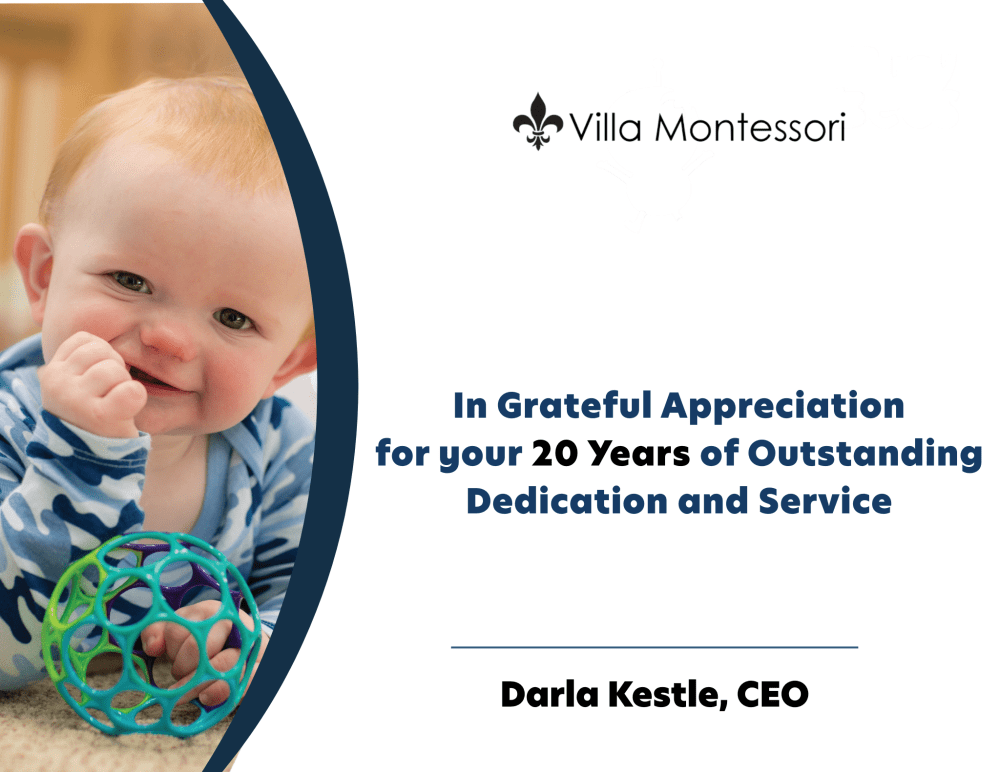
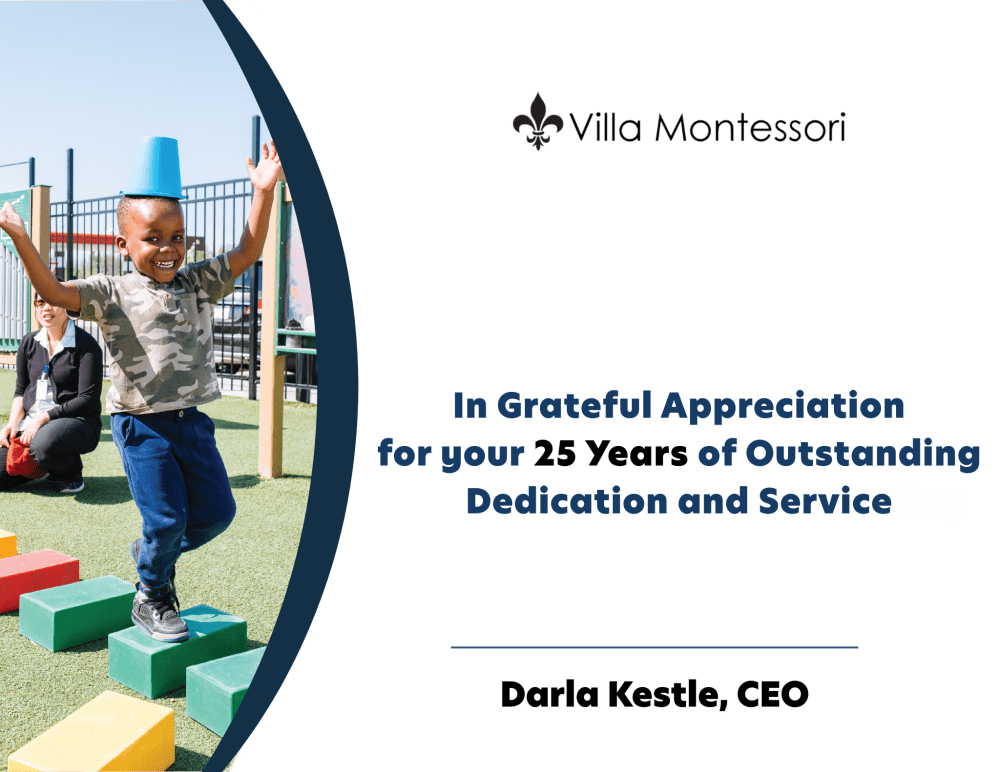
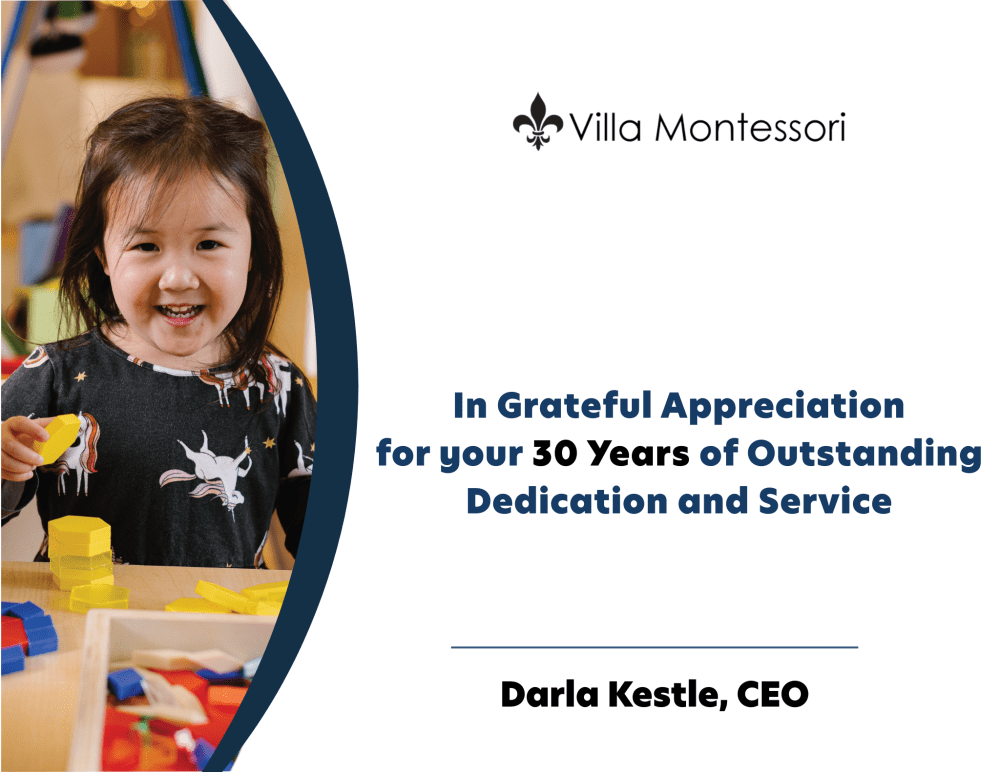
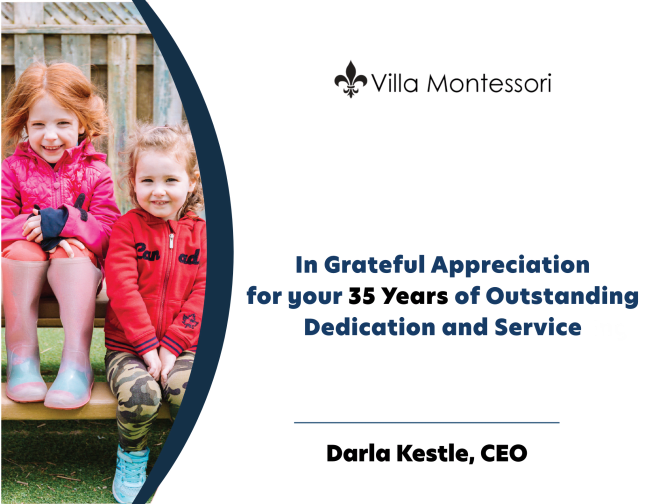
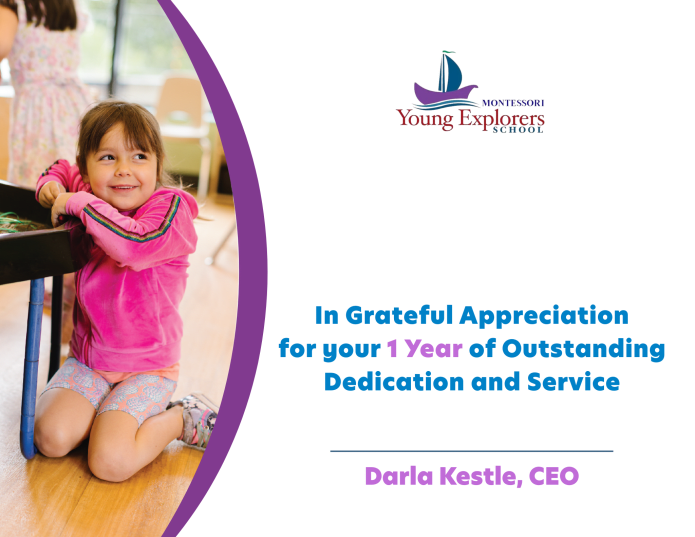
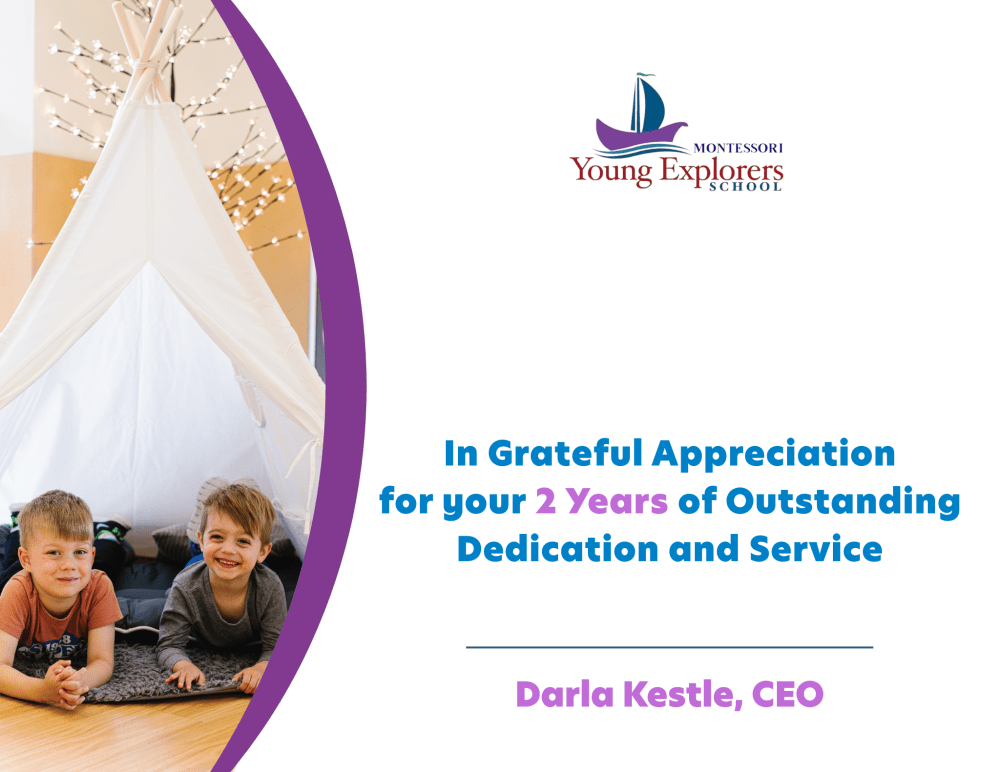
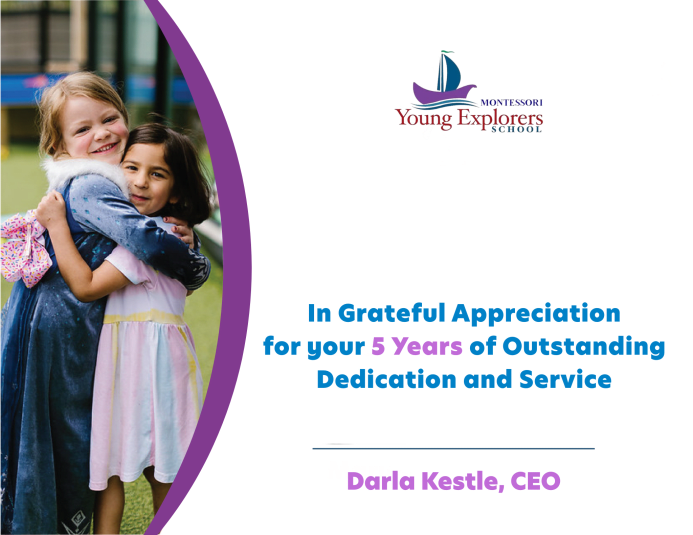
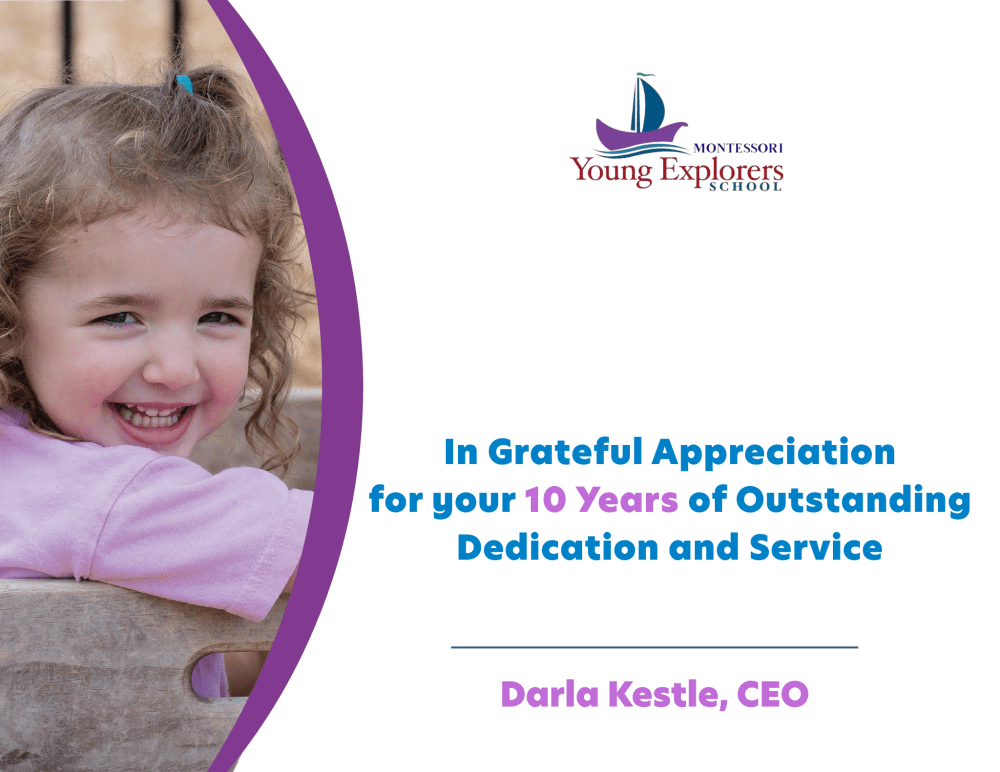
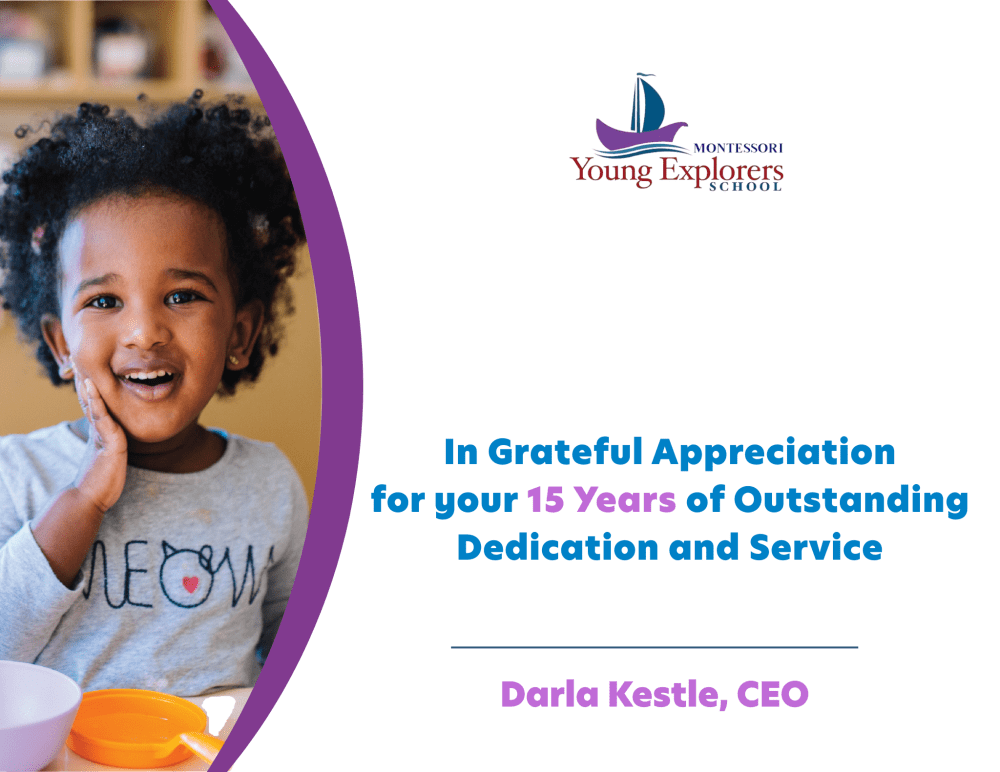
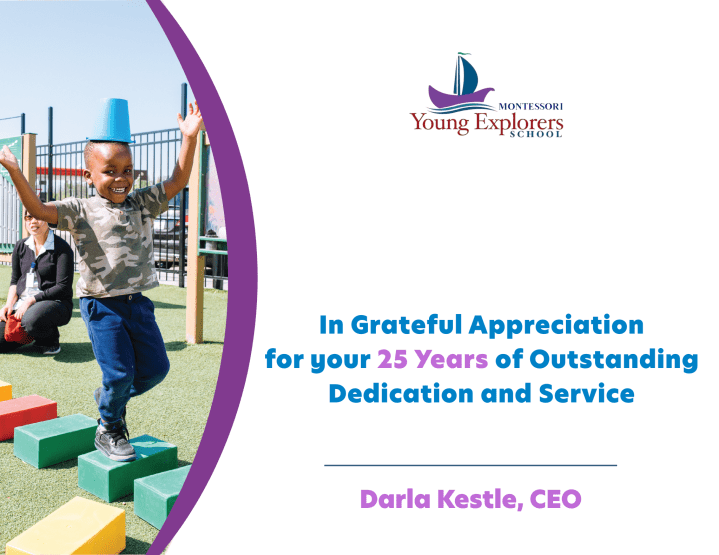
HR Work Anniversary Certificates

 Please note: The template files below are Microsoft PowerPoint files. To use them, please download the files and open them from your computer in the PowerPoint desktop app. They are not editable from the links below. (Instructions Below)  

 View our generic templates for each brand below. 
Busy Bees

BrightPath

Alphabet Academy

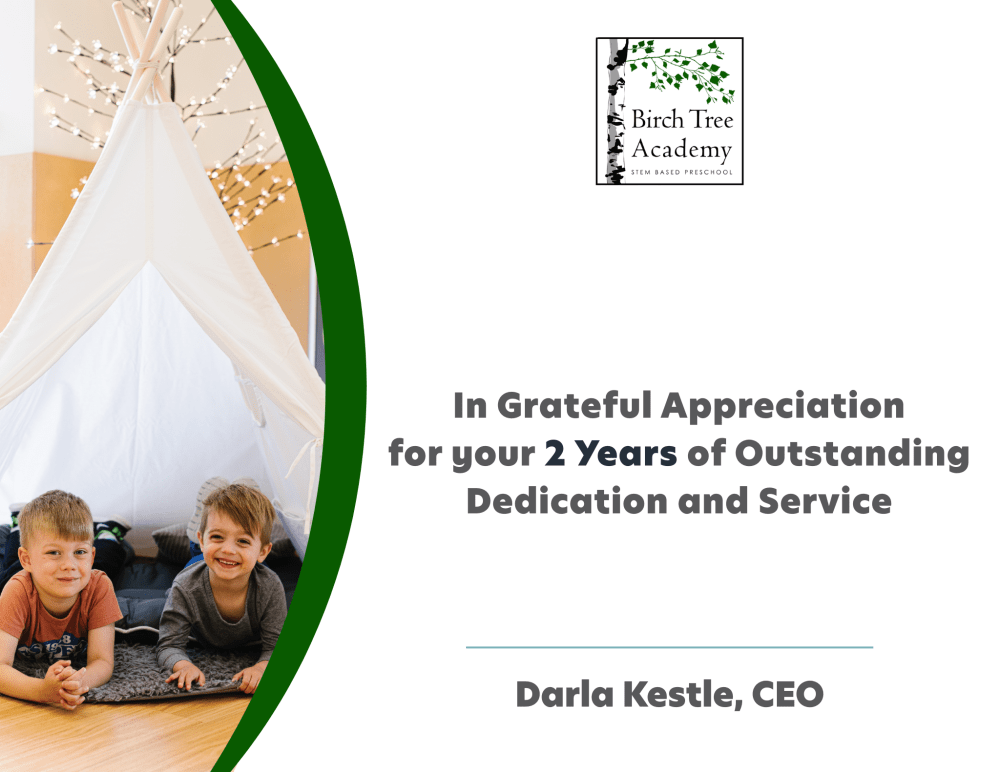
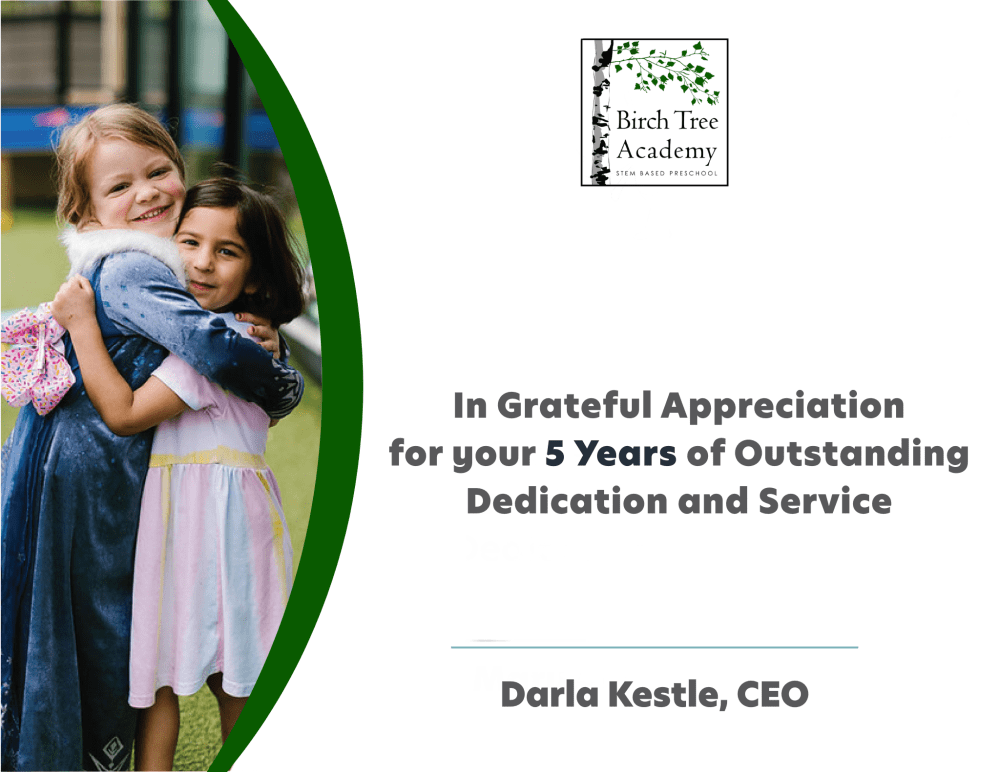
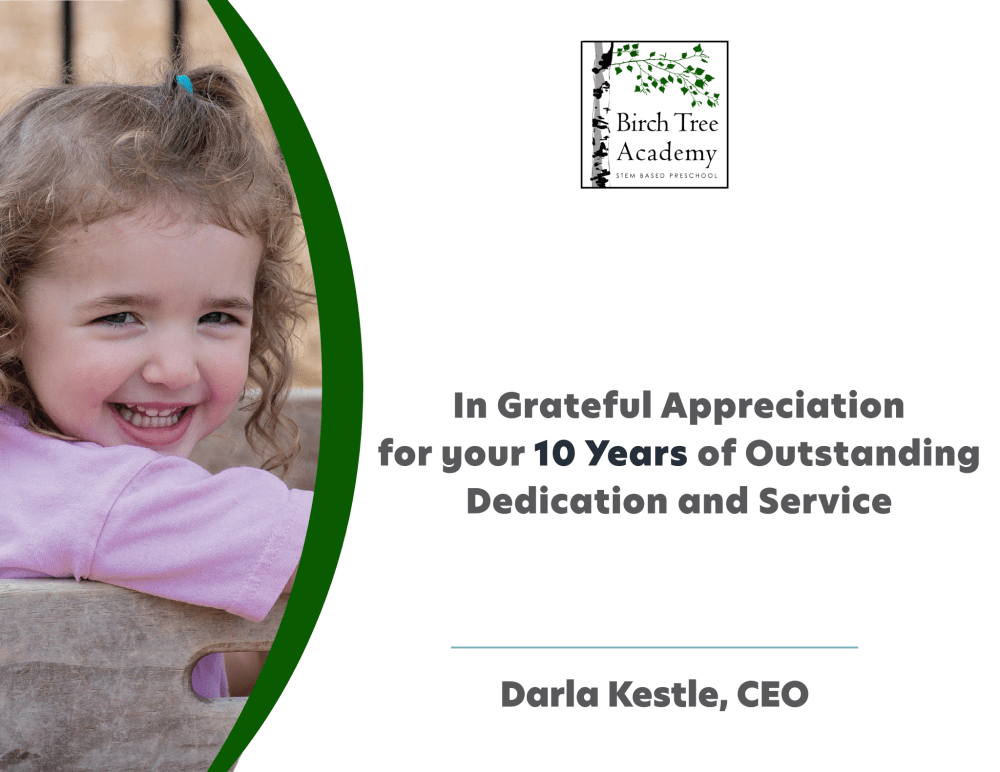
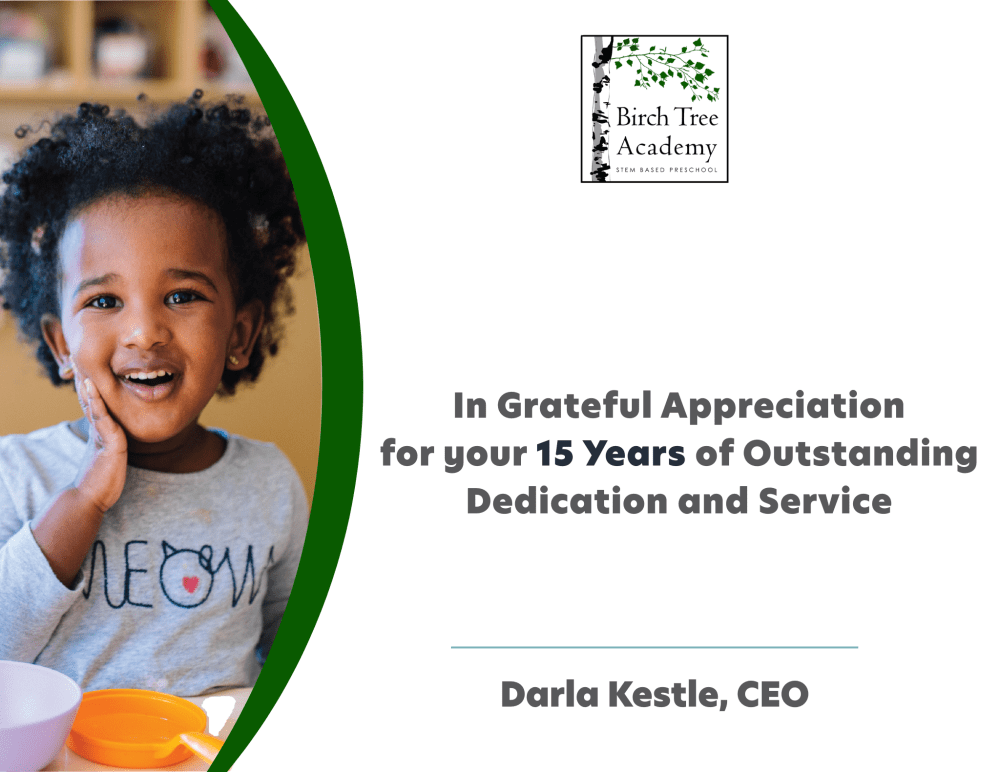
Birch Tree Academy

BrightPath Academy

Kids Country

Kids N Us

Kid Works

Learn and Play Montessori

Montessori by BrightPath

The Malvern School

Villa Montessori

Young Explorers Schools

Instructions:

How to open PowerPoint File in PowerPoint From Desktop

  1. Open Microsoft PowerPoint on your computer.

  2. Click File → Open.
  3. Navigate to your Downloads folder and select the file you downloaded.
  4. Click Open.
  5. You can now view and edit the slides, add images, text, animations, and design elements.

Latest Blog Posts

Movement-Based Play for Different Ages
children playing together

Movement-Based Play for Different Ages

Feb 20, 2026 3 min
Music, Movement, and Curiosity
children playing together

Music, Movement, and Curiosity

Feb 19, 2026 4 min
Introducing Lunar New Year to Young Children Through Activities
young girl doing art

Introducing Lunar New Year to Young Children Through Activities

Feb 17, 2026 3 min
Valentine’s Day Activities That Encourage Kindness and Friendship
mother and daughter playing

Valentine’s Day Activities That Encourage Kindness and Friendship

Feb 13, 2026 3 min