Marketing Portal
The Marketing Portal is your one-stop shop to order approved print collateral and other branded materials.
What You Can Do
- Order approved BrightPath and/or Busy Bees print materials and signage
- Access ready-to-use designs and product options
- Track orders and view invoices within the portal
Note: The catalog is expanding. Temporary signage and additional collateral will be added over time. As a global leader in child care, we aim to reduce paper waste, please order thoughtfully.
Account Setup (First-Time Users)
- Open the portal link by clicking the appropriate button above.
- Follow the steps below to create your account:
- Click the green “Get an Account” button on the right side under “New Customer?”
- CDs, please create a login using your center email address and set up a password. For ease of use, please make the account password your center name and the center ID number (ie. Avon710001)
- You will then receive an email from 2024@fastsigns.com welcoming you to the portal and confirming your login credentials and password. PLEASE KEEP THIS EMAIL FOR FUTURE USE as marketing will not have access to your login information.
Once you have accessed the portal, you can begin shopping!
Steps for Placing an Order:
- Select Items: Choose the products you need, enter quantities, and fill in any required custom fields.
- Checkout: Select “On Account” for payment and add your shipping details. Orders will ship to your local Central Shipping location for pickup or delivery by your Area Director (AD)—please allow extra delivery time.
- Order Confirmation: After submitting your order, you’ll receive a confirmation notice. Shipping and taxes will be calculated after your order is placed.
- Approval Process: An invoice will be sent to your AD for review and approval. ADs, please reply to each email with your approval (or with notes/feedback prior to approval).
- Payment: Once approved, FASTSIGNS will send the approved order invoice back to the CD with a link for payment by credit card.
- As stated above, please do not select the Credit Card option for payment at checkout.
- This invoice is to be paid by the CD/AD upon receipt using the link provided, even if the items have not yet been shipped or delivered, similar to any other online order system.
- Production & Delivery: After payment, your order will be produced and shipped within approximately 10–15 business days.
Additional Information to Note:
- Please ensure you are using the correct billing address when you are making payments if it is different than your shipping address.
- For non-center staff ordering business cards, please put “N/A” as your designation (if not applicable) and the FASTSIGNS team will exclude this section from your business card.
- The price of all items will be listed as $0.00 until a quantity is selected.
- The “Quantity (Increments of 1)” section has been disabled. Please select quantities using the “Quantity” drop down menu.
- A flat rate for shipping is listed at checkout. As stated above, shipping and taxes will be adjusted depending on location and applied in the order invoice.
Important Budget Information:
- The budget each center has available for marketing collateral is based on each center’s FTE.
- Any orders made come out of each CD/AD’s local marketing budget.
- Work with your Area Director to ensure you have the correct budget for your centers.
If you experience any issues, please reach out to Chris Rolls, our FASTSIGNS vendor, at (416) 456-5734 or chris.rolls@fastsigns.com.
To order branded items, please select from the list below and email marketing@brightpathkids.com with the items you would like, along with the quantity for each item. The list below includes the minimum quantity needed per item you would like to order, along with the subtotal cost, prior to tax, shipping, etc.
Please keep in mind, each center/school is responsible for tracking their own budgets.
Back to top
BBNA Merchandise Store
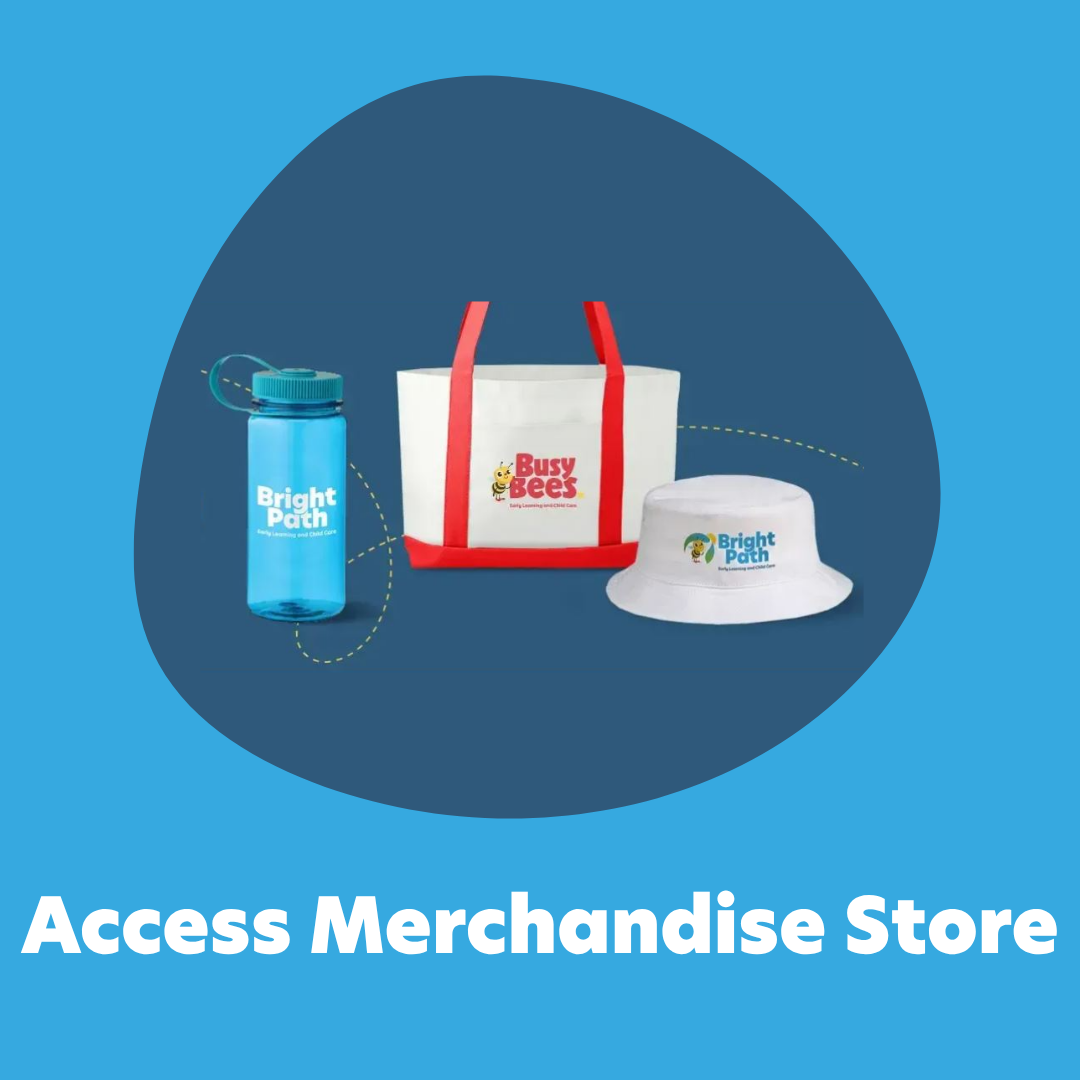
The new BBNA Merchandise Site is hosted by Corporate Gift, our online merchandise store features a variety of BrightPath and Busy Bees branded products available to order for local marketing and events.
Important Note: Your centers are among the first to use this new website. Because of this, there may be occasional errors or technical issues as we continue to refine the site. We’ve included learning resources and contact information below to support you throughout this launch.
Account Setup
All centers have been added as users to the storefront. Please follow these steps to activate your account and access the store:
- Go to the Store: https://account.corporategift.com/auth/login
- Click “Forgot password.”
- Enter your center email (e.g., BerlinCT@brightpathkids.com for U.S. centers or Acadia@brightpathkids.com for Canadian centers).
- Follow the reset link sent to your email and set a new password.
- Please keep a secure record of your login information, as Marketing will not have access to it.
Access the Storefront and select correct brand according to region: https://corporategift.com/store/BBNA-webstore/
Tips, Tricks & FAQs
✅ Approvals
- All orders require approval from your Area Director before moving into production.
- You will be prompted at checkout to complete an approval request form, which will automatically be sent to your AD.
- Refer to the attached User Manual for details.
💰 Splitting Costs & Products per Region
- Each product has a Minimum Order Quantity (MOQ).
- If this exceeds your needs, please coordinate with nearby centers to split costs and quantities
- The store allows split shipping to multiple locations — use this feature if products are shared.
- Make the purchase on a single credit card, then allocate costs among all applicable centers during your monthly Visa coding.
🎁 Products
- The storefront features our standard line of branded merchandise, similar to what you may have ordered previously.
- New products will be added periodically.
- If you have suggestions, please complete the Product Request Form for review and consideration.
📘 User Manual & Support
If you have questions about using the Corporate Gift website:
- Consult the User Manual.
- If your question isn’t covered: Contact Corporate Gift via the chat in the bottom right corner of the site (connects you to a live representative), or Email the Marketing Team at marketing@brightpathkids.com.
🧾 Product Issues
If you receive incorrect items or notice issues with branding/imprints:
- Contact Corporate Gift via the on-site chat, or
- Email marketing@brightpathkids.com. Include images and a brief description of the issue where applicable.
We’re Excited to Launch!
Thank you for helping us test and grow our new BBNA merchandise platform.
Your feedback is essential as we refine this site for both BrightPath U.S. and Canada centers.