
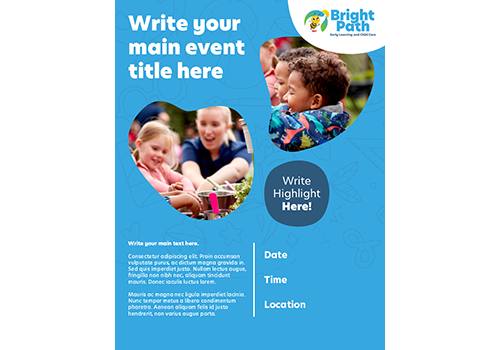
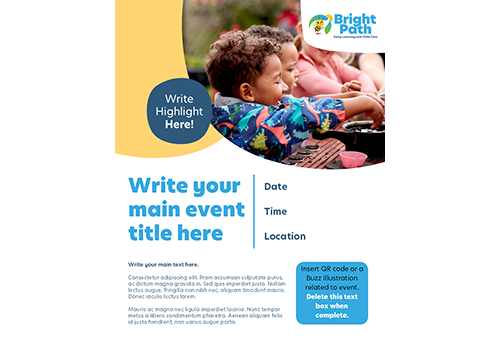
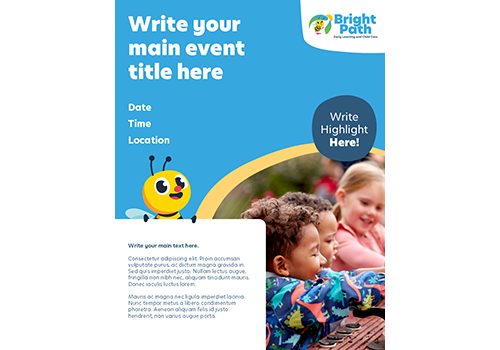
Fall Flyer – Replace Event Illustration
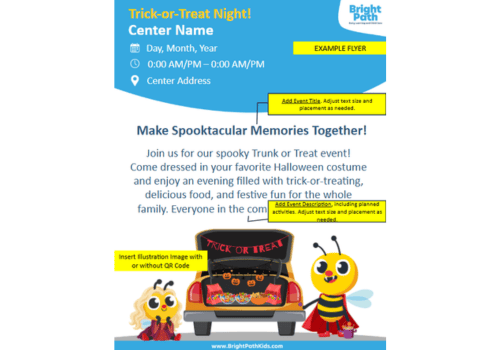
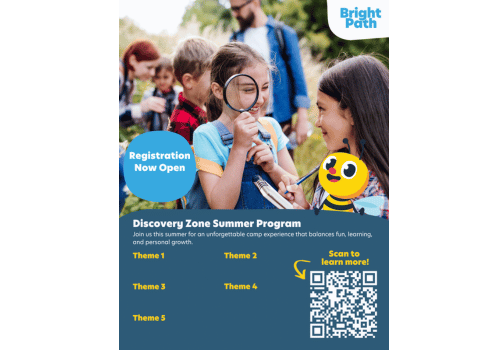
Fall Flyer – Replace Event Illustration
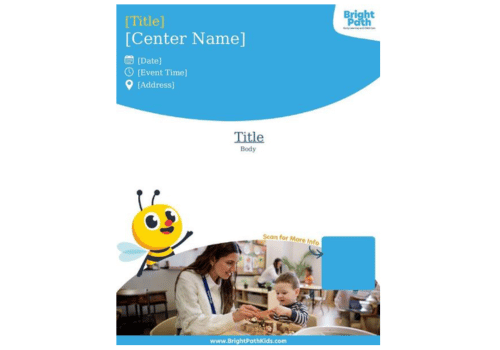
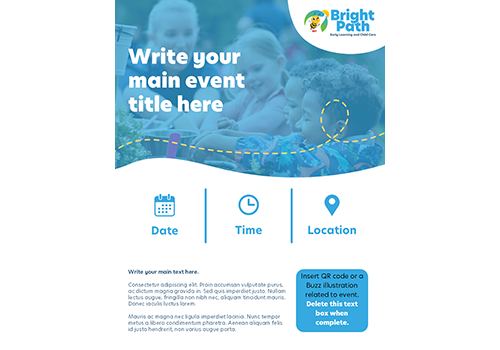
Replace the bottom image with a design from the Fall Event Illustrations collection below.
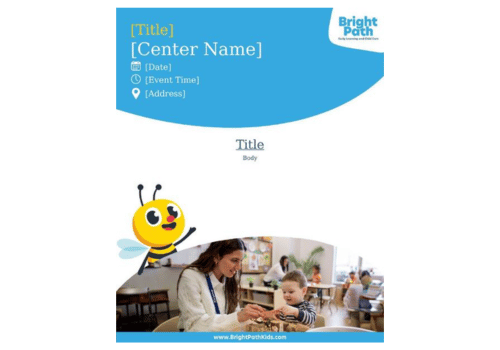
Fall Flyer – Replace Bee Illustration
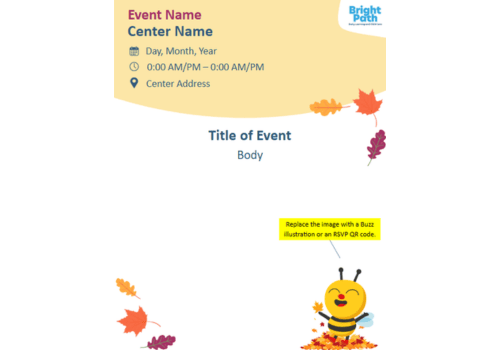
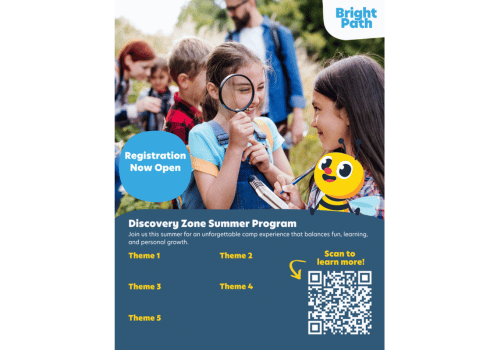
Fall Flyer – Replace Bee Illustration
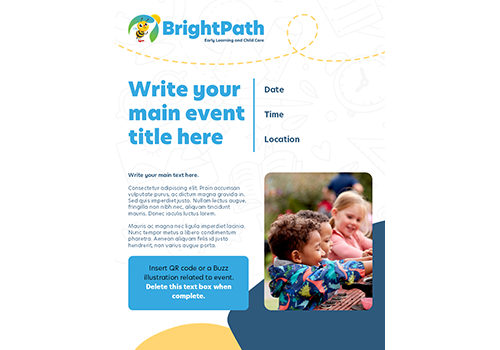
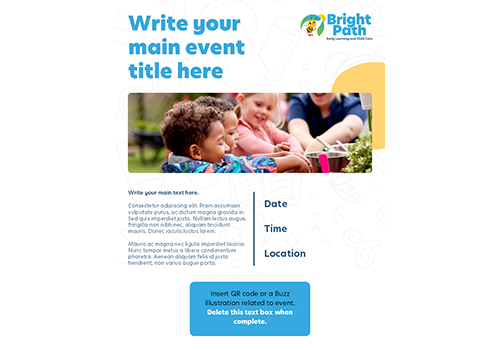
Swap the buzz illustration with your favorites from the Fall Bee Illustrations collection below.
Fall Flyer – Replace Bee Illustration (Alternate Layout)
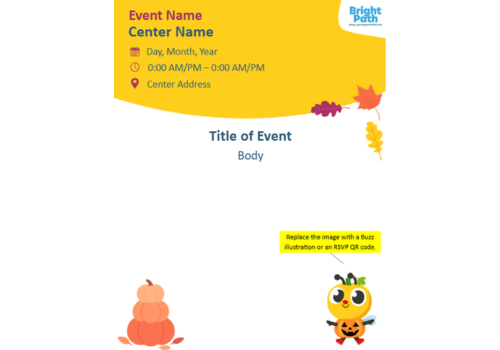
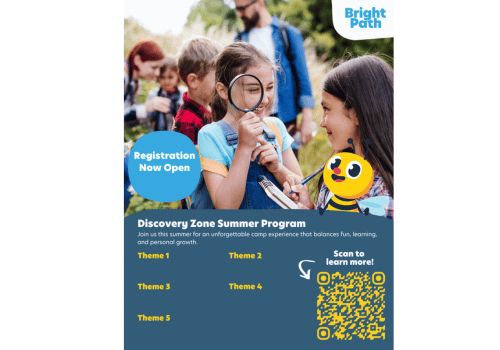
Fall Flyer – Replace Bee Illustration (Alternate Layout)
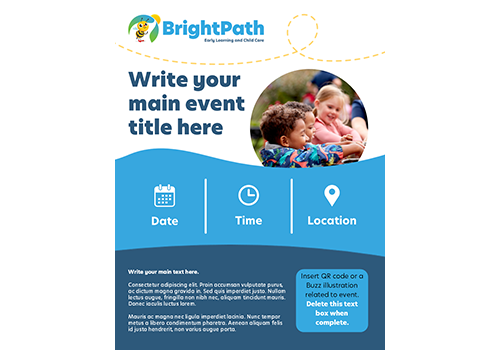
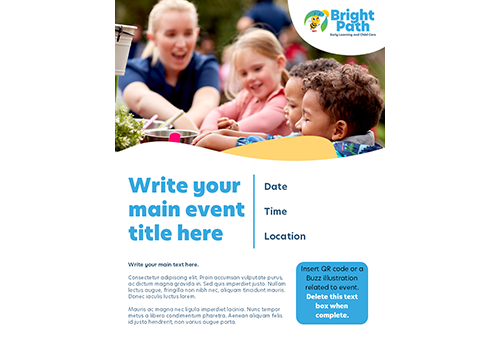
Swap the buzz illustration with your favorites from the Fall Bee Illustrations collection below.
Winter Indoor Events Template
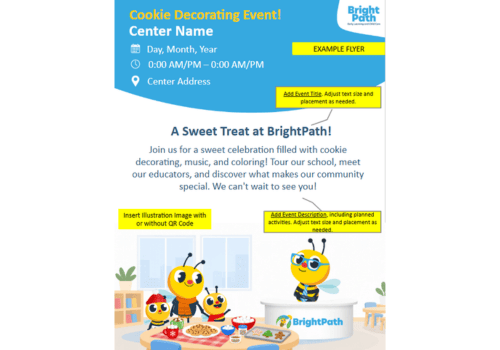
Winter Indoor Events Template
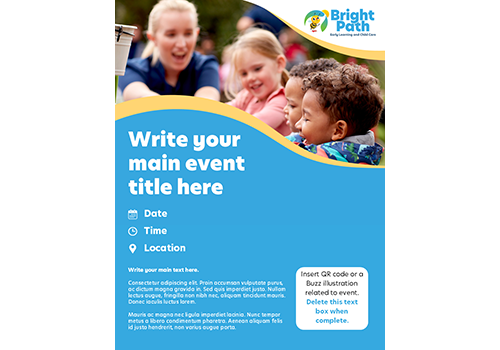
Replace the bottom image with a design from the Winter Event Illustrations collection below.
Winter Outdoor Events Flyer Template
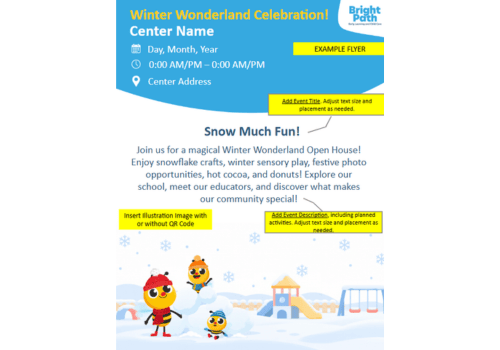
Winter Outdoor Events Flyer Template
Replace the bottom image with a design from the Winter Event Illustrations collection below.
Indoor Events_Santa Flyer Template
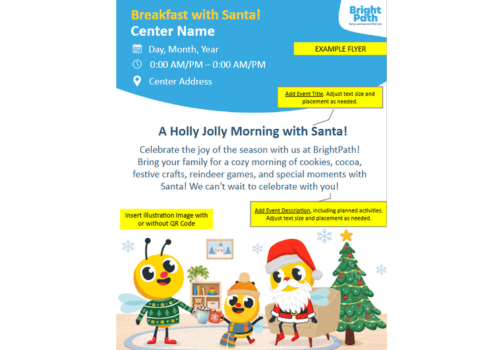
Indoor Events_Santa Flyer Template
Replace the bottom image with a design from the Winter Event Illustrations collection below.
Winter Snowflakes Themed Event Flyer
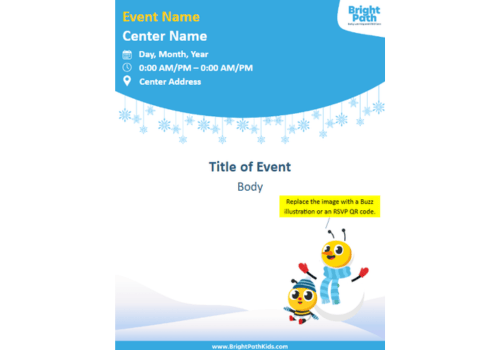
Winter Snowflakes Themed Event Flyer
Swap the buzz illustration with your favorites from the Winter Bee Illustrations collection below.
Cookies & Cocoa Themed Event Flyer
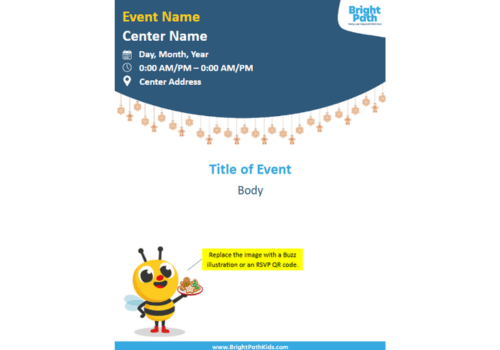
Cookies & Cocoa Themed Event Flyer
Swap the buzz illustration with your favorites from the Winter Holiday Bee Illustrations collection below.
Winter Holidays Themed Event Flyer
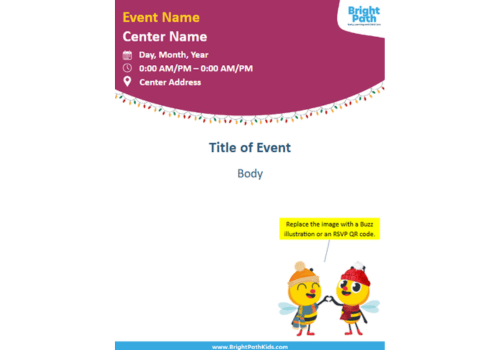
Winter Holidays Themed Event Flyer
Swap the buzz illustration with your favorites from the Winter Holiday Bee Illustrations collection below.
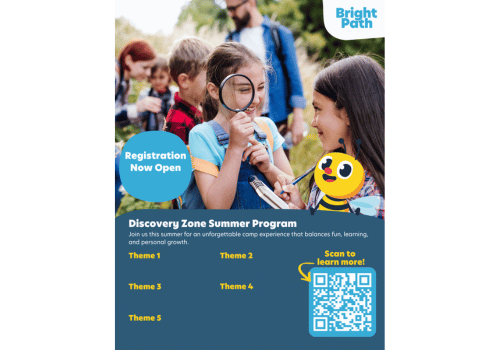
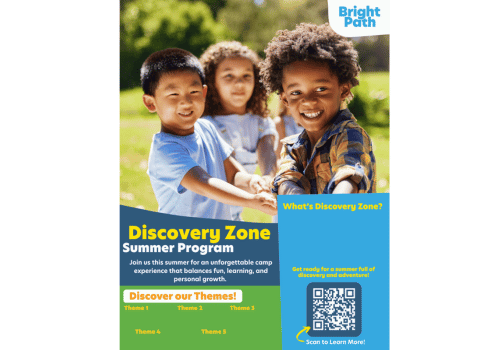
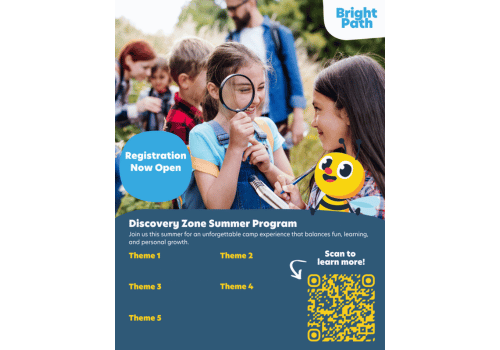
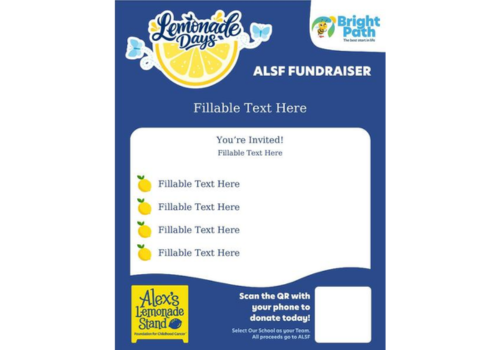
BrightPath US Summer Camp Generic Flyer Template
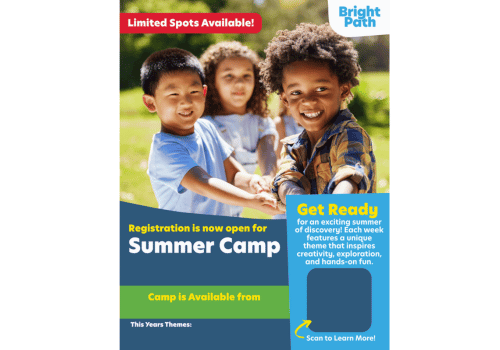
BrightPath US Summer Camp Generic Flyer Template
PPTX