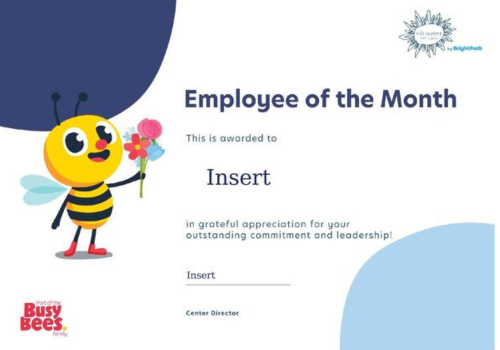
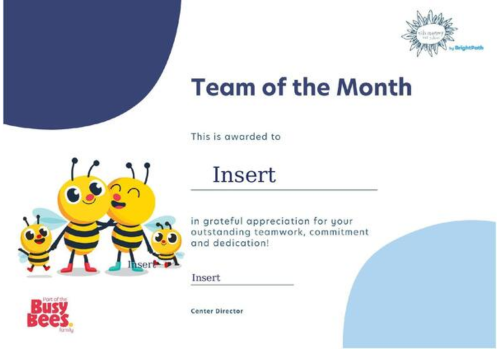
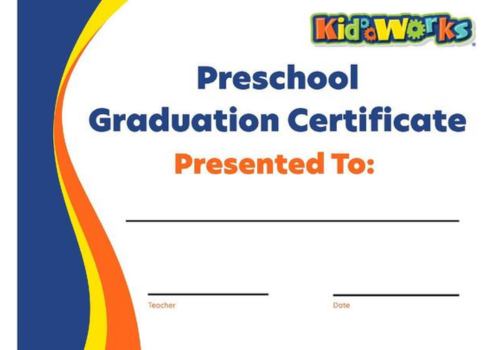
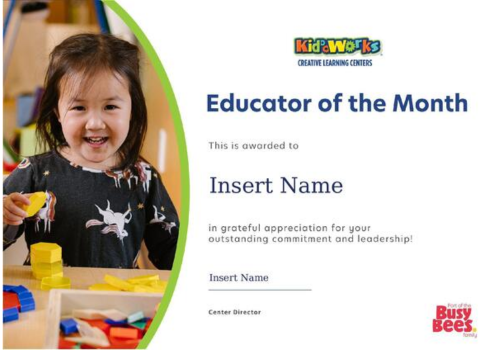
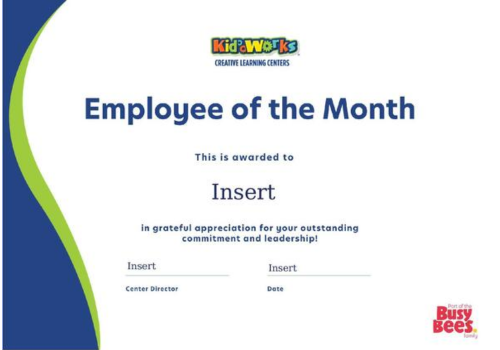
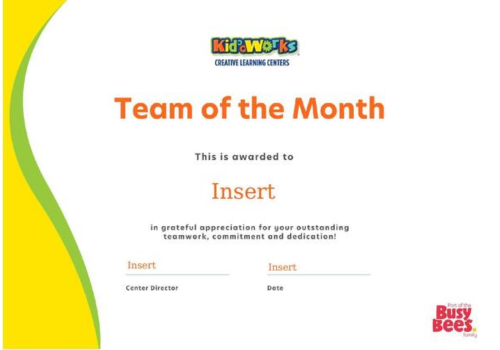
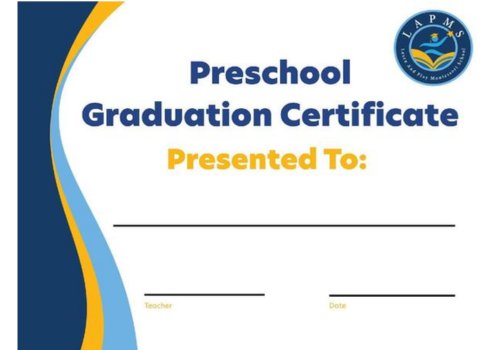
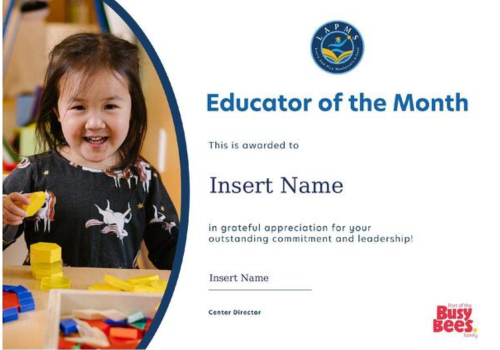
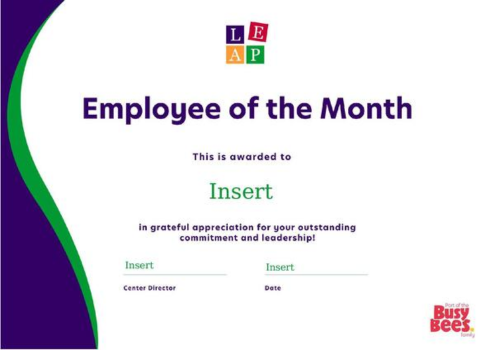
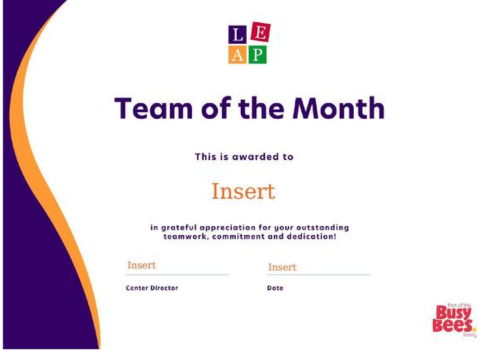
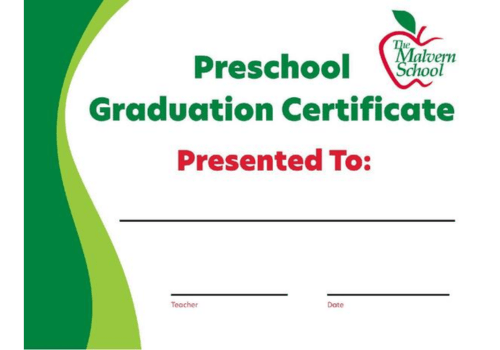
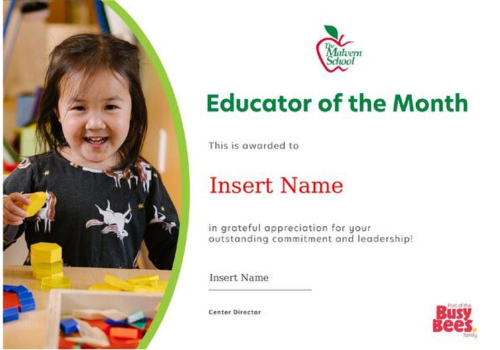
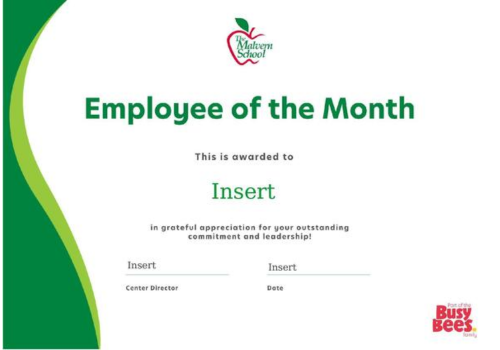
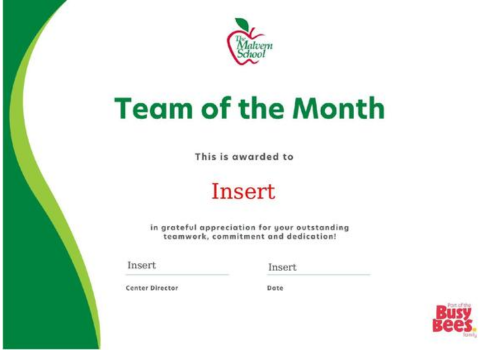
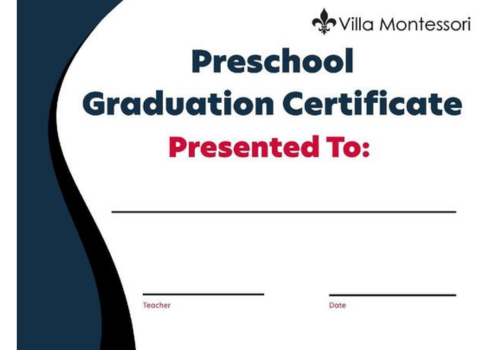
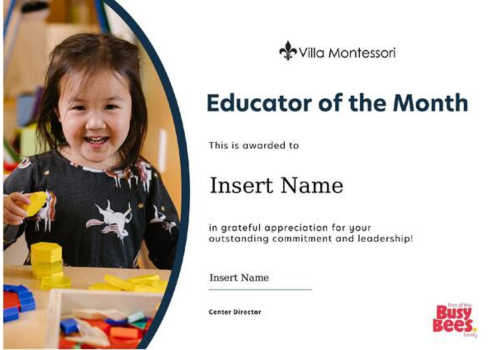
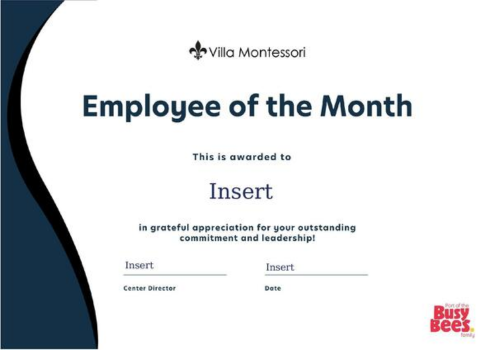
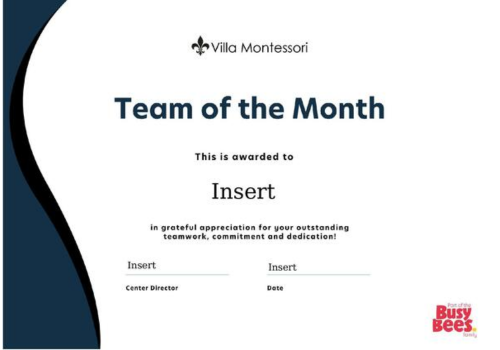
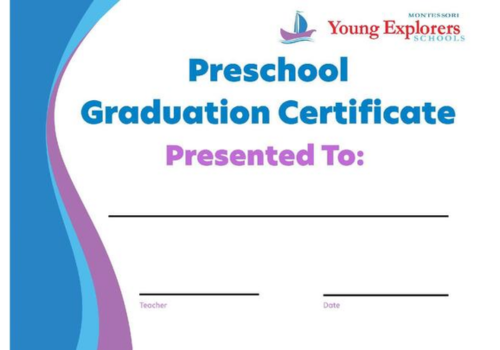
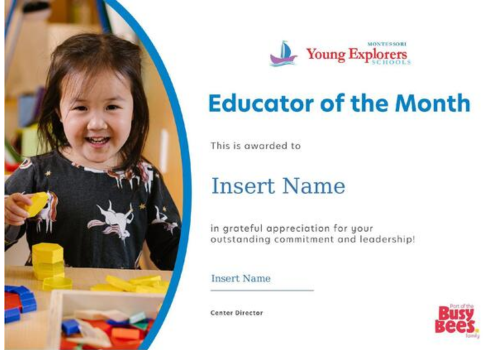
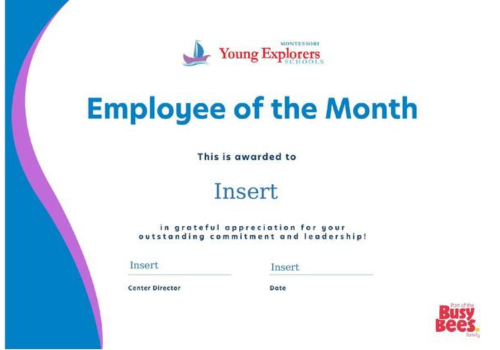
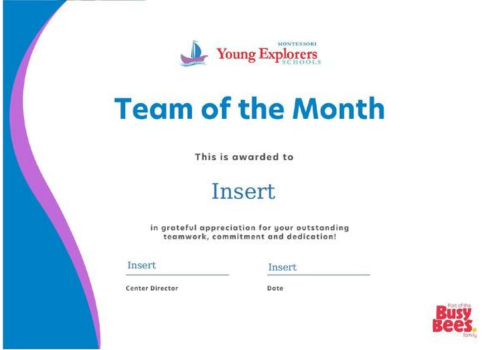
The Busy Bees Family Certificates
Keeping Our Brand Consistent
To protect BBNA’s brand consistency and visual identity, AI-generated imagery should not be used in BBNA marketing materials. This includes uploading BBNA templates into AI generators to create or complete flyers or graphics.
Need something custom? Submit a Design Request Form and our Marketing team will be happy to help. For announcements, events, or promotions, email marketing is also a great alternative that allows you to communicate quickly while staying on brand.
Please note: The template files below are Microsoft PowerPoint files. To use them, please download the files and open them from your computer in the PowerPoint desktop app. They are not editable from the links below. (Instructions Below)
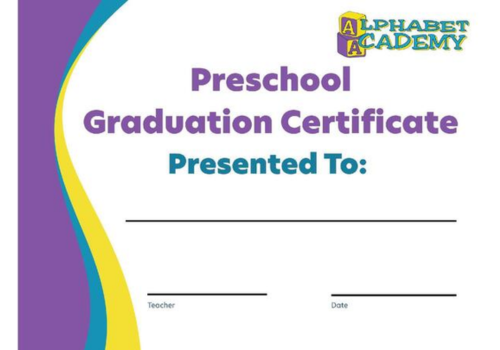
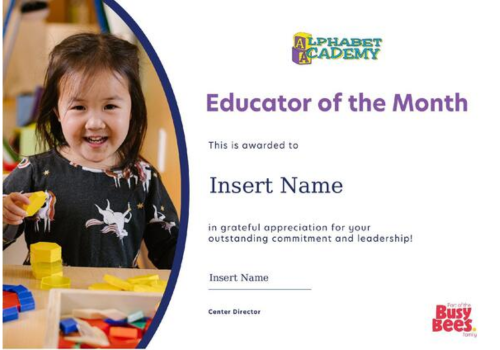
View our generic templates for each brand below.