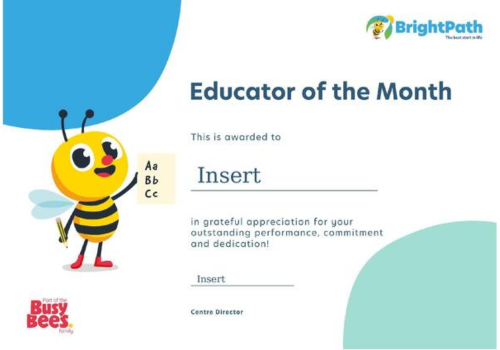
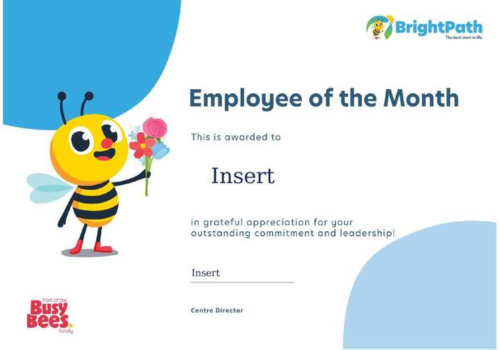
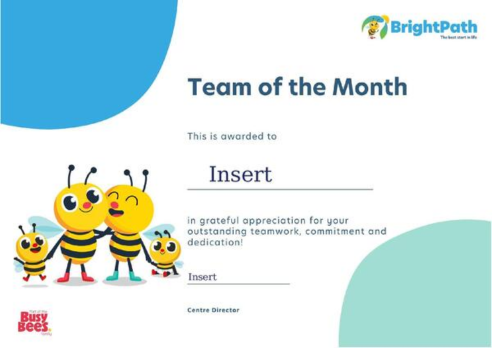
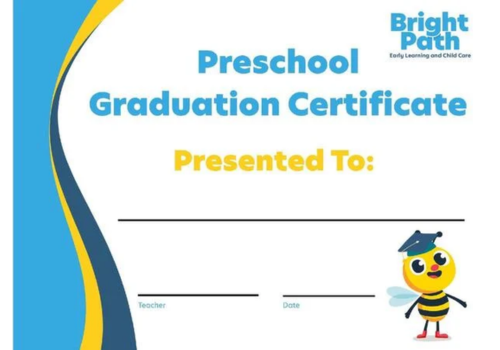
BrightPath Certificates
Keeping Our Brand Consistent
To protect BBNA’s brand consistency and visual identity, AI-generated imagery should not be used in BBNA marketing materials. This includes uploading BBNA templates into AI generators to create or complete flyers or graphics.
Need something custom? Submit a Design Request Form and our Marketing team will be happy to help. For announcements, events, or promotions, email marketing is also a great alternative that allows you to communicate quickly while staying on brand.
Please note: The template files below include PDF and Microsoft Word formats. To use them, please download the files and open them from your computer using the appropriate desktop application (e.g. PowerPoint or a PDF reader). These files are not editable directly from the links below. (Instructions Below)